Vibe Coder · Unit 14: AI Video Production · Lesson 5 of 13
Motion with Seedance
Bring each still to life with a video model such as Seedance: a start image, a short motion prompt, a few seconds per shot.
Read the short notes and pictures.Do everything inside a blue frame.
From image to clip
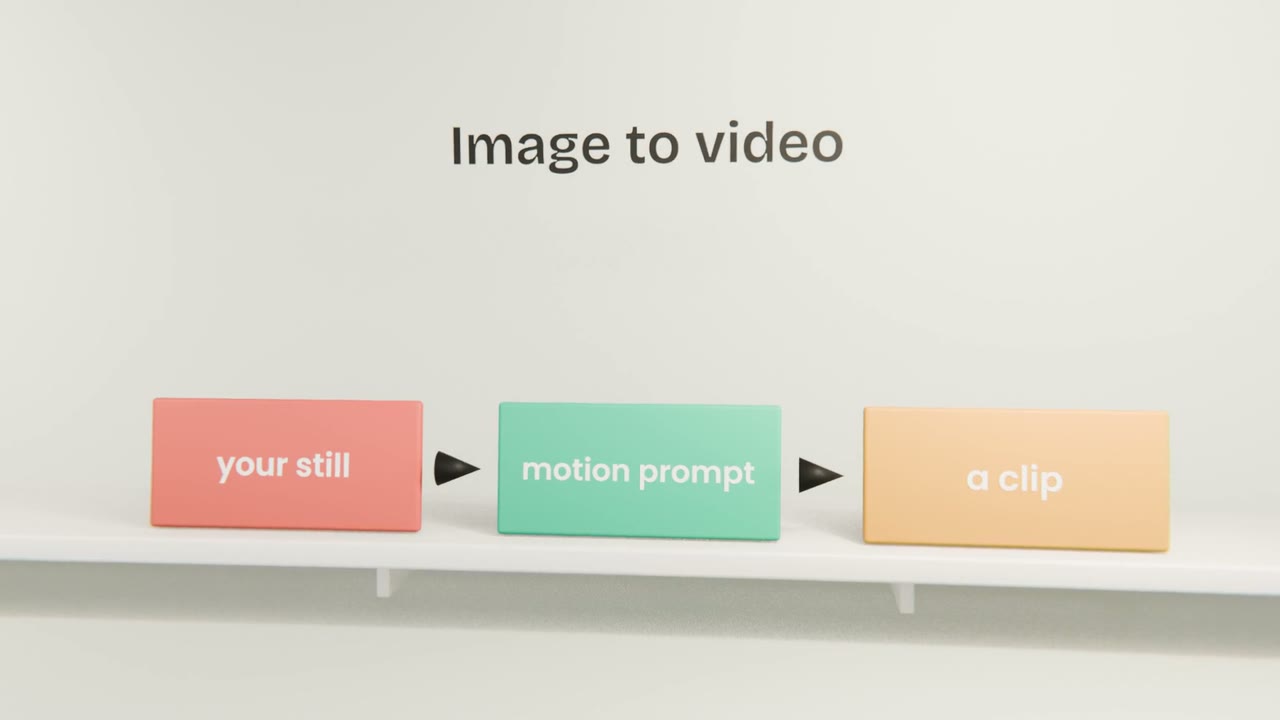
Image-to-video models take a starting frame and a description of motion, and return a short clip. Seedance is one such model. The simpler the motion you ask for, the more reliable the result.
Writing motion prompts
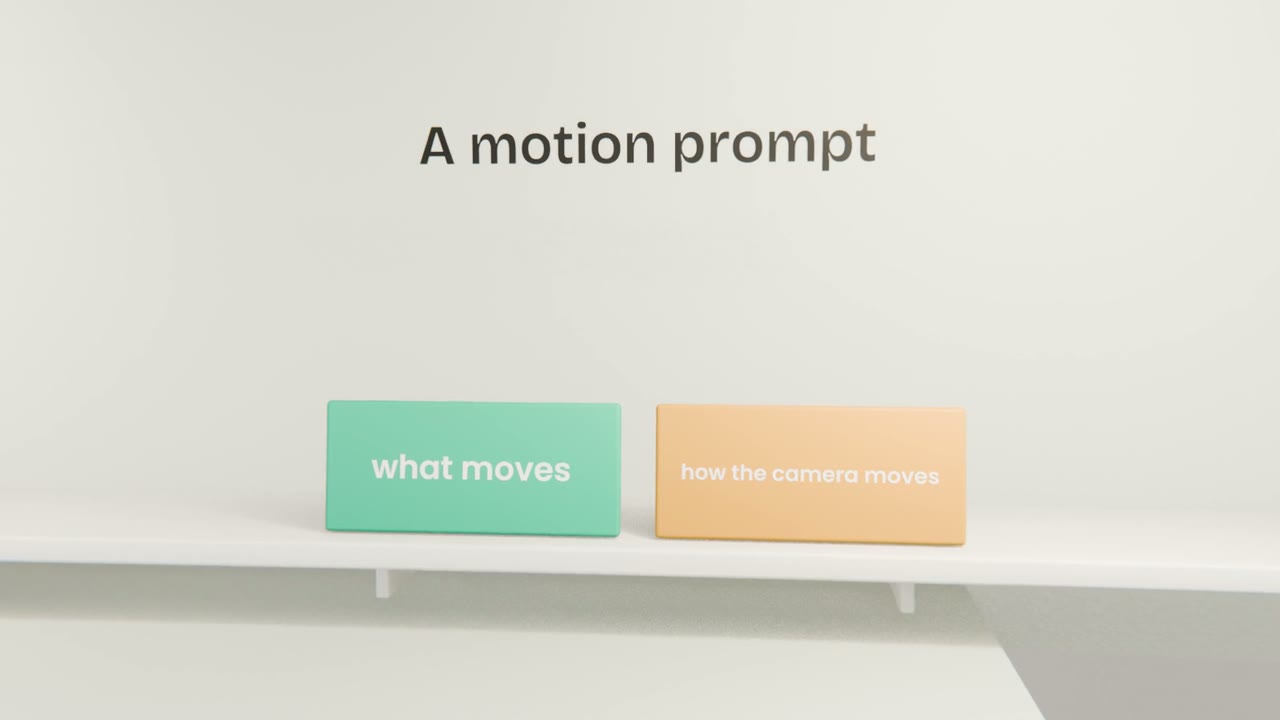
Subject motion
"She looks up and smiles."
Camera motion
"Slow push-in." "Static camera."
What stays still
Say so, if the background should not change.
Working through the shots
One shot at a time
In storyboard order.
Check hands, faces and text
The usual trouble spots.
Regenerate or simplify
If it drifts, ask for less motion.
Save the keeper
Named by shot number.
Generate your clips
Turn each approved still into a clip with a short motion prompt. Check each for distortions, regenerate where needed, and save one keeper per shot.
Done when
Screen recordings of your product fill the product shots.
Keep these
- Animate from approved stills.
- Keep motion prompts simple.
- Short clips are more reliable.