Vibe Coder · Unit 10: APIs · Lesson 2 of 13
Keeping keys secret
An API key is a password for spending your money. Where it belongs, where it must never go, and what to do if it leaks.
Read the short notes and pictures.Do everything inside a blue frame.
Treat a key like a bank card
Anyone who has your API key can run up charges on your account. Keys leak in ordinary ways: pasted into a chat, committed to GitHub, shown on a shared screen. The fix is a simple rule about where keys live.
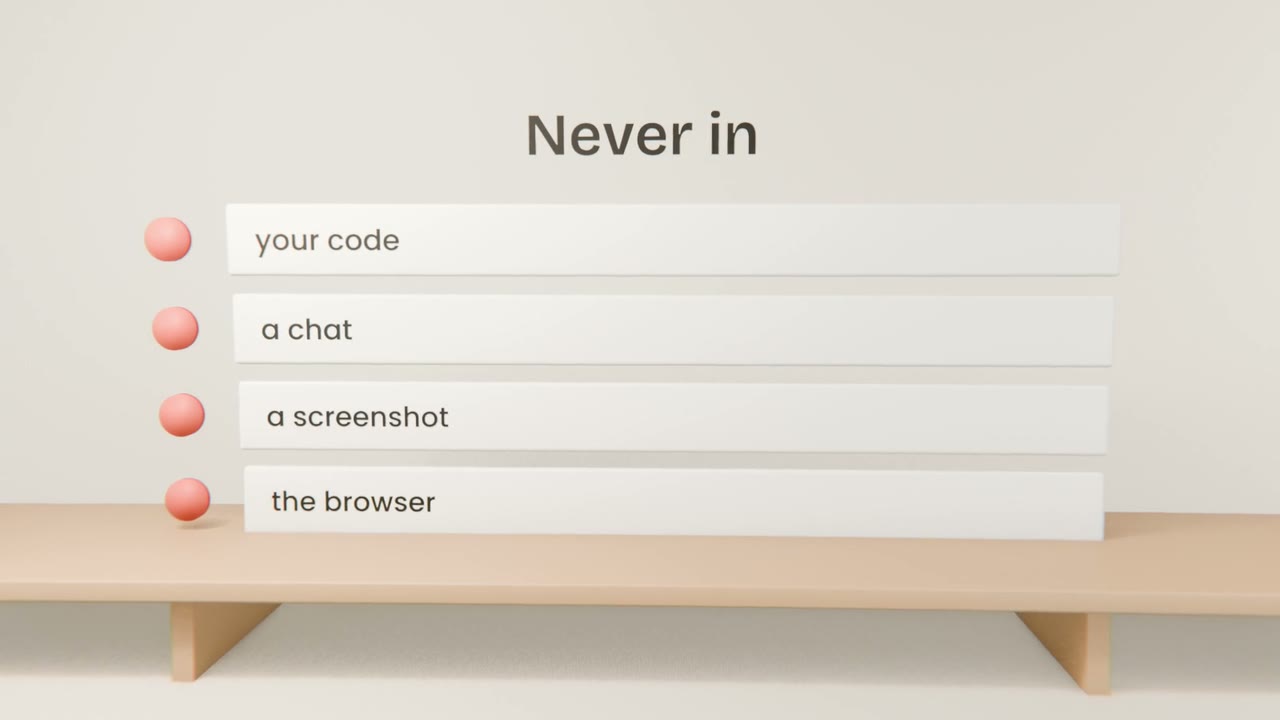
Where a key belongs
Create it in the provider’s console
Copy it once.
Put it in an environment file
A file such as .env.local in your project.
Make sure that file is ignored by Git
Ask Claude Code to check.
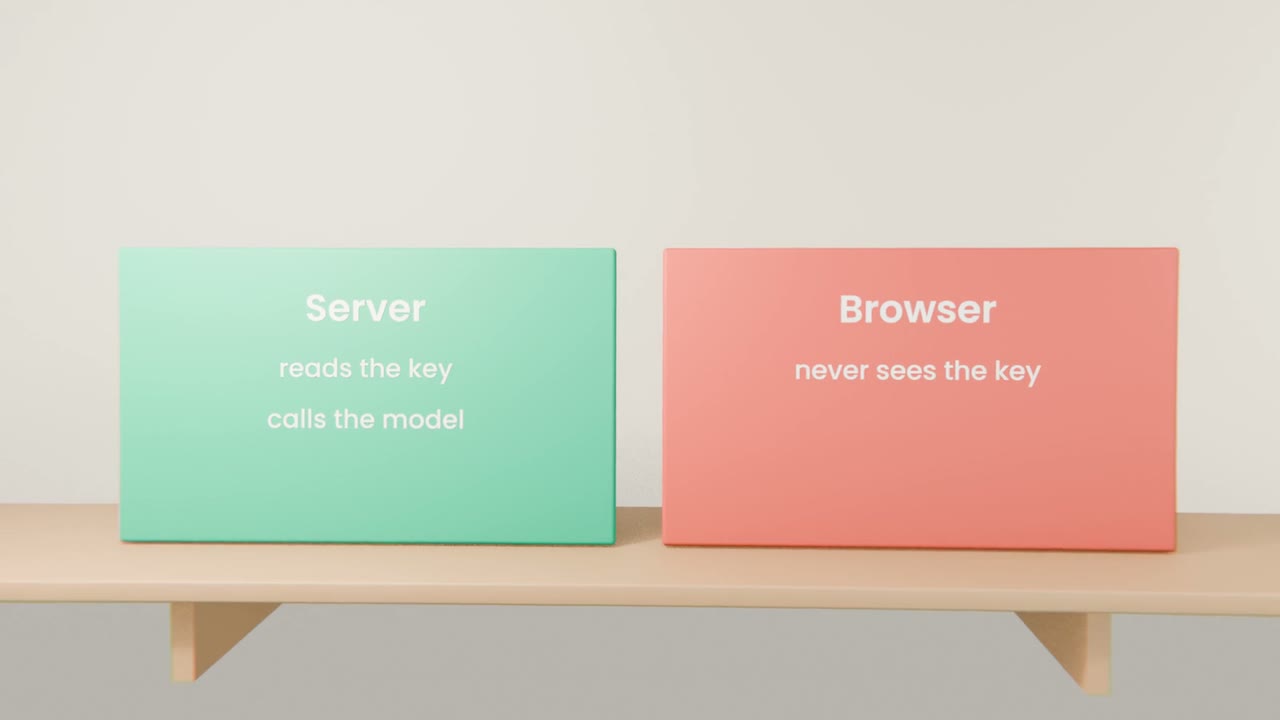
Read it only on the server
Never in code that runs in the browser.
Limit the damage
A spending limit
Set a monthly cap in the console.
A key per project
So you can delete one without breaking others.
Rotate after a leak
Delete and replace, immediately.
Store your key safely
Create an API key, set a spending limit, and put the key in an environment file. Ask Claude Code to confirm the file is ignored by Git and that the key is only read on the server.
Done when
Do the same for every key you ever create.
Keep these
- A key is a password that spends money.
- Keep it in environment variables, on the server.
- Set a limit, and rotate at once after a leak.