Vibe Coder · Unit 10: APIs · Lesson 5 of 13
Structured output
When your app needs data, not prose, ask the model for a fixed structure so your code can rely on it.
Read the short notes and pictures.Do everything inside a blue frame.
Answers your code can use
If your feature shows the model’s text as it is, prose is fine. If your app needs to store, sort or act on the answer, it needs the same fields every time. Structured output means asking the model to fill in a shape you define.
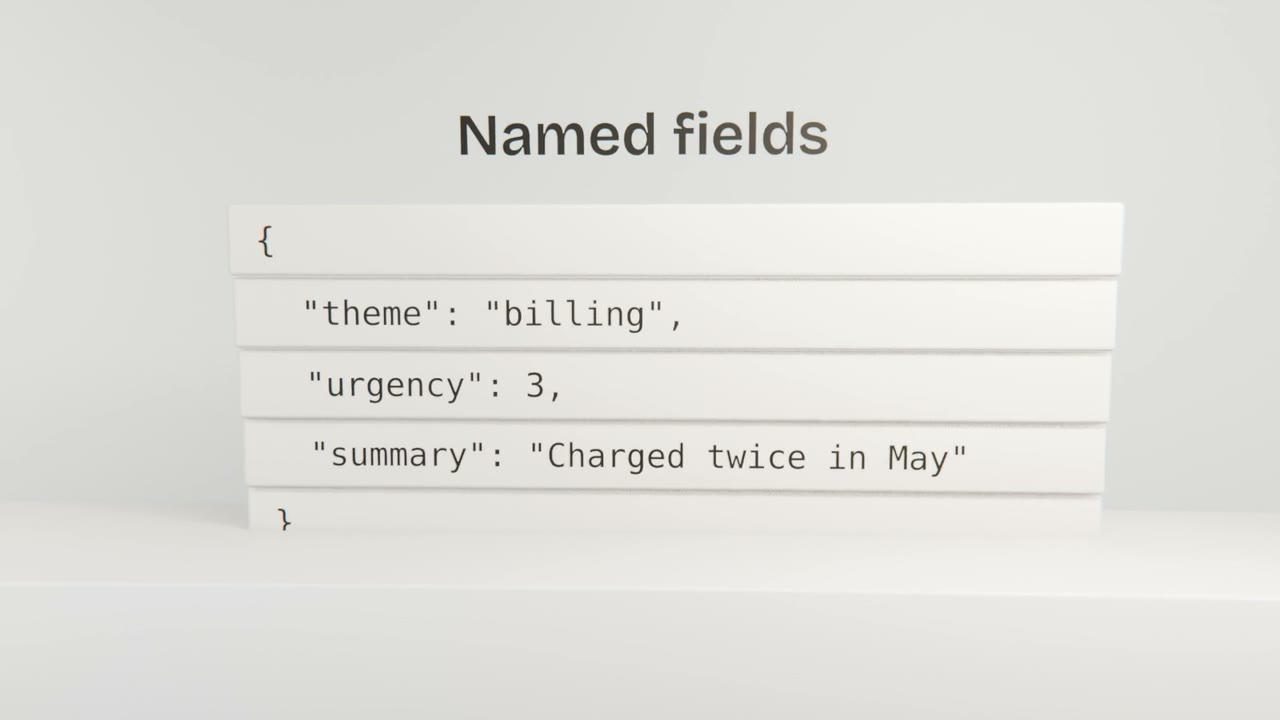
Designing the shape
List the fields
Only what the app will use.
Give each a type
Text, number, yes or no, or one of a fixed list.
Say what to do when unsure
An "unknown" option is better than a guess.
Ask Claude Code to enforce it
And to check the response before using it.
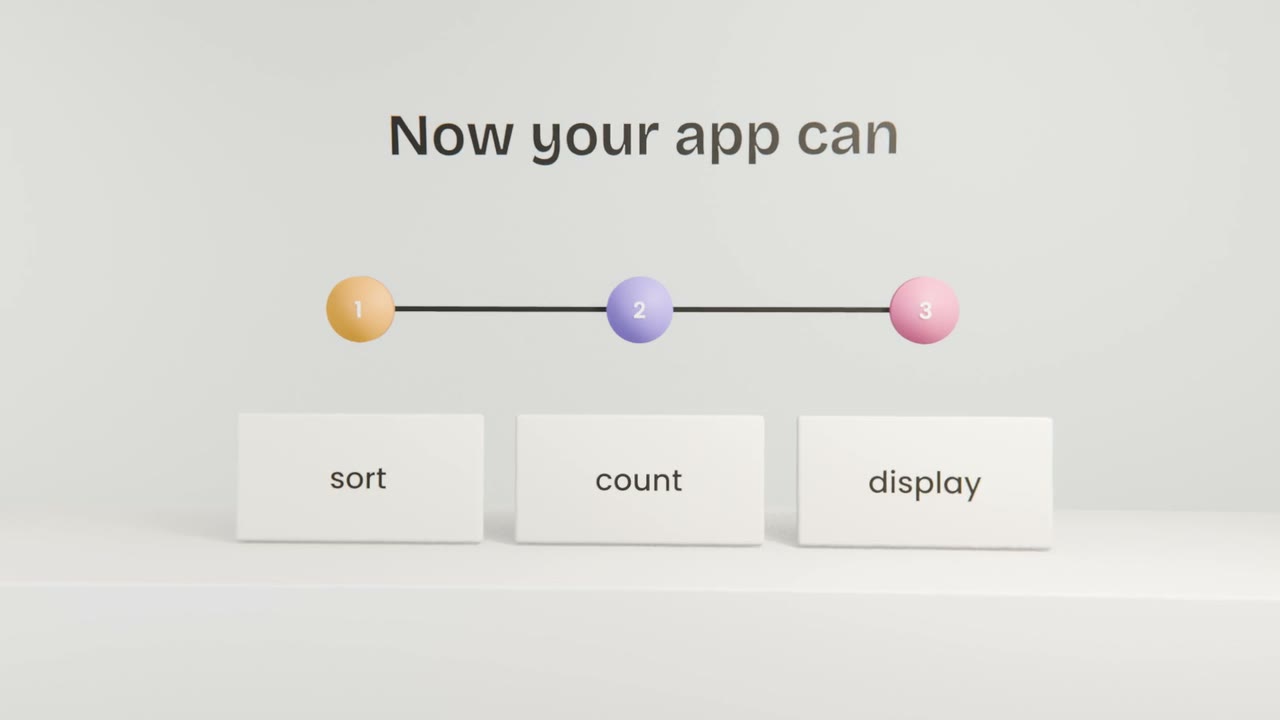
Make your feature return data
Define the fields your AI feature should return and have Claude Code switch it to structured output with validation. Save the result to your list or table and display it.
Done when
These fields become database columns in Unit 12.
Keep these
- Use structured output when your app needs data.
- Define fields and types.
- Validate every response.