Vibe Coder · Unit 10: APIs · Lesson 7 of 13
The Messages API
Engineers: the shape of a request to Claude: model, system prompt, messages and max tokens, and what comes back.
Read the short notes and pictures.Do everything inside a blue frame.
The request and the response
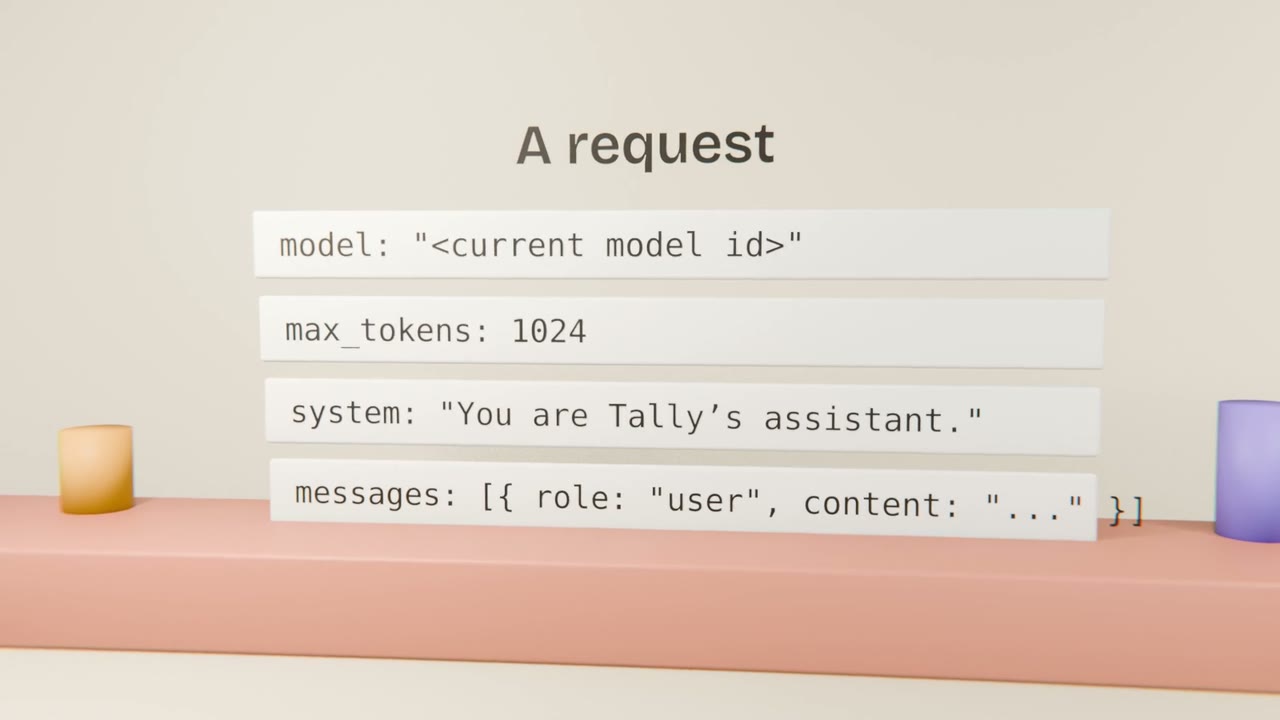
The Messages API is the single endpoint behind chat, tools and structured output. A request names a model, sets a maximum output length, optionally gives a system prompt, and carries the conversation as a list of messages.
What to get right
System prompt
Role, rules and context that apply to the whole conversation.
max_tokens
An upper bound on output. Check the stop reason to see if it was hit.
History
You resend prior turns. Trim or summarise long ones.
Streaming
Send tokens to the user as they arrive for long answers.
In your app
Use the official SDK
In a server route or server action.
Read the key from the environment
Never ship it to the client.
Log usage
Input and output tokens per call.
Handle stop reasons
Especially truncation.
Implement the model call
Implement your AI feature with the official SDK in a server route, with a system prompt, streaming, usage logging and stop-reason handling. Add a test with a mocked client.
Done when
Keep the client behind one module so later lessons can extend it.
Keep these
- One endpoint: model, system, messages, max tokens.
- The API is stateless.
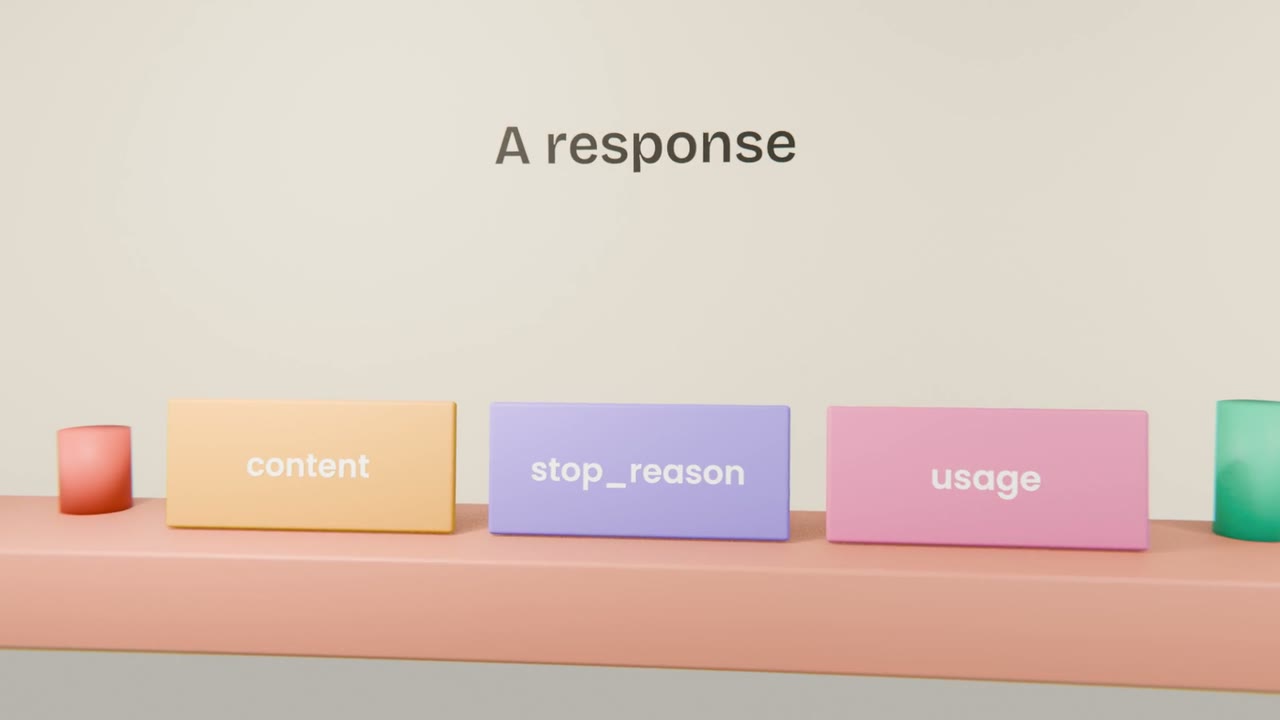
- Check stop reason and usage.