Vibe Coder · Unit 10: APIs · Lesson 9 of 13
Tool use
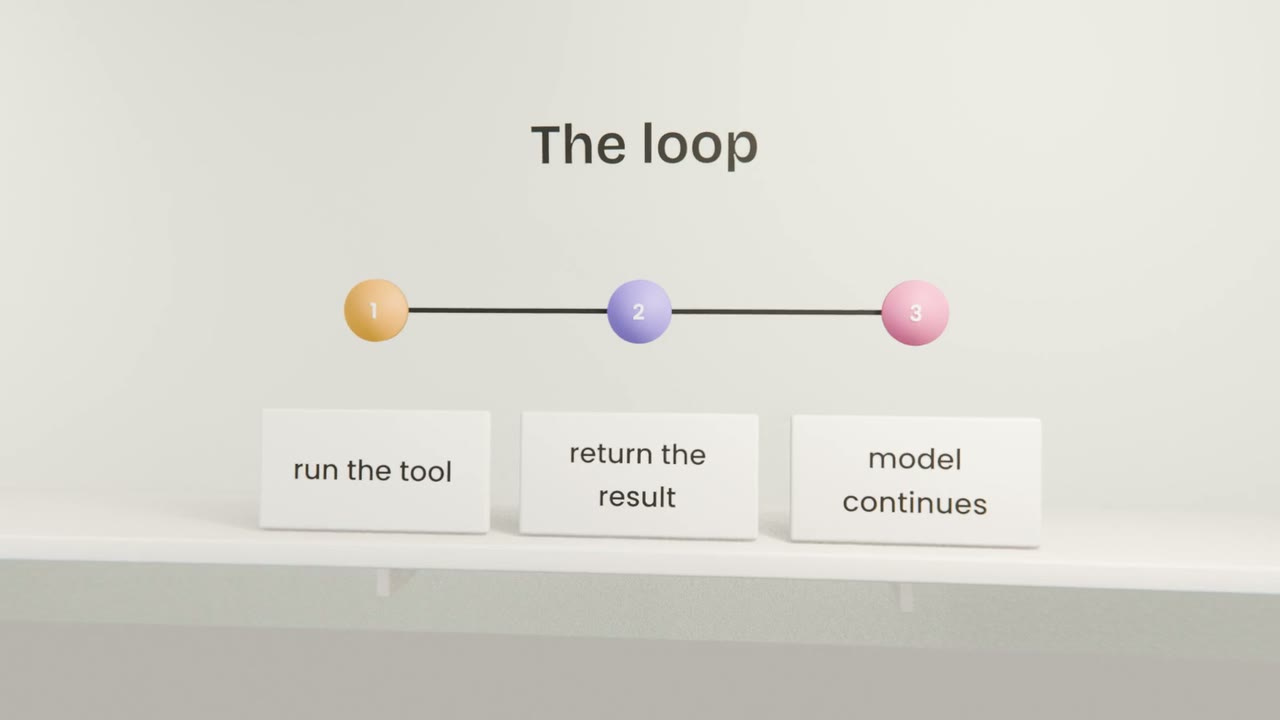
Engineers: let the model call your functions. You define tools, the model asks for one, your code runs it and returns the result.
Read the short notes and pictures.Do everything inside a blue frame.
Giving the model functions
With tool use, the model can request a call to a function you define. It never runs anything itself. Your code receives the request, decides whether to run it, and returns the result, which the model uses to continue.
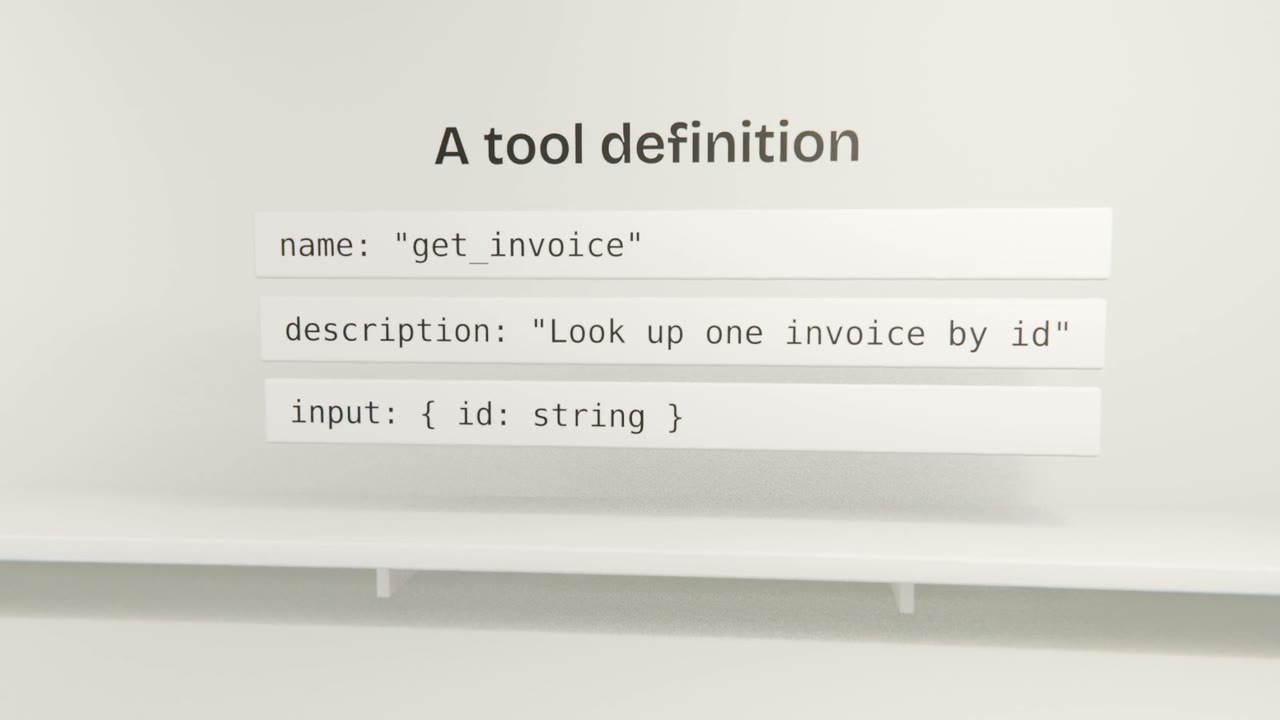
Writing good tools
Clear descriptions
The model chooses tools from their descriptions.
Narrow inputs
Validate them like any untrusted input.
Few tools
A small, distinct set is chosen more accurately.
Useful errors
Return messages the model can act on.
Staying safe
Authorise in your code
Check the signed-in user may do this, every time.
Confirm writes
Ask the user before anything irreversible.
Limit the loop
A maximum number of tool rounds.
Log every call
Name, input, result.
Add one tool
Give your feature one read-only tool that looks up data for the signed-in user. Implement the loop with authorisation, a round limit and logging, and test a permitted and a forbidden call.
Done when
This is the mechanism behind every agent, including Claude Code.
Keep these
- Tools let the model request your functions.
- Your code runs and controls them.
- Validate, authorise, limit and log.