Vibe Coder · Unit 8: Build With Lovable, Bolt and Rork · Lesson 2 of 5
Your app in Lovable
Build the first version of your product in Lovable: plan it, generate it, edit from the preview, add accounts and data with Lovable Cloud, run the security scan and publish.
Read the short notes and pictures.Do everything inside a blue frame.
One sitting, one working version
This lesson takes your first prompt and turns it into an app with accounts and saved data, live on the internet. Work through it in order. The habit to build is the same one you will use with every coding agent: plan, build a little, check, repeat.
Three modes
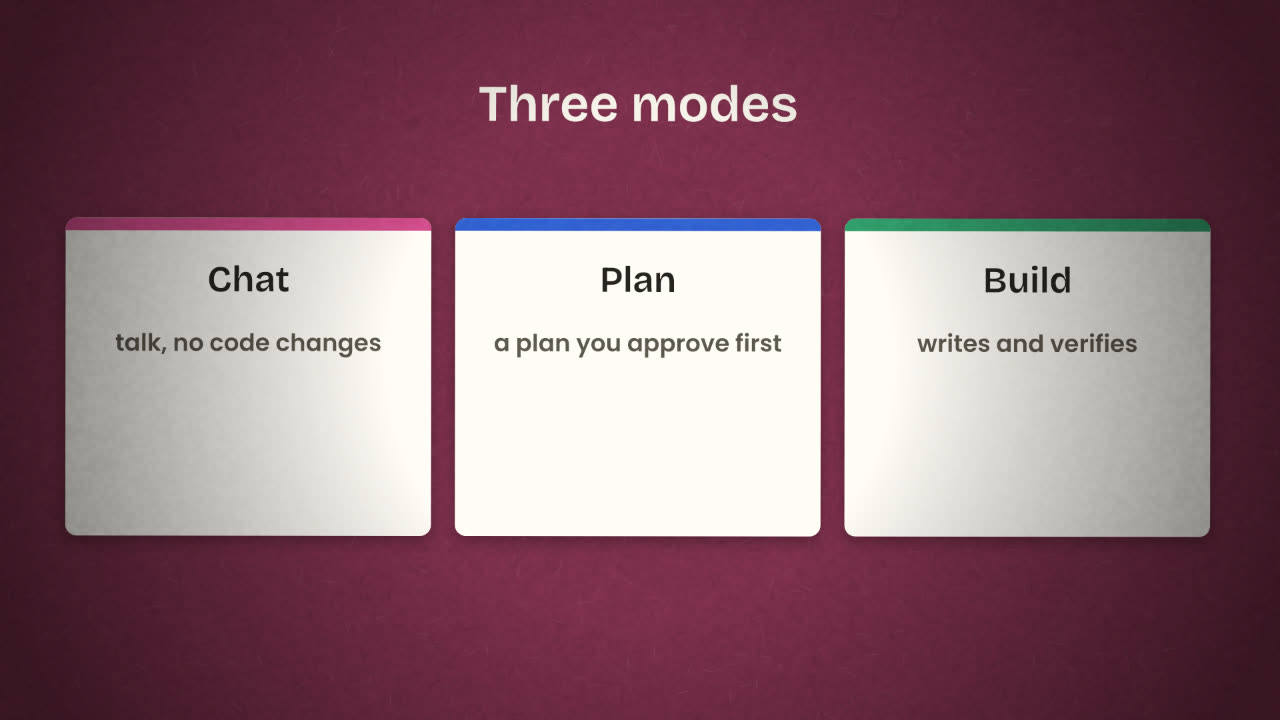
Chat mode
Discuss your app without changing any code. Use it to think and to ask why something is the way it is.
Plan mode
Lovable writes a plan and waits. Nothing is built until you approve it. Use it for anything bigger than a small tweak.
Build mode
Implements the change and verifies it.
Build the first version
Paste your first prompt in Plan mode
Read the plan against your brief. Is every screen there? Is anything there that you did not ask for?
Correct the plan
In words. Remove extras now; they cost credits and add bugs.
Approve and build
Watch the preview. Click through every screen.
Fix what is wrong, one thing at a time
Use "Edit from the preview": select an element in the live preview and describe the change.
Set your instructions
Lovable keeps workspace, project and personal instructions that apply to every message. Put your design rules and product facts there.
A prompt that wastes credits
make it look better and add
more features
A prompt that works
On the invoice list, show the total
owed at the top. Keep everything
else as it is.
Accounts and data
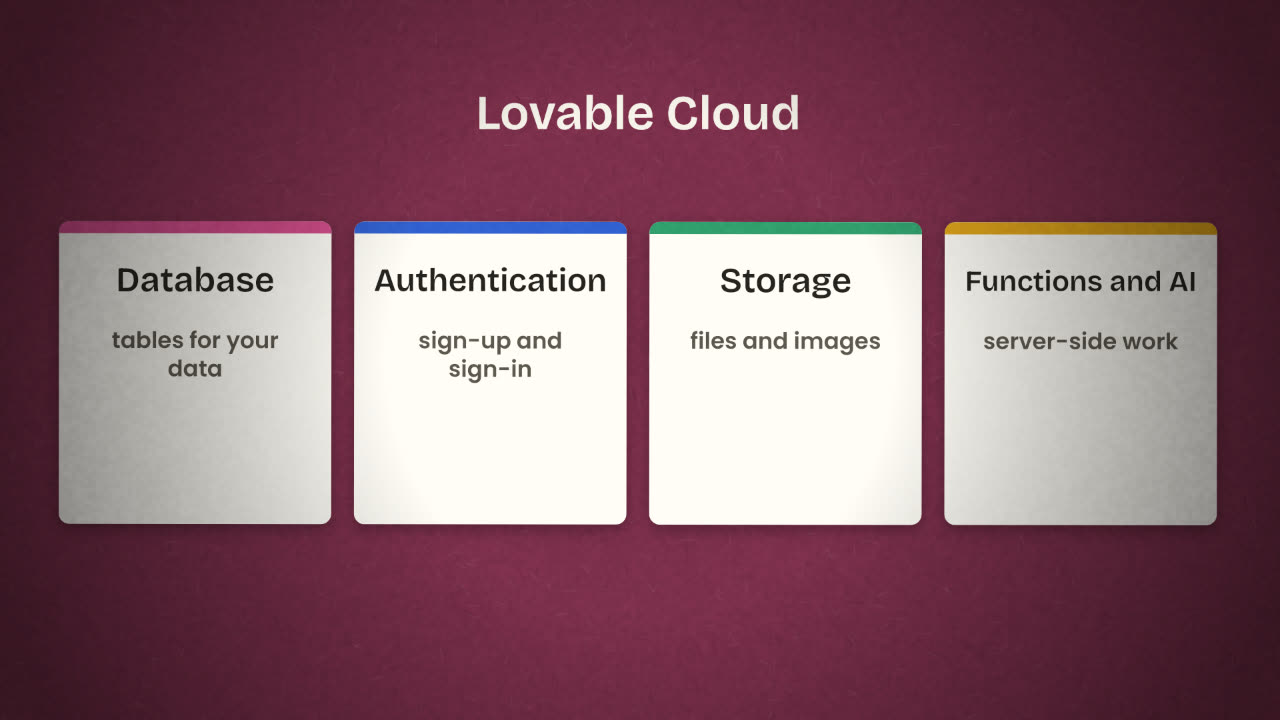
Lovable Cloud gives the app hosting, a database, authentication, storage, edge functions and AI features with no infrastructure to configure. If you already use Supabase, or want to manage the database yourself, connect Supabase instead. For AI features there is a built-in connector, Lovable AI, which needs no API key of your own.
Ask for sign-in first
"Add sign-up and sign-in with email."
Then the data
"Save invoices and clients for each signed-in user. Each user sees only their own."
Look at the tables
Open the database view. Do the tables match the Data section of your brief?
Test with two accounts
Create a second user and confirm that the first user’s invoices are invisible to them.
Publish
Publish gives the app a live URL, and you can connect a custom domain later. Publishing is not the end of testing. Open the live link on your phone, sign up as a new person, and go through the main journey once more.
The security scan reports that a table can be read by anyone. Write the prompt you would give Lovable, and how you would confirm the fix.
Build and publish your first version in Lovable
In Lovable, plan and build the first version of your product from your prompt. Add sign-in and saved data, run the security scan, do the two-account test, and publish.
Done when
Write down the live URL. In the last lesson of this unit you will connect the code to GitHub.
Keep these
- Plan mode first; approve before anything is built.
- Edit from the preview, one small change at a time.
- Scan, test with two accounts, then publish.