Vibe Coder · Unit 8: Building With Claude Code · Lesson 4 of 15
CLAUDE.md
CLAUDE.md is a file of standing instructions for your project. Claude Code reads it at the start of every session.
Read the short notes and pictures.Do everything inside a blue frame.
Standing instructions
You met this idea as project instructions in Unit 3. CLAUDE.md is the same thing for Claude Code: a plain text file it reads at the start of every session. It is where you write what should always be true about how the project is built.
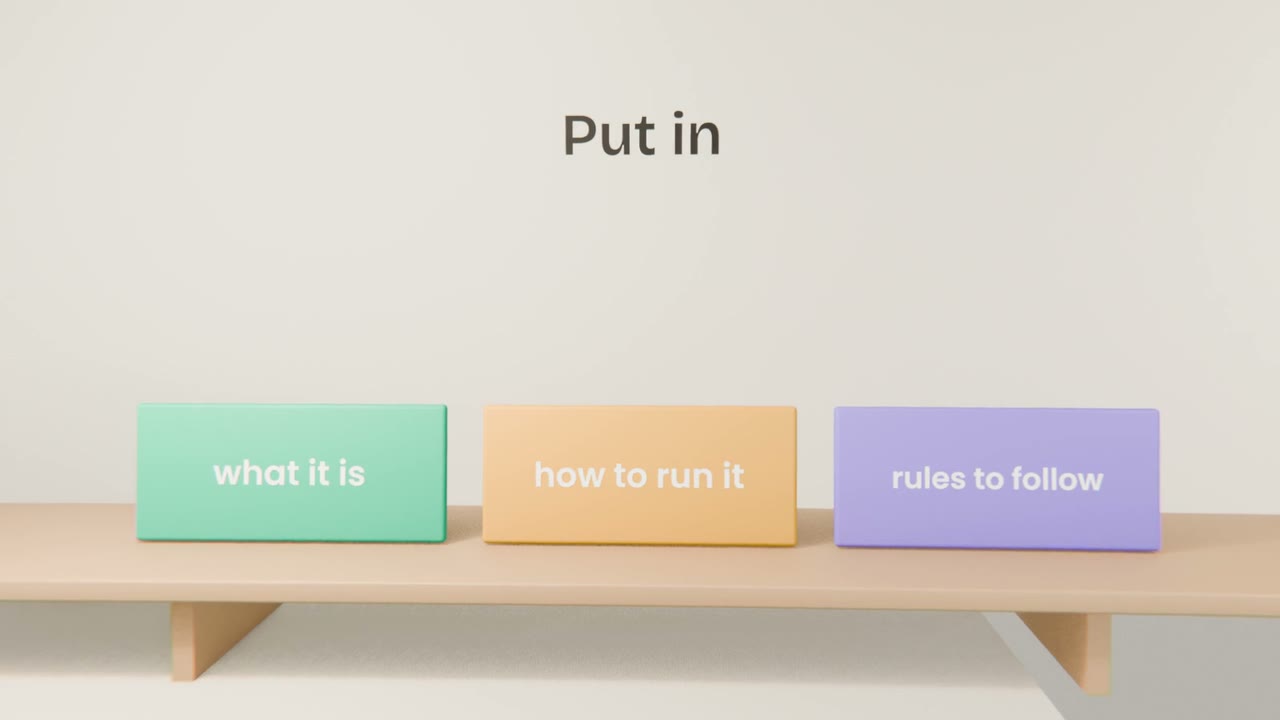
What to write
The product
One paragraph, from your brief.
How to run and check it
The commands to start the app and run the checks.
Rules
"Use the design system file for all styles." "Never put secret keys in code."
What not to touch
Files or folders that must stay as they are.
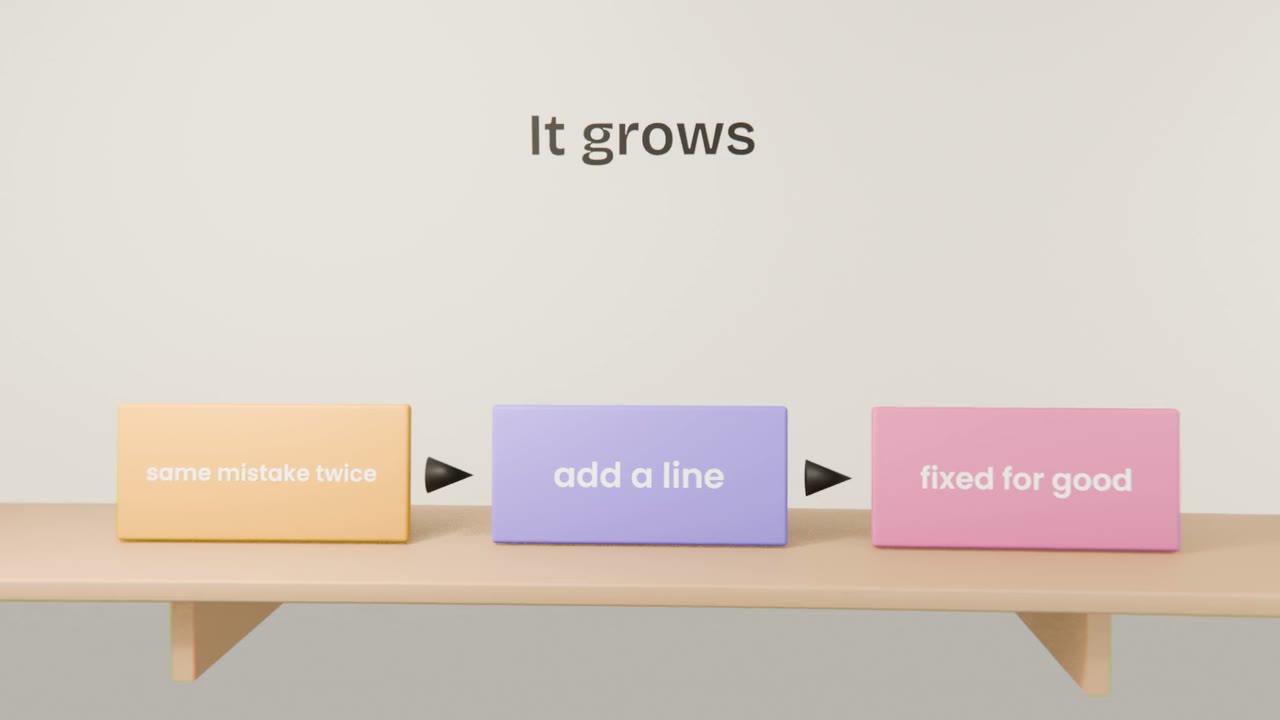
Keeping it useful
Ask Claude Code to draft it
It can write a first version from the project.
Cut it down
Short and specific beats long and general.
Add lessons learned
One line each time a mistake repeats.
Write your CLAUDE.md
Ask Claude Code to create CLAUDE.md, then edit it to cover the product, how to run it, your rules and your design system. Start a new session and ask "what are the rules of this project?"
Done when
Add a line every time you find yourself repeating an instruction.
Keep these
- CLAUDE.md holds standing instructions.
- It is read every session.
- Keep it short and add to it when mistakes repeat.