Vibe Coder · Unit 8: Building With Claude Code · Lesson 12 of 15
CLAUDE.md and memory
Engineers: how project, user and nested CLAUDE.md files load, what belongs in each, and how to keep them effective.
Read the short notes and pictures.Do everything inside a blue frame.
Memory files
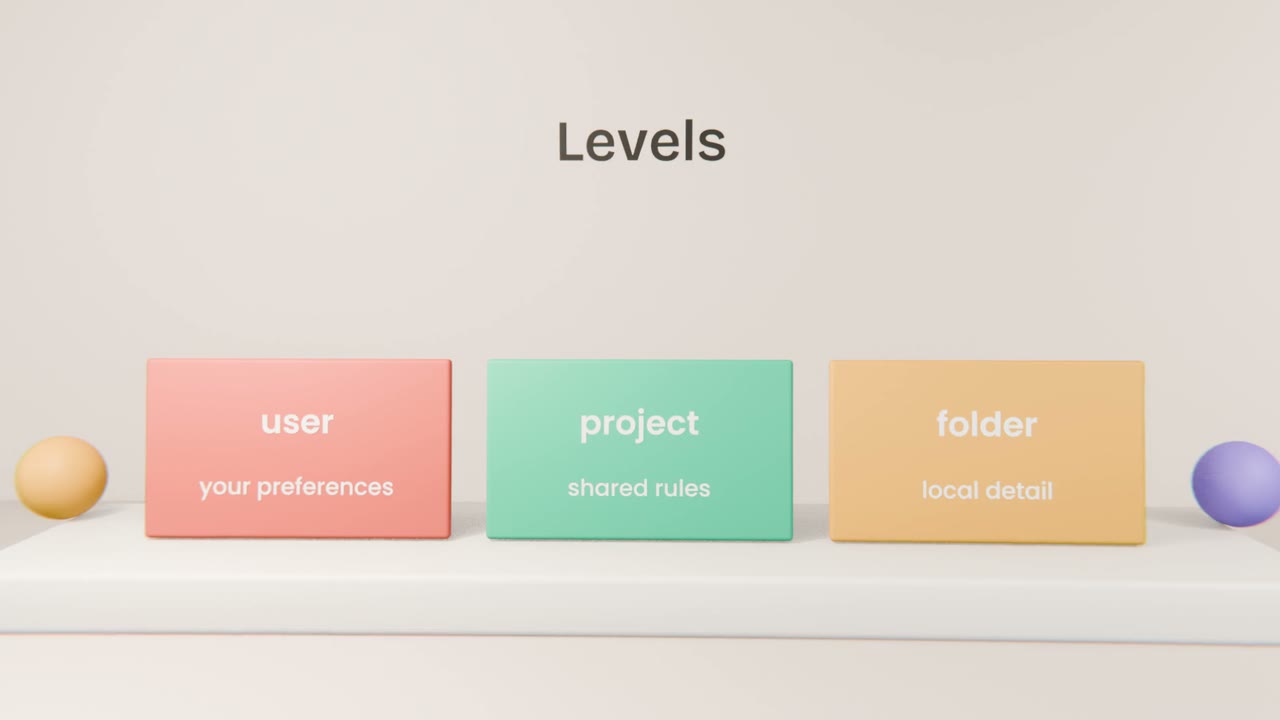
Claude Code loads CLAUDE.md files into context at the start of a session. A project file is shared through Git. A user file holds your own preferences across projects. Files inside subfolders add detail when the agent works there.
What earns a place
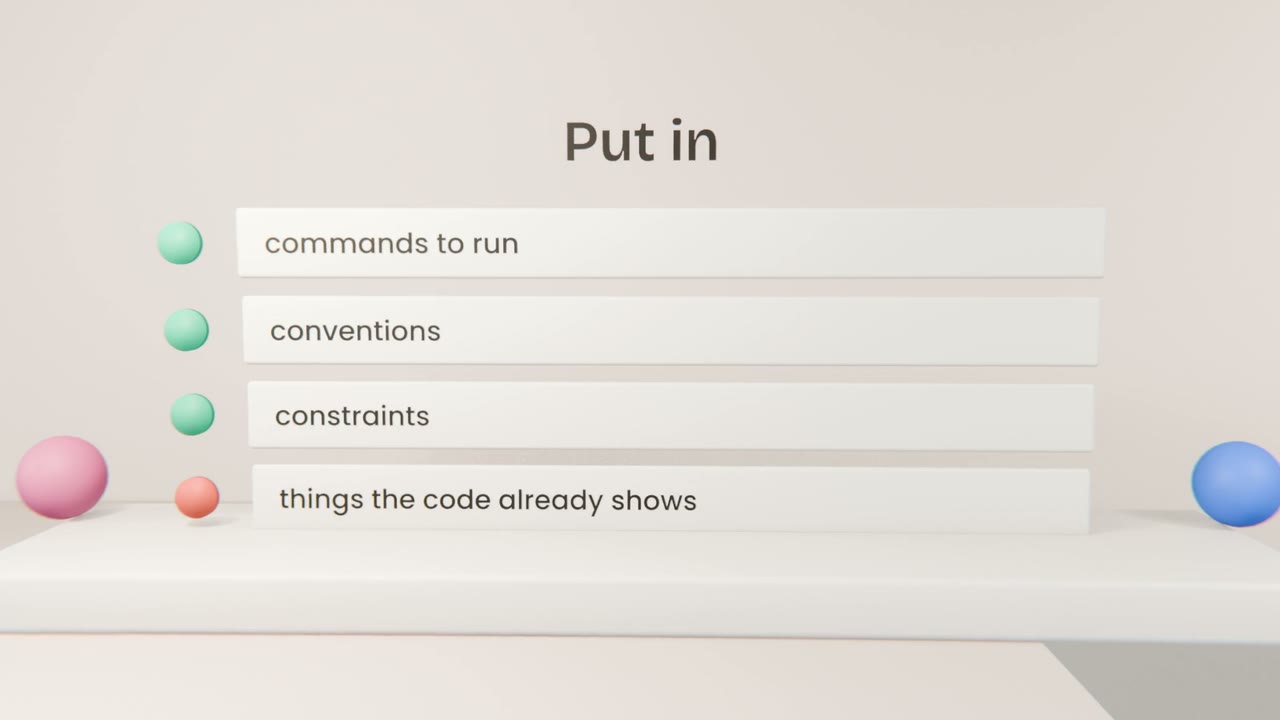
Commands
How to build, test, lint and run.
Conventions
Naming, file layout, the libraries you use and avoid.
Constraints
"Never edit generated files." "All database access goes through lib/db."
Pointers
Links to longer docs, so they load only when needed.
Maintaining it
Generate a first draft
Claude Code can create one from the repository.
Edit ruthlessly
Remove anything obvious or stale.
Add rules from real mistakes
One line each.
Review it in pull requests
Like any other file.
Write your project memory
Create a project CLAUDE.md with your commands, conventions, constraints and the decision records from Unit 6. Commit it, start a fresh session, and verify that the agent follows it without being told.
Done when
Prune it whenever it passes a page.
Keep these
- CLAUDE.md loads at session start.
- Use user, project and folder files for different scopes.
- Keep it short and reviewed.