Vibe Coder · Unit 8: Building With Claude Code · Lesson 9 of 15
Install and set up
Engineers: install Claude Code, sign in, and run it in a project from your terminal and your editor.
Read the short notes and pictures.Do everything inside a blue frame.
Claude Code in the terminal
The Technical format uses Claude Code from the command line. It is the same agent as in the desktop app, with everything the terminal gives you: your shell, your Git, your scripts.
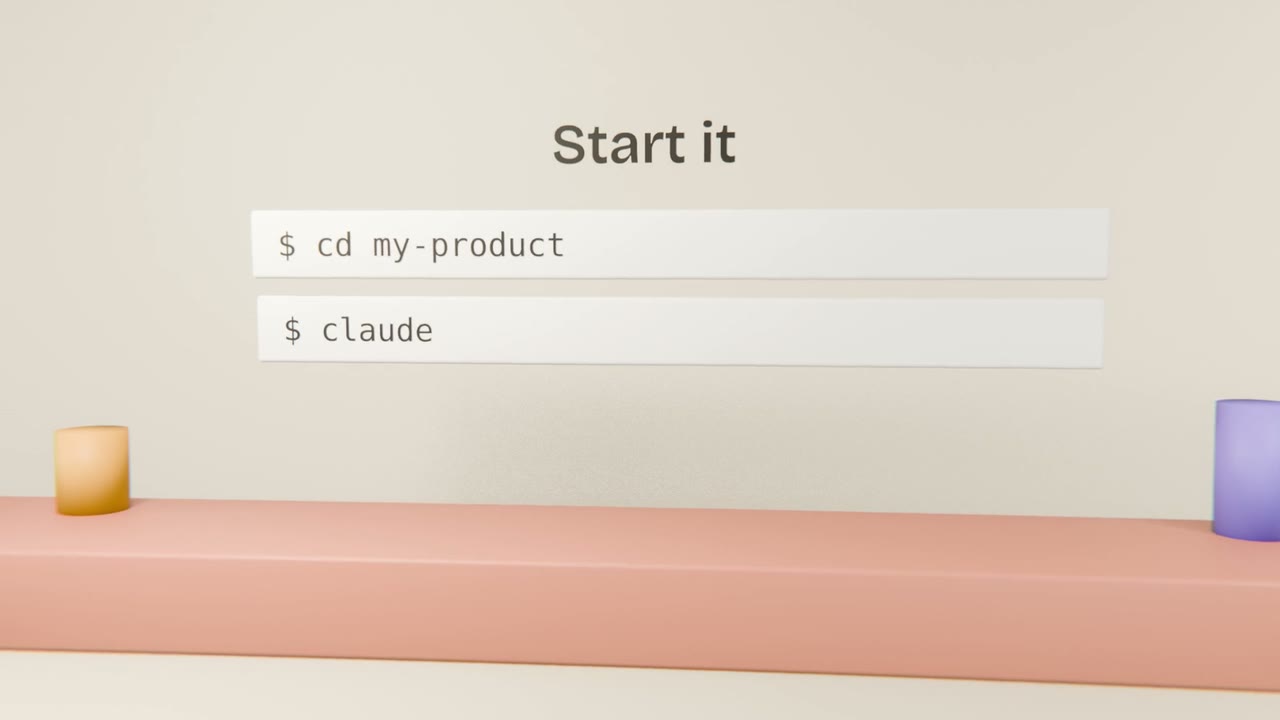
Setting up
Check the requirements
The current install instructions and supported systems are in the Claude Code documentation.
Install
Use the installer given there.
Run claude in a project
Sign in when prompted.
Ask a question about the code
"Explain how this project is structured."
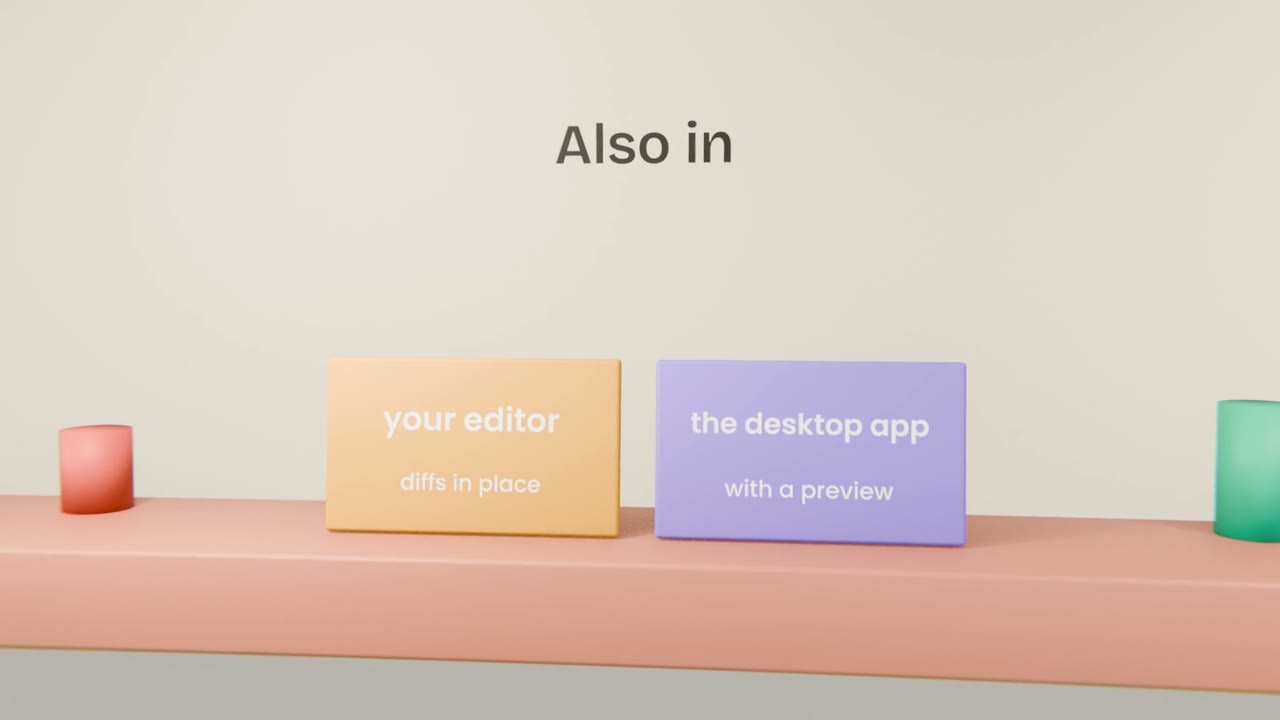
Where it fits
Terminal
Full control and scripting.
Editor extension
See proposed edits as diffs beside your code.
Desktop and web
Run sessions without a terminal, including in the cloud.
Set up your environment
Install Claude Code, run it in a new project folder containing your build brief, and have it scaffold the app and build the first screen. Confirm the dev server runs.
Done when
Commit the scaffold before you go on.
Keep these
- Claude Code runs in the terminal, the editor and the app.
- Start it with claude in a project folder.
- Take install steps from the official docs.