Vibe Coder · Unit 8: Building With Claude Code · Lesson 6 of 15
Undo and save points
Save a working version before every risky change, so you can always go back. Rewind for small mistakes, Git commits for milestones.
Read the short notes and pictures.Do everything inside a blue frame.
Always have a way back
Building with an agent is fast, and so is breaking things. Two safety nets keep that from being a problem: rewinding the session to an earlier point, and commits, which are named snapshots of the project saved with a tool called Git.
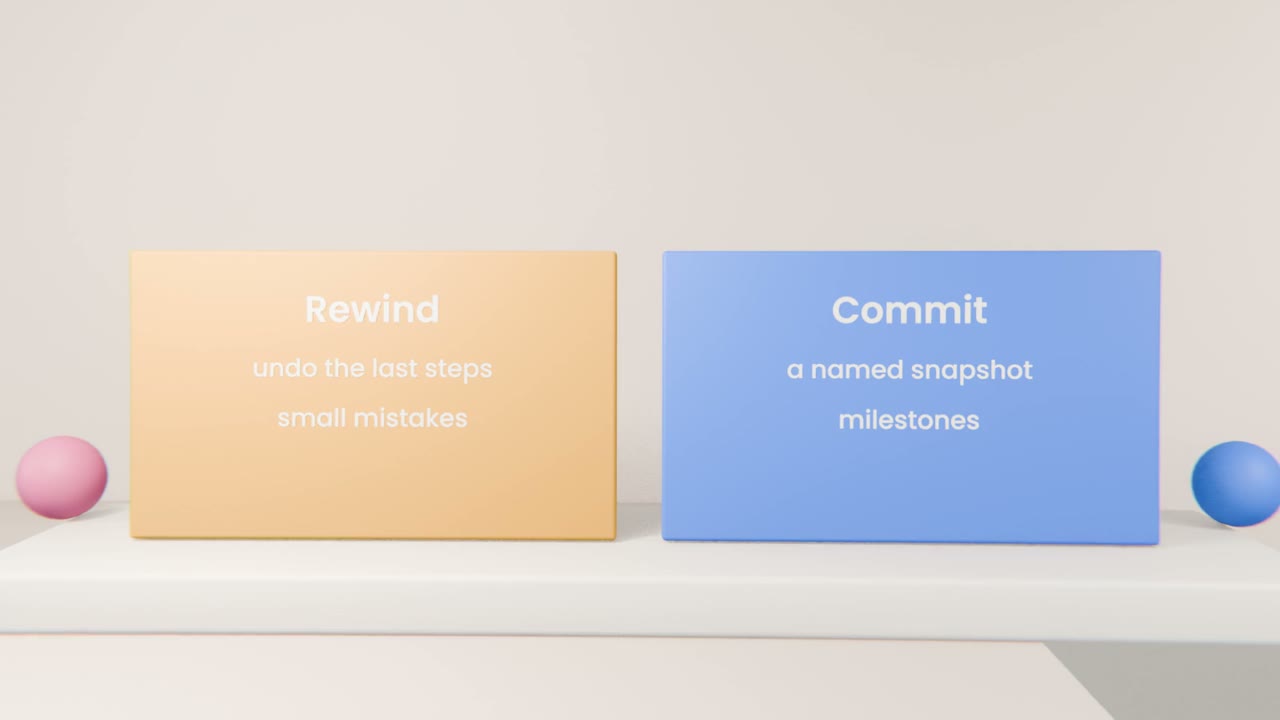
Two ways back
Rewind
Claude Code can return the conversation and its file changes to an earlier point. Good for "that last change was wrong".
A commit
A permanent snapshot with a message. Good for "this version works, remember it".
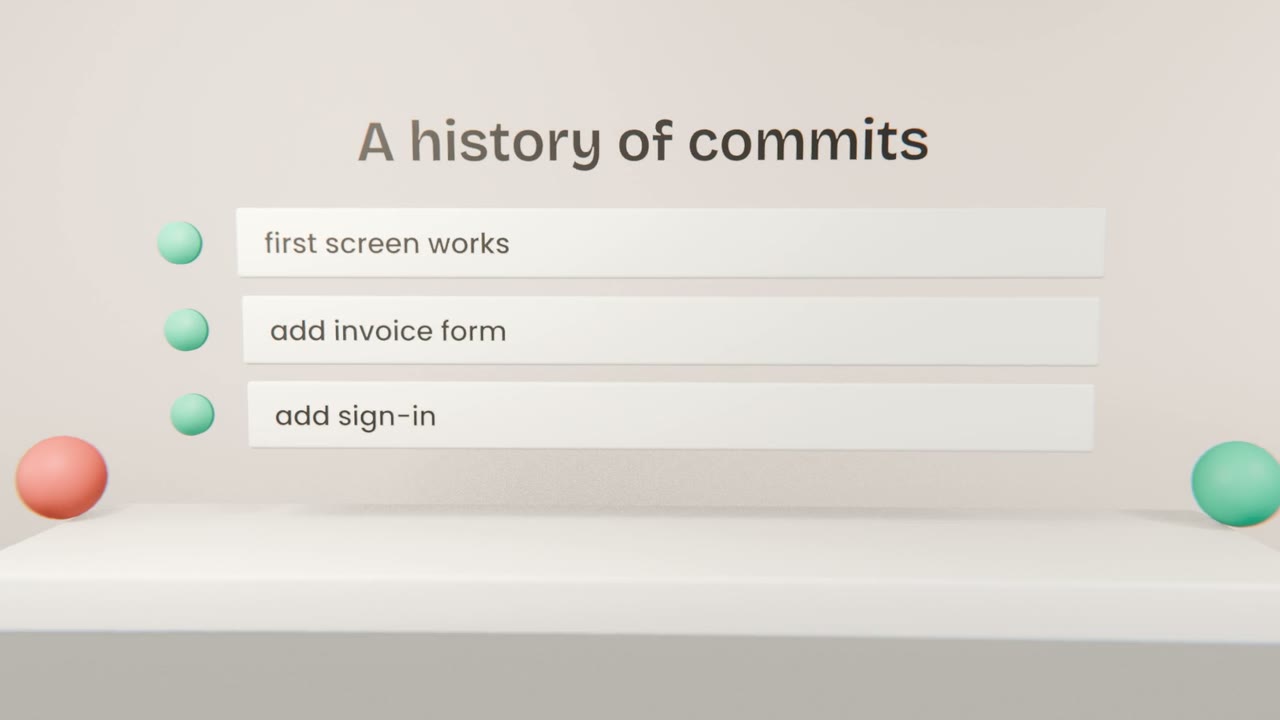
A simple routine
Get something working
One feature, tested by hand.
Ask Claude Code to commit
"Commit this with a clear message."
Start the next feature
Knowing you can return.
If it goes wrong
Ask to go back to the last commit.
Make your first save points
Ask Claude Code to set up Git and commit the current working version. Make a small change you do not like, rewind it, then make one you do like and commit it.
Done when
You will push these commits to GitHub in the Deploy unit.
Keep these
- Save before risky changes.
- Rewind small mistakes.
- Commit every working milestone.