Vibe Coder · Unit 1: Choose Your Role · Lesson 3 of 3
Set up your accounts
Five accounts: Claude, ChatGPT, GitHub, Vercel and Supabase. What each one is for, which plan you need, and how to keep them safe.
Read the short notes and pictures.Do everything inside a blue frame.
Five accounts, five jobs
You need five accounts for this course. Each one does a different job, and together they take you from an idea to a live product.
Claude
Pro plan or aboveThinking, writing and building. Claude Code, which builds your app, comes with the paid plans.
ChatGPT
Free to startImages, research and Codex, OpenAI’s coding agent, for comparing approaches.
GitHub
FreeWhere your code lives, with every change saved so you can go back.
Vercel
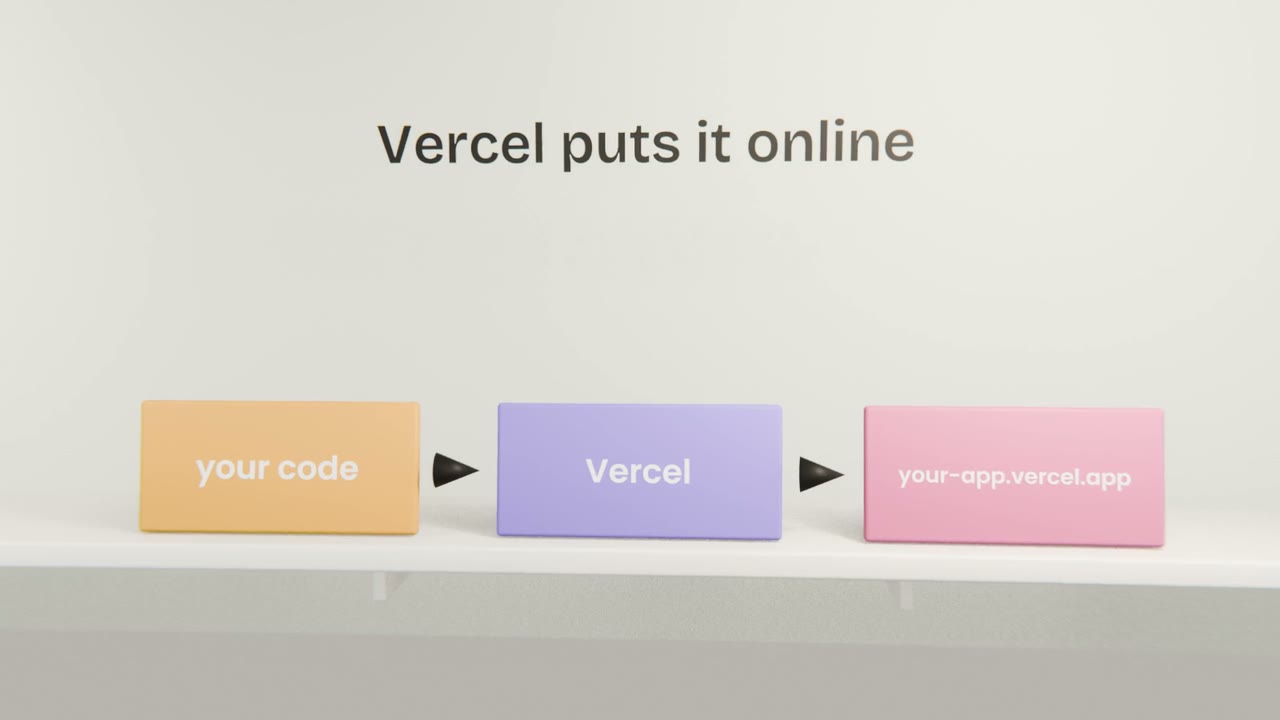
Free Hobby planPuts your app online at a real address, and updates it every time you save a change to GitHub.
Supabase
Free planSign-in and the database: who your users are and what they saved.
Set them up in this order
Claude
Sign up at claude.ai, choose the Pro plan, and install the Claude desktop app. Claude Code runs inside it.
ChatGPT
Sign up at chatgpt.com. The free plan is enough to start.
GitHub
Sign up at github.com and turn on two-factor authentication straight away.
Vercel
Sign up at vercel.com with “Continue with GitHub”, so the two are connected from the start.
Supabase
Sign up at supabase.com, also with GitHub. Do not create a project yet; you will in the Supabase unit.
Keep them safe
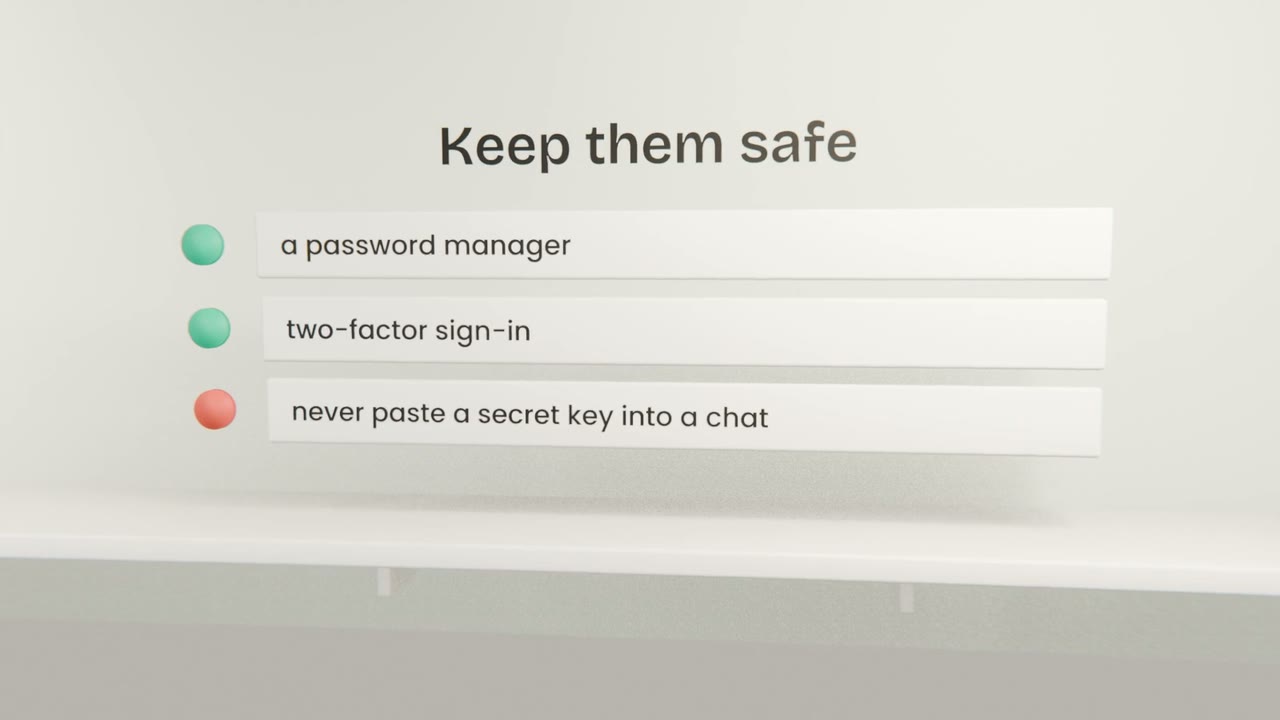
A password manager
A different, long password for every account, saved for you.
Two-factor authentication
On every account that offers it, and always on GitHub.
Keys stay secret
Never paste an API key or password into a chat, a screenshot or your code. The APIs unit shows where keys belong.
Get all five accounts working
Sign in to Claude, ChatGPT, GitHub, Vercel and Supabase in one browser window. In "My build", list each one with the plan you are on and whether two-factor sign-in is on.
Done when
Your kit is complete: an idea, a role and the tools. Unit 2 turns the idea into a brief you can trust.
Keep these
- Claude and ChatGPT think and build; GitHub, Vercel and Supabase store, host and remember.
- Claude Code needs a paid Claude plan; the other four start free.
- Sign up to Vercel and Supabase with GitHub.
- Use a password manager and two-factor authentication, and never paste keys into a chat.