Vibe Coder · Unit 9: Claude Code Commands and Extensions · Lesson 6 of 10
MCP servers
MCP servers connect Claude Code to tools outside your project: your database, your issue tracker, your browser.
Read the short notes and pictures.Do everything inside a blue frame.
Tools from outside
The Model Context Protocol, or MCP, is a standard way to give an AI agent tools and data from another system. Connect a server and Claude Code gains new abilities, such as querying your database or reading a ticket, alongside its built-in ones.
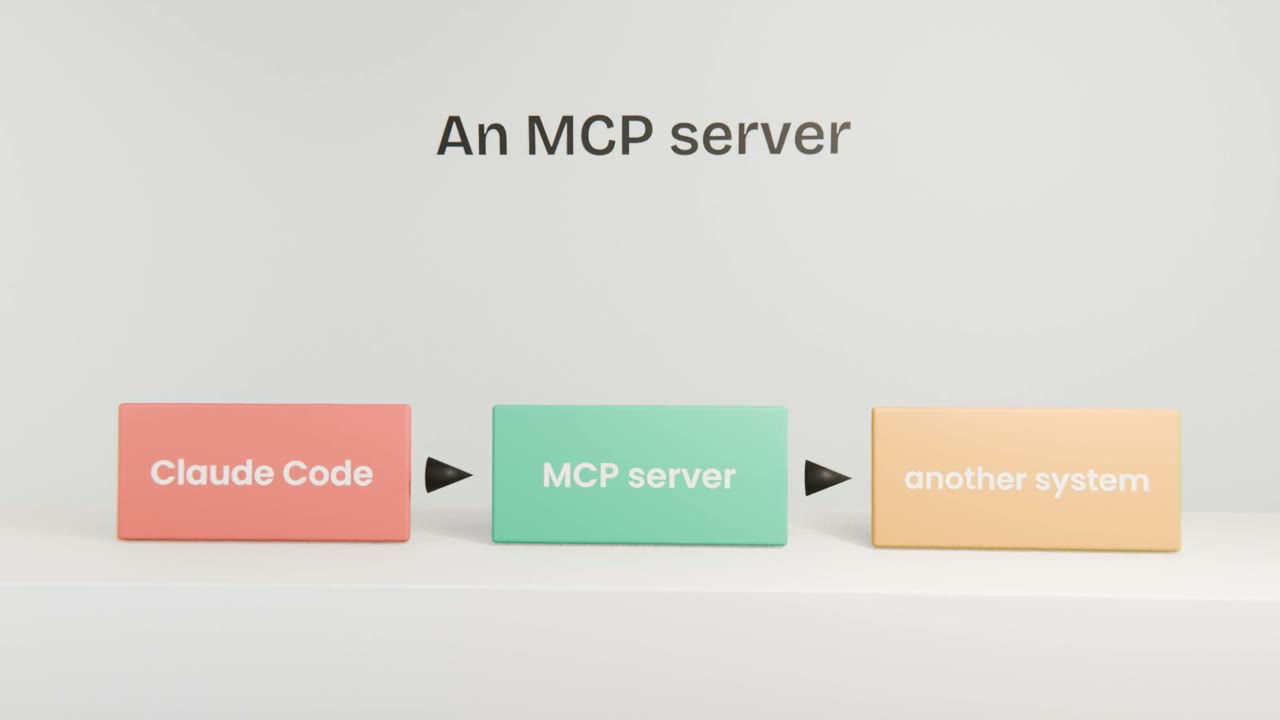
What you gain
Context
It can look things up instead of asking you to paste them.
Actions
It can do things in other systems, with your approval.
Verification
A browser server lets it look at the page it just built.
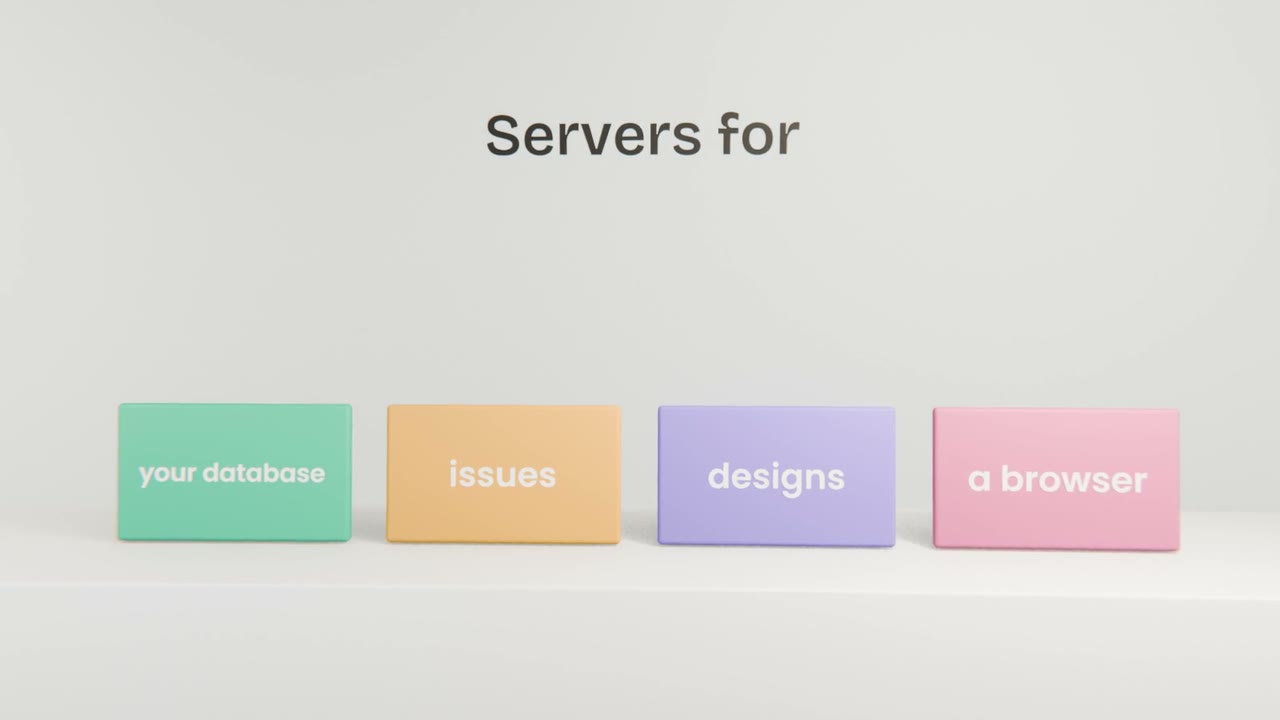
Adding one
Choose a trusted server
From the vendor of the tool where possible.
Add it for the project or for yourself
Project servers are shared through the repository.
Check what it adds
List its tools before you rely on them.
Set permissions
Read-only where you can.
Connect one server
Add one MCP server that helps your build, such as one for your database provider or a browser. List its tools and use one in a real task.
Done when
Unit 11 covers how MCP works and how to build a server.
Keep these
- MCP servers add tools from other systems.
- Use trusted servers and limit their access.
- Project servers can be shared with the team.