Vibe Coder · Unit 9: Claude Code Commands and Extensions · Lesson 8 of 10
Plugins
Engineers: a plugin bundles commands, skills, subagents, hooks and MCP servers so a whole setup installs in one step.
Read the short notes and pictures.Do everything inside a blue frame.
Bundling a setup
Plugins package the pieces from this unit into one installable unit. They are how a team standardises its workflow, and how you can carry your own setup from one project to the next.
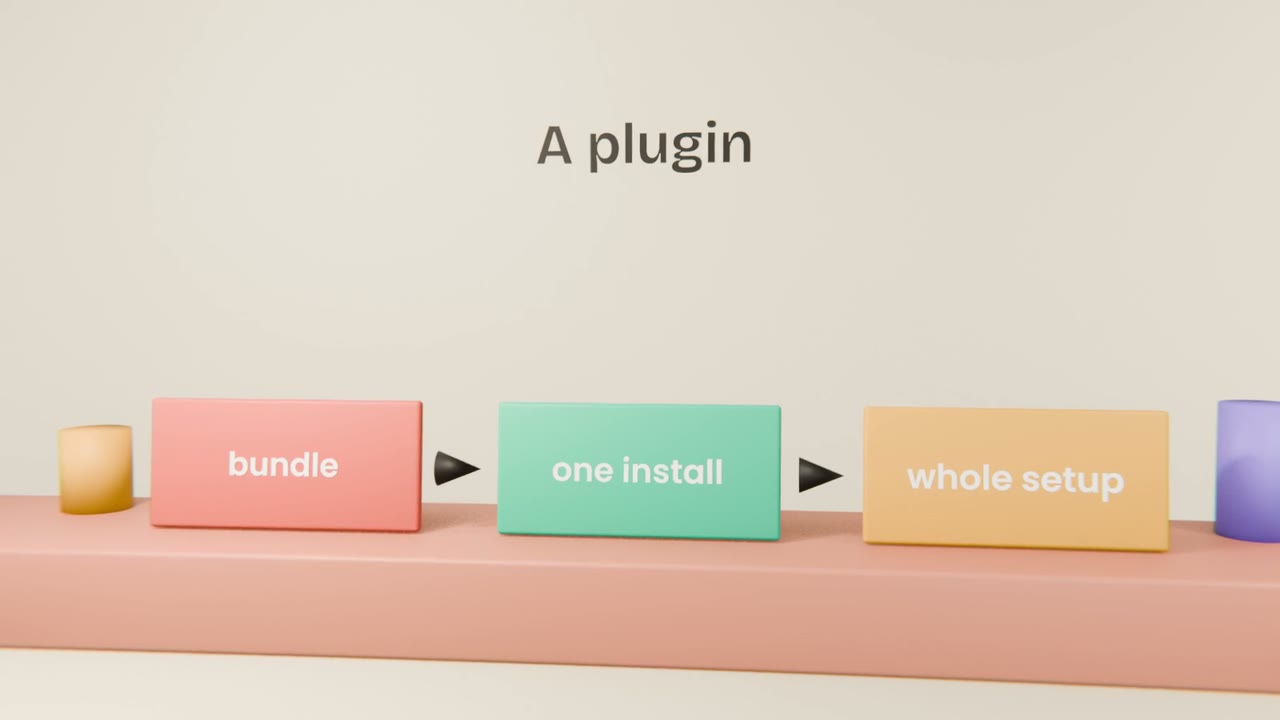
What a plugin can contain
Commands and skills
Your routines and methods.
Subagents
Your reviewers and helpers.
Hooks
Your guarantees.
MCP servers
Your connections.

Using plugins well
Install from sources you trust
An official or team marketplace.
Read the contents
Especially hooks and servers.
Enable only what you use
Each one adds to the context.
Version your own
So updates are deliberate.
Package your setup
Bundle your commands, design system skill, reviewer subagent and hooks into a plugin in a repository of its own, and install it into a fresh project to prove it works.
Done when
This plugin is part of your engineer capstone.
Keep these
- A plugin bundles a whole setup.
- Marketplaces can be public or private.
- Read a plugin before installing it.