Vibe Coder · Unit 11: Connectors, MCP and Workflows · Lesson 6 of 9
Designs into code
Designers: connect your design tool so the coding agent builds from the real design, with your tokens and components.
Read the short notes and pictures.Do everything inside a blue frame.
From design to working screen
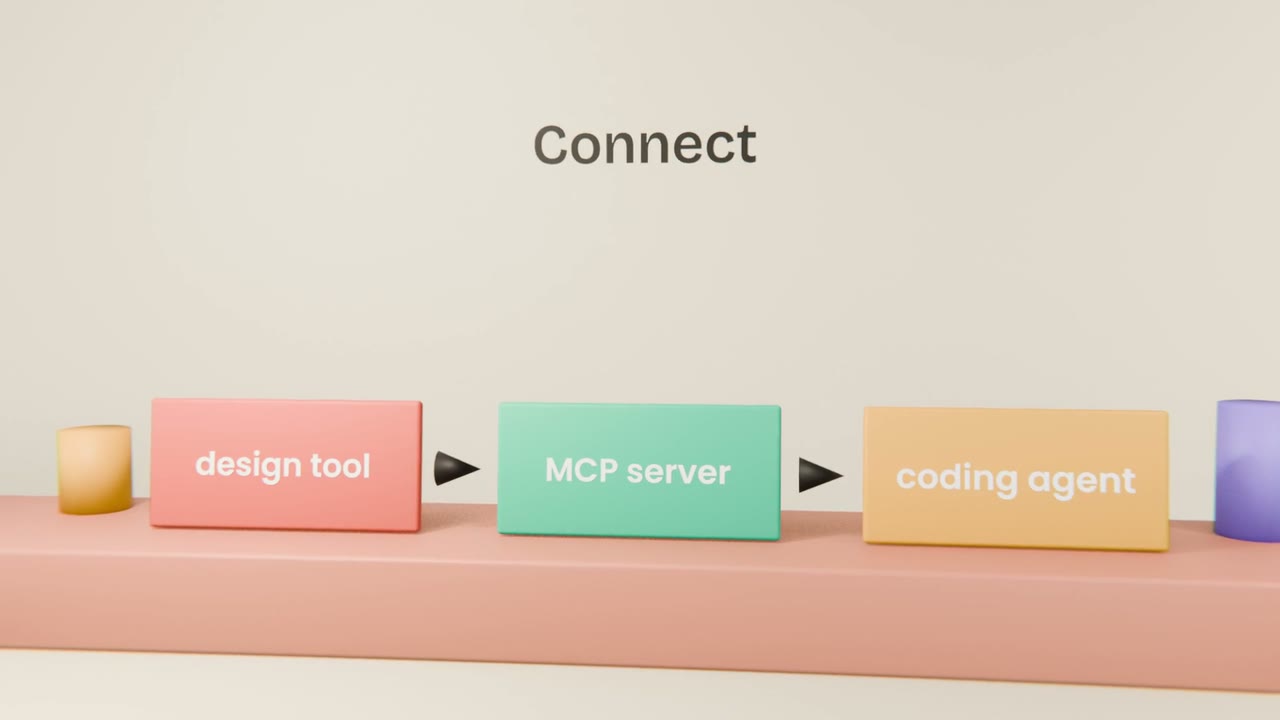
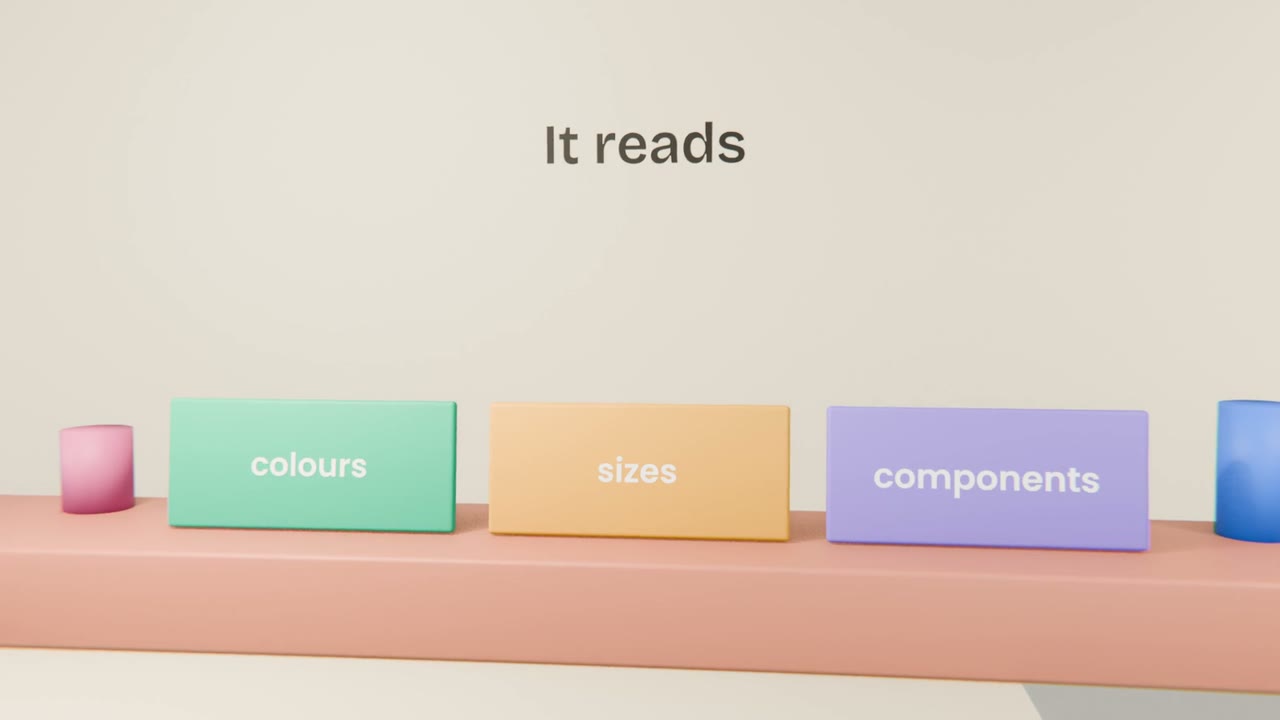
When a coding agent can read your design file directly, it builds from exact values instead of guessing from a picture. Your design system from Unit 7 and your design tool’s MCP server together close the gap between design and code.
The workflow
Connect the design tool
Using its official MCP server.
Point at one frame
Ask for that screen to be built with your design system.
Compare
Ask the agent to screenshot the result and list differences.
Fix the differences
One round is usually enough.
Build one screen from the design
Connect your design tool, have Claude Code build one screen from a real frame, and correct every visible difference.
Done when
Use this for every new screen.
Keep these
- Build from the design file, not a screenshot.
- Agents read real tokens and components.
- Compare and correct.