Vibe Coder · Unit 11: Connectors, MCP and Workflows · Lesson 3 of 9
Using an MCP server
Add a server, see what tools it gives, and use them in a real task, with the right level of permission.
Read the short notes and pictures.Do everything inside a blue frame.
From connected to useful
Once a server is connected, its tools sit alongside the assistant’s own. You do not call them by name. You describe what you want and the model decides which tool helps, which is why clear tool descriptions and sensible permissions matter.
A first session
Add a server for a tool you use
Your issue tracker or database provider.
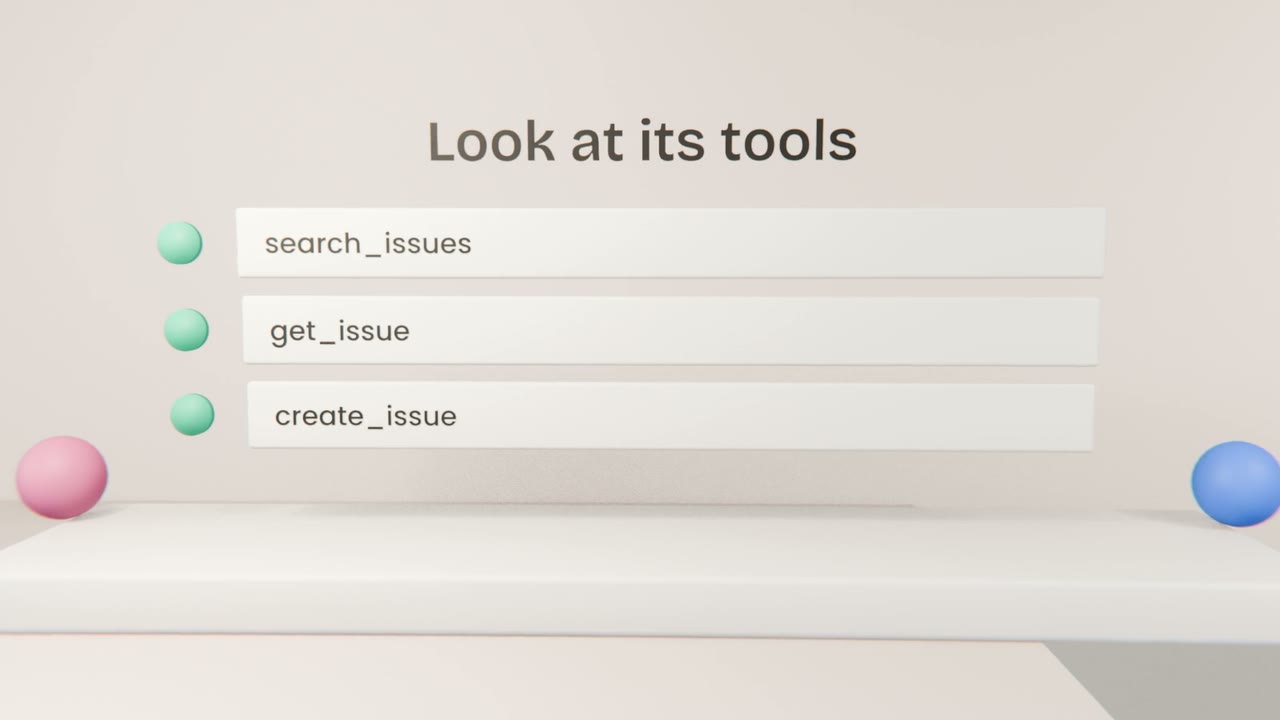
List the tools
Read their descriptions.
Try a read task
"What are the five oldest open issues?"
Try a write task
"Create an issue for the sign-up bug", and read the approval prompt.

If it does not work
Wrong tool chosen
Be more specific, or name the system.
Access denied
Check the sign-in and the permissions you granted.
Too many tools
Disable servers you are not using.
Use a server on real work
Add one MCP server to Claude Code or the Claude app for a system your product uses. Complete one read task and one write task with it.
Done when
This server is a building block of your workflow.
Keep these
- Add a server, then read its tools.
- Ask in plain words.
- Allow reads, approve writes.