Vibe Coder · Unit 7: From Idea to Prototype · Lesson 1 of 5
Sketch the flow
Turn the user journey into a list of screens and what is on each, before anything is drawn properly.
Read the short notes and pictures.Do everything inside a blue frame.
Screens as a list
Before colours or fonts, decide which screens exist and how they connect. Working this out as a simple list is quick to change, and it gives Claude exactly what it needs to build a prototype.
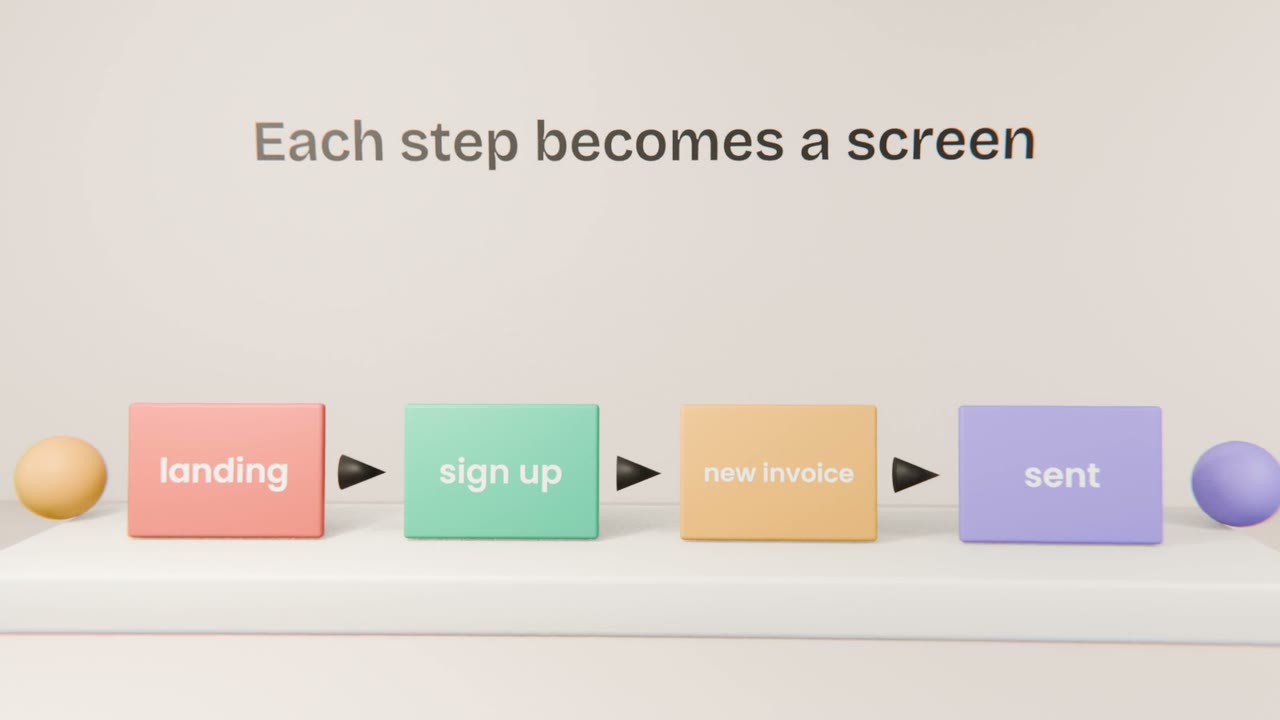
From journey to screens
One screen per step
Start from your journey. Merge steps that belong together.
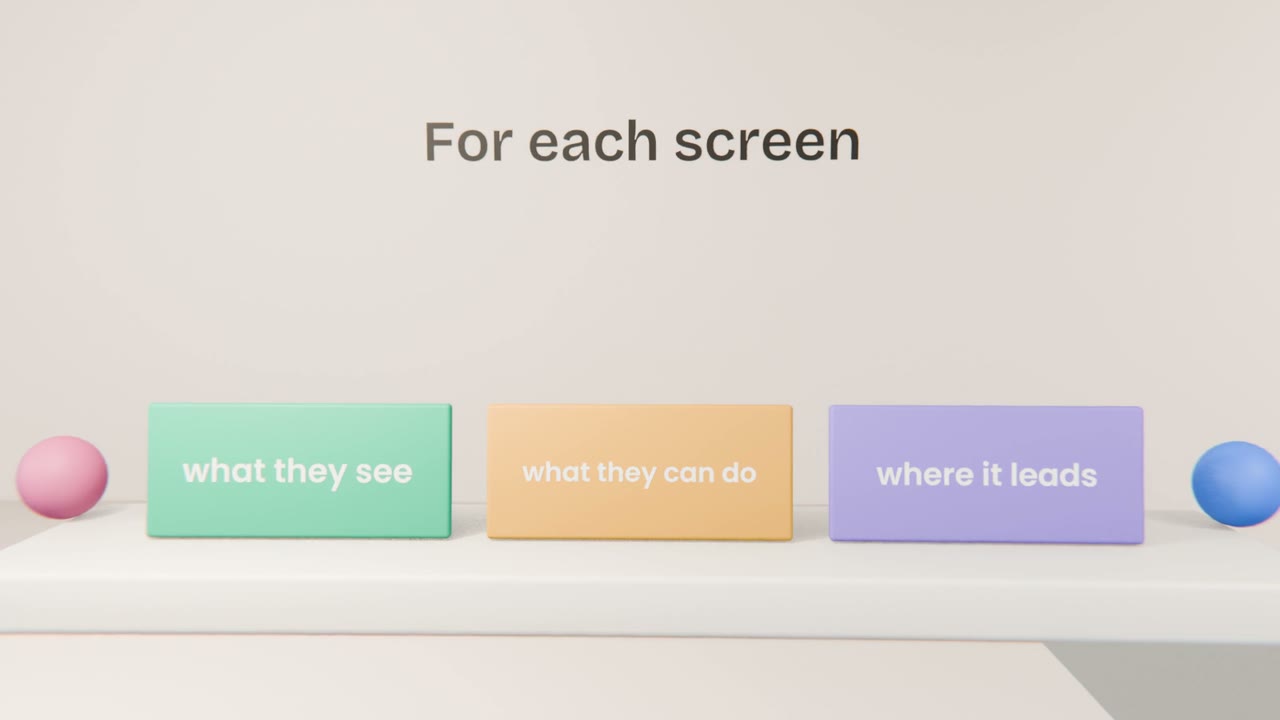
Describe each one
What is shown, the one main action, and where it goes next.
Mark the empty and error states
What does the screen show before there is any data, or when something fails?
Draw it roughly
Ask Claude for a simple diagram of the flow as an artifact.
Keep it small
Four to six screens
Enough for the one job.
One main action each
If a screen has three, split it.
No dead ends
Every screen leads somewhere.
List your screens
Write the screen list for your one job, with three lines per screen. Ask Claude to draw the flow as a diagram artifact, and fix anything that looks wrong.
Done when
This list is the brief for your prototype in the next lesson.
Keep these
- Turn the journey into a list of screens.
- Describe what is seen, what can be done, where it leads.
- Structure comes before style.