Vibe Coder · Unit 2: How Claude and ChatGPT Work · Lesson 3 of 7
Context and memory
The model only knows what is in front of it. What the context holds, why long chats drift, and how memory and projects help.
Read the short notes and pictures.Do everything inside a blue frame.
The model only knows what is in front of it
When you send a message, the model does not see only that message. It reads everything in the conversation so far, from the top, every time. That full text is called the context. What is in the context, it can use. What is not in the context, it does not have.
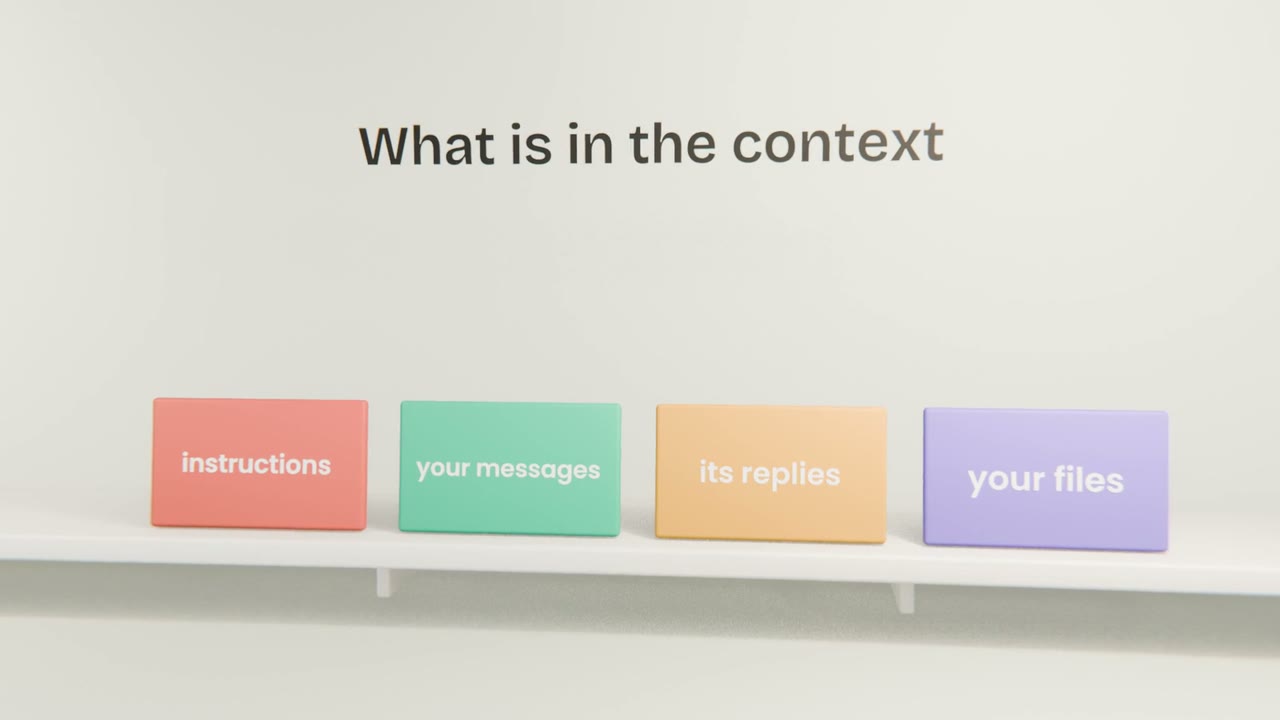
Instructions
Guidance the app gives the model before you type anything, plus any instructions you set yourself.
Your messages
Everything you have typed in this chat.
Its replies
Everything it has written back, including code and drafts.
Your files
Documents, images and screenshots you attached.
The context window has a limit
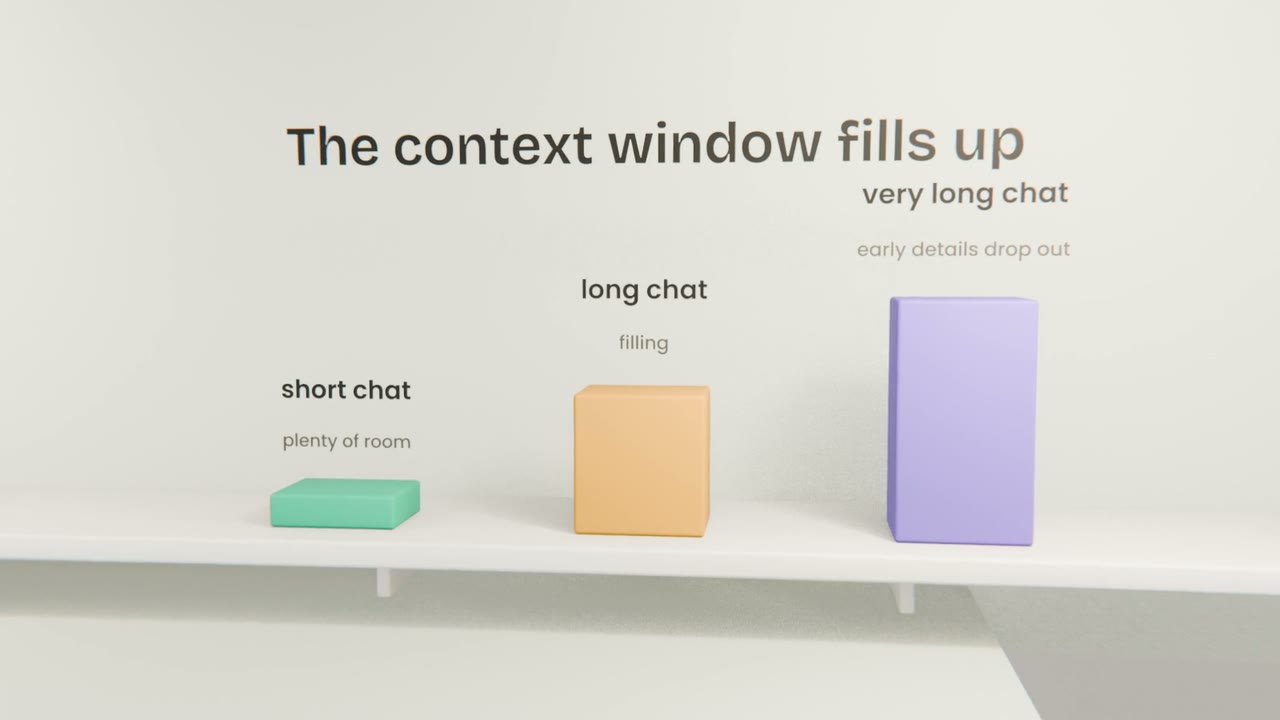
The context has a maximum size, called the context window, measured in tokens. Current models hold a lot: whole documents and long conversations. But a chat that goes on for hours, or one with many large files, can fill it. When that happens the app shortens or summarises the oldest parts, and early details can be lost.
A new chat starts empty
By default, each chat is separate. The product idea you explained yesterday is not in today’s new chat. This surprises people, because the tool feels like one continuous assistant. It is closer to a new colleague each time, who has read only what is on the page.
Memory and projects put things back
Memory
The app saves notes about you and your work, and adds the relevant ones to new chats. You can see and edit what it has saved in settings.
Projects
A project holds files and instructions. Every chat inside the project starts with them already in the context.
A handover note
Ask the model to summarise the chat, then paste that summary into a new one. Simple, and it always works.
None of these change the model. They all work the same way: they put saved text back into the context so the model can read it. You will set up a project for your product in the next unit.
When answers start to drift
Notice it
The model forgets a decision, repeats a mistake you fixed, or contradicts itself. The chat has grown too long or too mixed.
Ask for a summary
"Summarise what we decided and what is left to do, as a note for a new chat."
Start fresh
Open a new chat and paste the summary.
Bring only what matters
Attach the files this task needs, and leave out the rest.
Write the handover note
Ask Claude to turn everything so far into a handover note of ten lines or fewer: the idea, the people, the decisions made, what is still open. Start a new chat, paste only the note, and ask "what am I building and what is undecided?"
Done when
This note is how you start every new chat about your product from now on.
Keep these
- The context is everything the model can read: instructions, messages, replies and files.
- The context window has a limit, and very long chats lose early details.
- A new chat starts empty unless memory or a project adds to it.
- When answers drift, summarise, start fresh, and bring only what matters.