Vibe Coder · Unit 20: Image Models: Flux, ComfyUI and LoRAs · Lesson 1 of 7
How image models work
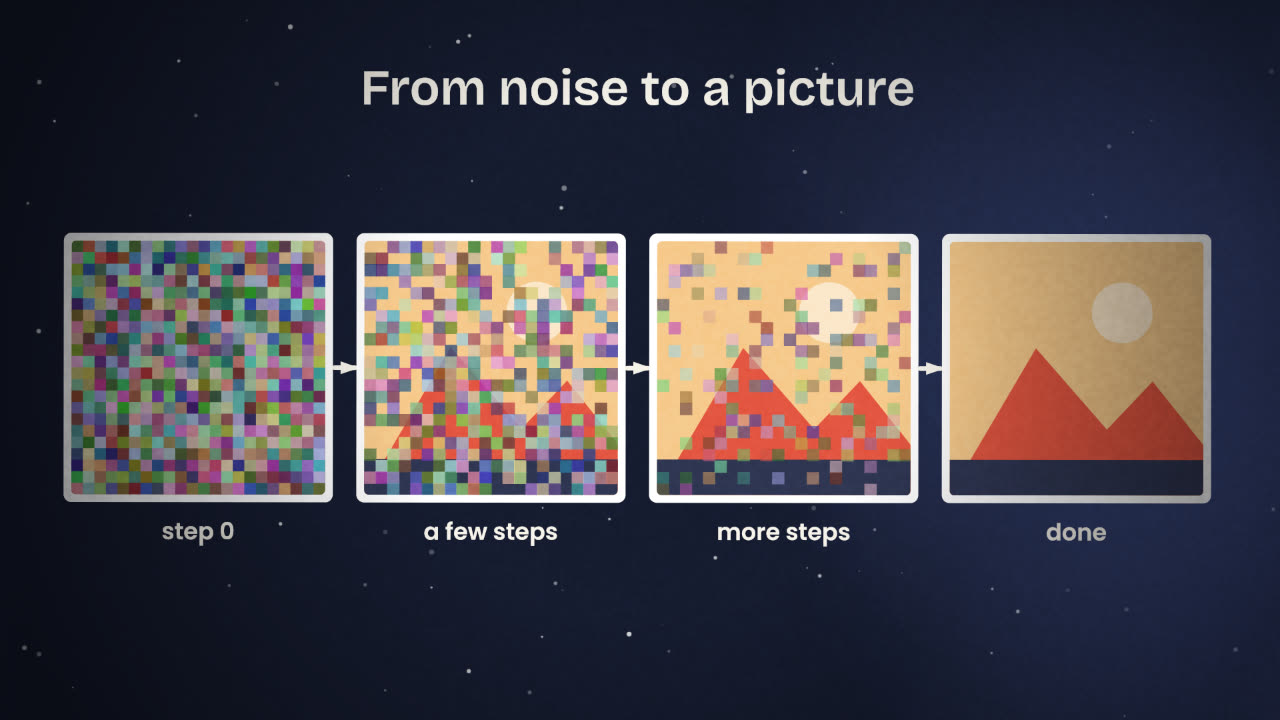
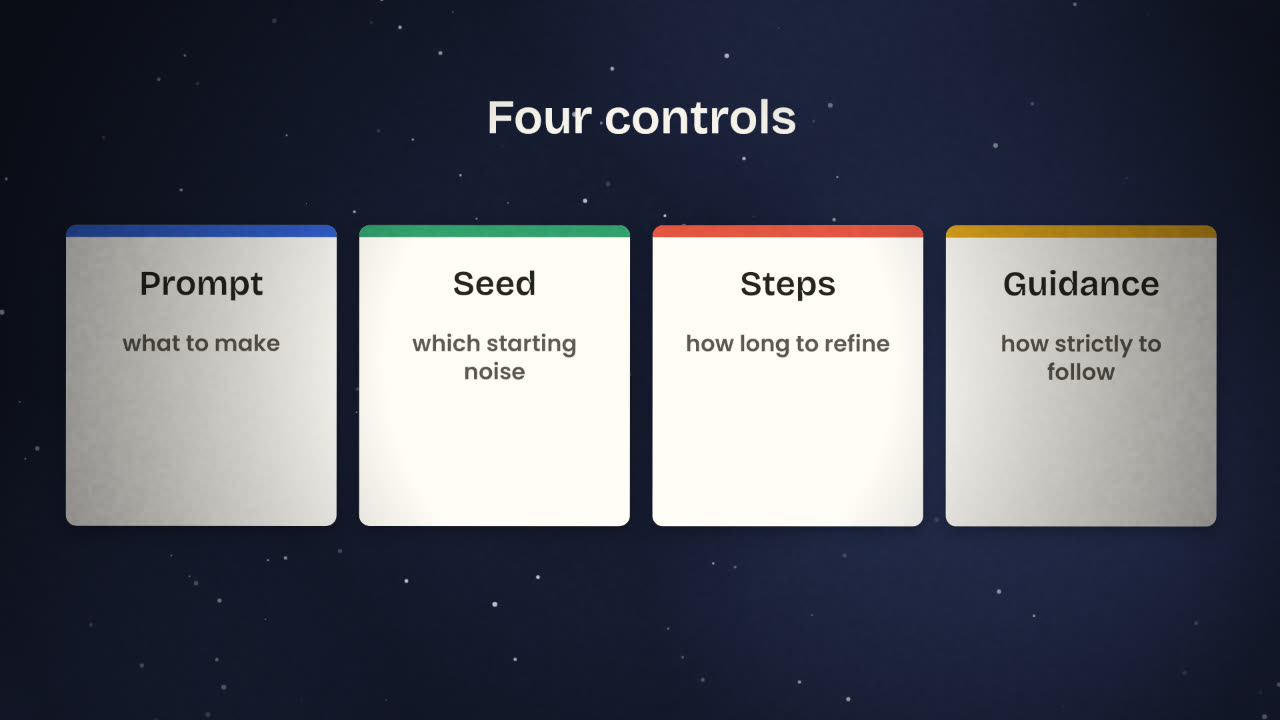
An image model starts from noise and clears it step by step, steered by your words. Four controls follow from that: prompt, seed, steps and guidance.
Read the short notes and pictures.Do everything inside a blue frame.
Noise in, picture out
Text models predict the next word. Image models work differently. A diffusion model is trained by taking real pictures, adding noise to them, and learning to undo that noise. To make a new picture it runs the process from the far end: it starts with nothing but noise and removes a little at each step. Your prompt tells it which picture to find in the noise.
The parts inside
Every image tool you will use in this unit, from a chat box to a ComfyUI graph, is built from the same few parts. ComfyUI shows them to you as separate boxes, so it helps to know them by name.
Text encoder
Turns your prompt into numbers. A better encoder understands longer, more exact prompts.
Diffusion model
The large model that removes noise, step by step, guided by those numbers.
Latent
A small, compressed version of the picture. The model works here because it is far cheaper than working on full-size pixels.
VAE
Packs a picture into a latent and unpacks a latent into a picture. It runs at the very end to give you pixels.
Sampler
The routine that decides how much noise to remove at each step.
encodesteerfinishsave
The four controls
Prompt
Subject, setting, light, style, and any text that must appear. Specific beats long.
Seed
The number that sets the starting noise. Keep it fixed while you change the prompt, so you can see what your change did.
Steps
How many rounds of denoising. More steps refine the picture up to a point, then only cost time.
Guidance
How strictly the model follows the prompt. Too low drifts from what you asked. Too high looks harsh and overcooked.
Why a builder needs this
Repeatable results
A product needs the same look every time. That comes from fixed settings and saved seeds, not from luck.
Cost and speed
Steps and image size decide how long each picture takes, and so what it costs to run.
Debugging
When an image is wrong you will know which part to change: the words, the seed, or the model.
You generated a product photo you like. A teammate runs "the same prompt" and gets a different picture. List what they would need from you to get the identical image.
Write your image brief
List the six to ten images your product needs: a hero image, feature pictures, social cards, an avatar or mascot. For each, write the subject, the setting, the light and the style in one sentence. Decide one visual style for all of them.
Done when
You will make these images in the next lessons, so keep the list where you can copy from it.
Keep these
- Image models remove noise step by step.
- A text encoder turns the prompt into numbers that steer each step.
- Prompt, seed, steps and guidance are the four controls.