Vibe Coder · Unit 13: Login and Data With Supabase · Lesson 7 of 8
Airtable as a quick backend
For a first version, or the back office, a spreadsheet-like database is often enough. Bases, tables, views, interfaces and Omni, and when to move to Supabase.
Read the short notes and pictures.Do everything inside a blue frame.
The simplest thing that holds your data
This unit teaches a proper database, with login and access rules. That is what a product with customers needs. Plenty of useful things need less: a waitlist, a list of leads, the content behind a small site, the orders your team fulfils by hand. For those, a spreadsheet-like database is faster to set up and easier for everyone to see.
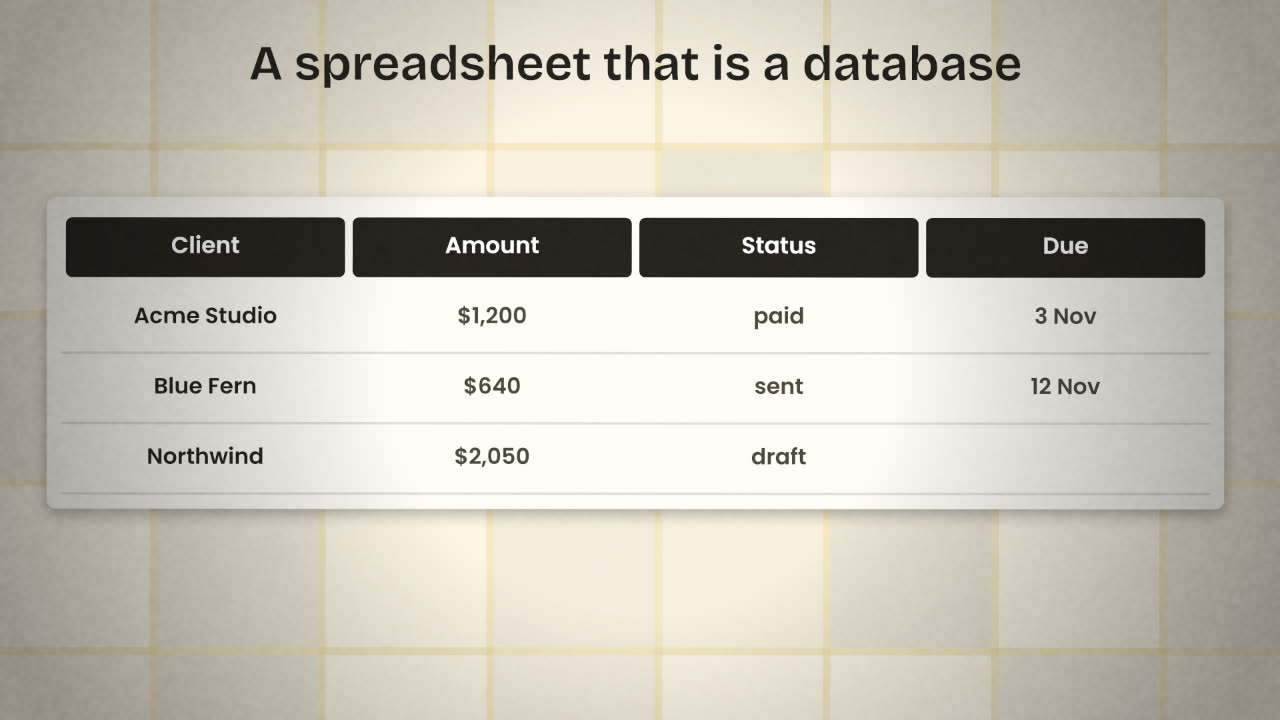
The words
Base
One database: a collection of related tables.
Table
One kind of thing: clients, invoices.
Record
One row.
Field
One column, with a type: text, number, date, single select, attachment, link.
View
A saved way of looking at a table: filtered, sorted, as a grid, board or calendar.
Interface
A page built on top of the data for people who should not see the raw tables.
Links are the point
A spreadsheet repeats the client’s name on every invoice row. A database links the invoice to one client record. Change the client’s email once and every invoice sees it. In Airtable a linked-record field does this, and it is the first thing to learn.
Omni
Omni is Airtable’s built-in AI assistant. It responds to plain requests and can create tables, views and fields, build interface elements, create or update automations and edit records. Airtable’s help page also notes what it cannot do, such as exporting data or complex calculations like sums and averages. It is available on all plans and uses AI credits.
Describe your data in plain words
As you did for Supabase.
Let Omni propose the tables
Then read every field and its type.
Add five real records by hand
You will find the missing field immediately.
Make a view for each job
"Overdue invoices", "This week".
Connecting it
n8n
Airtable has nodes and a trigger in n8n: new signup in, row saved, message sent.
Your app
Through Airtable’s API, from a server, with an access token kept secret.
Forms
A form view collects records without any app at all.
Automations
Built-in rules such as "when status becomes paid, send an email".
When to move
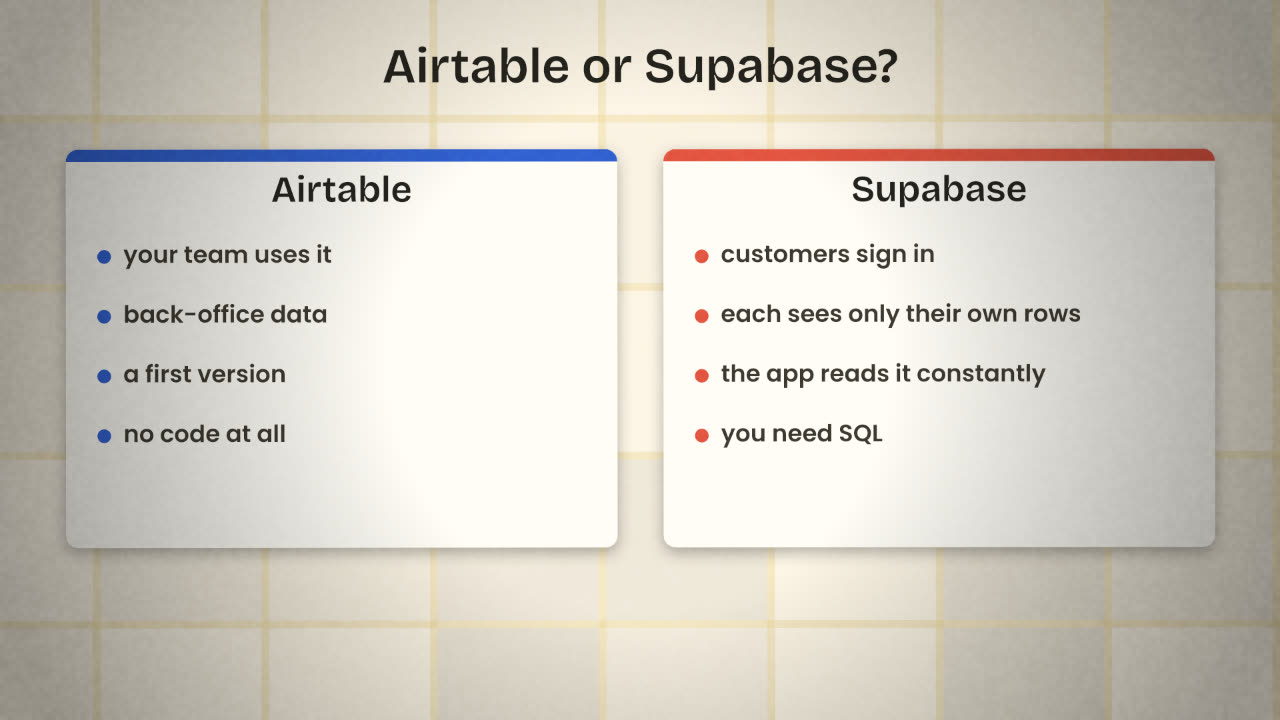
Stay on Airtable
Only your team reads and writes it.
Hundreds or thousands of records.
Changes every week.
Non-technical people maintain it.
Move to Supabase
Customers sign in to your app.
Each must see only their own rows.
The app reads and writes all day.
You need row level security.
Sort these into Airtable or Supabase: (a) your waitlist; (b) each customer’s invoices; (c) the content for your help pages; (d) a list of bugs reported by users.
Set up your back office in Airtable
Create a base for the data your team handles: at least a waitlist or leads table and one other table linked to it. Connect it to an n8n workflow so a new entry arrives automatically.
Done when
Keep customer data that must be private in Supabase.
Keep these
- Airtable is a spreadsheet-like database with typed fields and links.
- Views and interfaces show the same data for different jobs.
- Airtable for your team; Supabase when customers sign in.