Vibe Coder · Unit 5: Prompting and Context · Lesson 3 of 5
Give it the material
The best prompt cannot replace missing information. Attach the source, put it first, and ask the model to work only from it.
Read the short notes and pictures.Do everything inside a blue frame.
The model cannot use what it cannot see
When an answer is generic or wrong, ask what the model was missing before you rewrite the prompt. Usually it is the thing you were looking at when you asked: the brief, the spreadsheet, the exact error on screen.
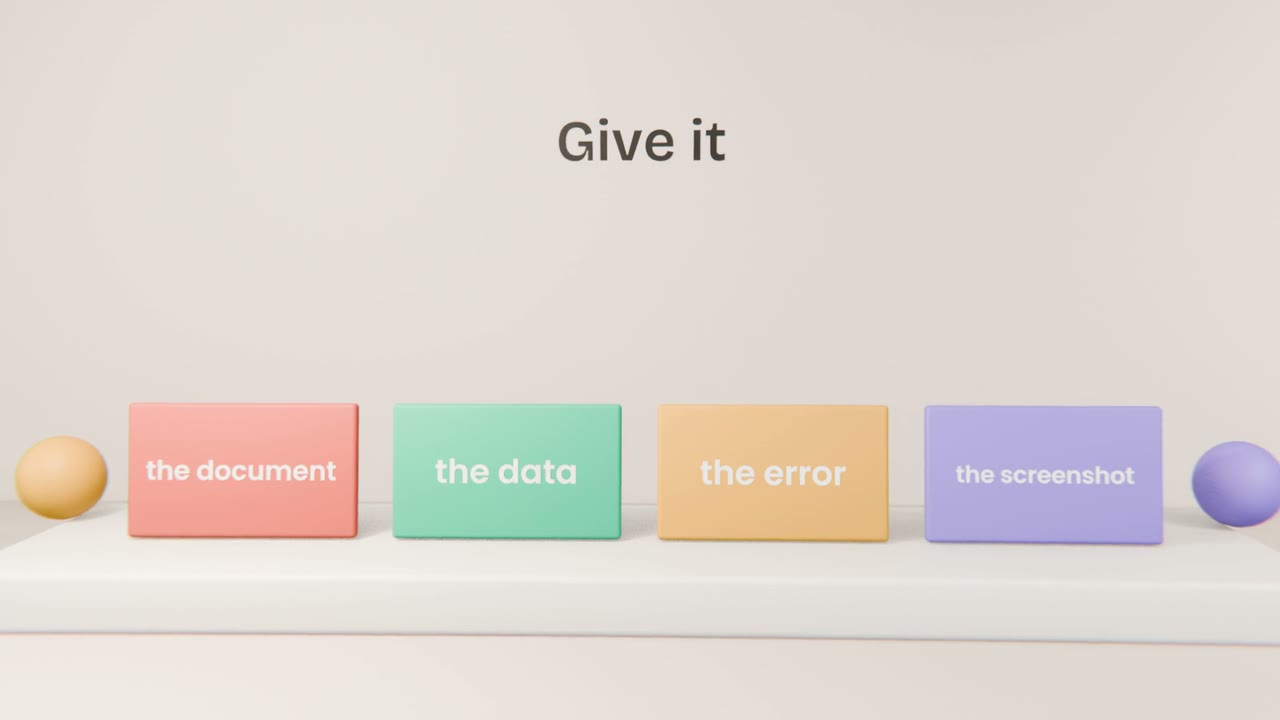
What to hand over
The source
The real document, not a summary of it.
The exact error
Copy the full message. Do not paraphrase it.
What you tried
So it does not suggest it again.
The decision so far
So it does not reopen what is settled.
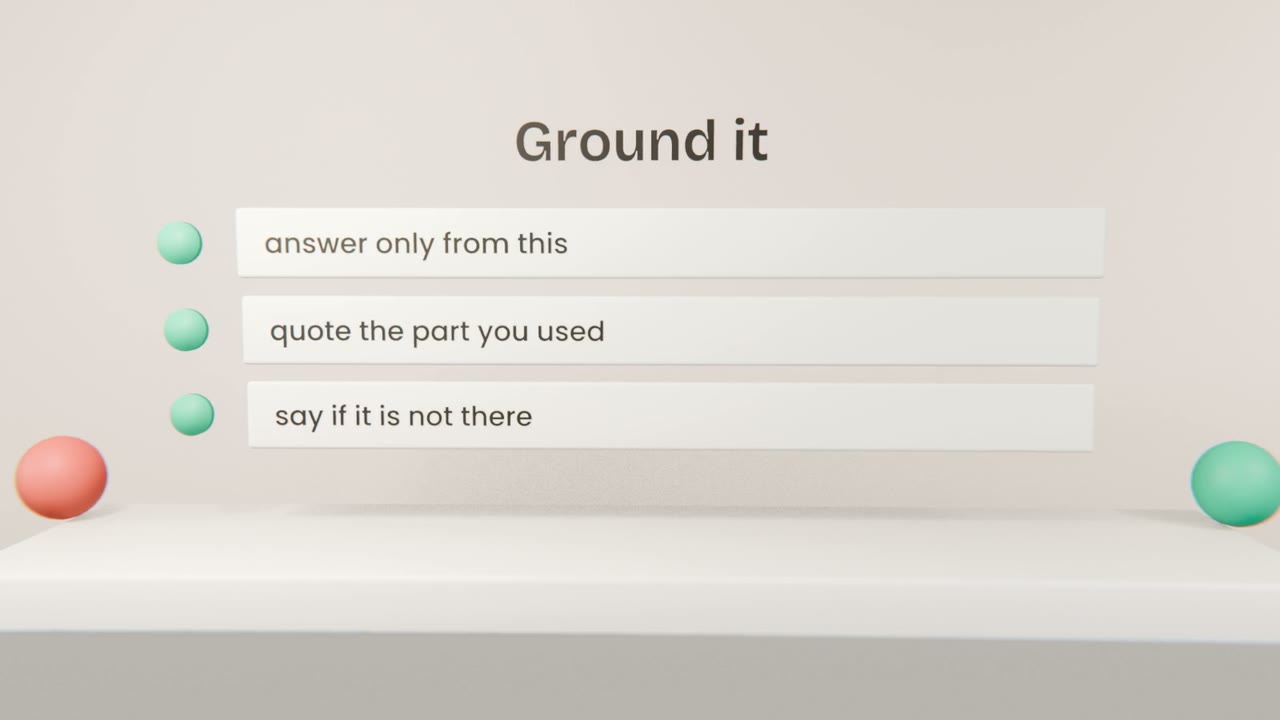
Keeping it honest
Put the material first
Then the question, at the end.
Limit it to the material
"Using only the attached report."
Ask for the evidence
"Quote the line you used."
Allow "not found"
"If it is not in the report, say so."
Add a grounded prompt
Write a prompt that answers customer questions using only your product brief, quoting the line it used. Test it with one question the brief answers and one it does not.
Done when
This is the prompt behind any support helper you build.
Keep these
- Missing context causes most bad answers.
- Give the real material, first, then ask.
- Ask for quotes and allow "not found".