Vibe Coder · Unit 17: RAG and Your Data · Lesson 2 of 6
Answers from your sources with NotebookLM
NotebookLM is RAG with nothing to build: add your sources, ask questions, and every answer points back to a passage. Use it to test your material before you build anything.
Read the short notes and pictures.Do everything inside a blue frame.
RAG without building anything
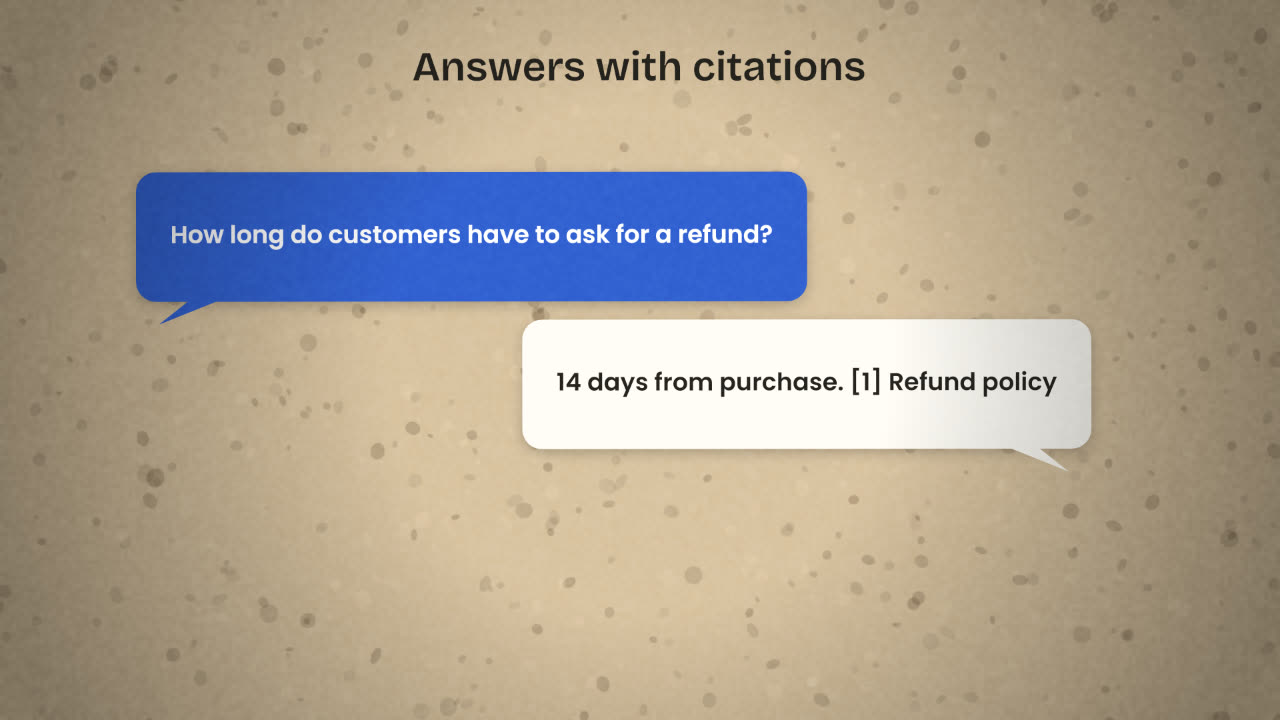
NotebookLM, from Google, is a finished RAG product. You create a notebook, add sources, and ask questions. It answers from those sources and shows which passage each statement came from. Google’s help pages now also call it Gemini Notebook.
It belongs in this unit for two reasons. It is useful by itself, for research and for learning a body of material. And it is the quickest possible test of whether your documents are good enough to build a helper on.
How to use it
Create a notebook
One per topic or product.
Add your sources
Upload the folder you gathered in the last lesson. Google’s help page gives the limits as up to 500,000 words per source, or 200MB per uploaded file.
Ask your ten questions
One at a time.
Open the citations
Each answer links to the passages it used. Read them.
Note what fails
No answer, a wrong answer, or an answer from the wrong document.
Reading the result
Right answer, right source
Your material covers this. Good.
"I cannot find that"
The information is not in your documents. Write it.
Right answer, odd source
The same fact is in two places. Decide which one is the truth and remove the other.
Wrong answer
Open the citation. Usually the document itself is unclear or out of date.
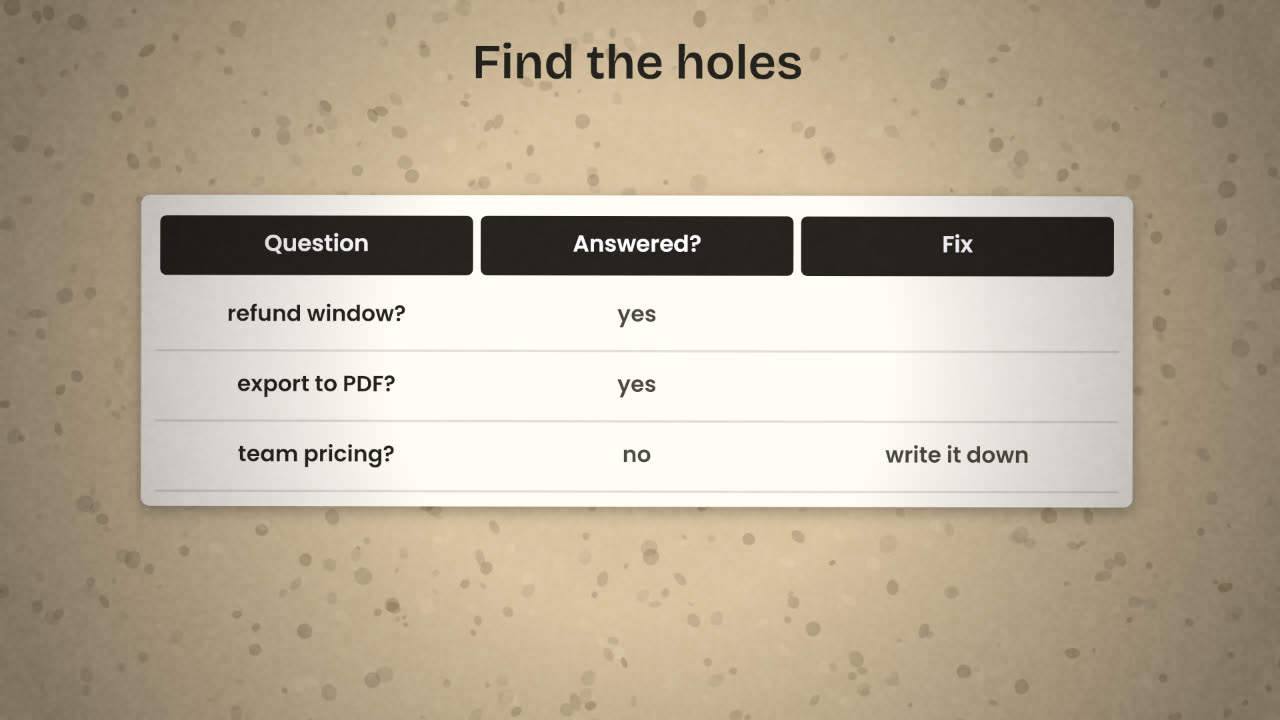
Notice that every one of these is a problem with the documents, not with the technology. That is the point of doing this first. Teams lose weeks tuning chunk sizes when the real issue is that nobody wrote the answer down.
What it is not
NotebookLM is for
You and your team.
Research and learning.
Testing source material.
A quick internal helper.
You still need to build when
Your customers must ask the questions.
The helper lives inside your product.
Answers must use each user’s own data.
You need to control the model and cost.
NotebookLM answers one of your questions correctly, but cites an old draft instead of the current policy. What do you do?
Test your sources in NotebookLM
Add your source folder to a NotebookLM notebook and ask all ten test questions. Record the result of each, open the citations, and fix the documents until every question is answered correctly from the right source.
Done when
Keep the cleaned folder. It is the input to everything you build next.
Keep these
- NotebookLM answers only from the sources you add, with citations.
- Use your test questions to find gaps in your documents.
- Fix the documents before you build a pipeline.