Vibe Coder · Unit 13: Testing and Security · Lesson 9 of 11
Abuse and cost caps
Protect your product, and your bill, from bots and heavy use: sign-in, rate limits and hard spending caps.
Read the short notes and pictures.Do everything inside a blue frame.
Limits before launch
Abuse is rarely personal. Automated scripts try every sign-up form and every endpoint they find. A few limits, set before launch, turn a potential disaster into a non-event.

What to limit
Sign-ups
Email confirmation, and a limit per address.
AI calls
Signed-in only, a daily number per user.
Forms and uploads
Rate limits and size limits.
Emails you send
A daily cap, so you cannot be used to send spam.
Knowing when it happens
Set budget alerts
With each provider.
Log usage per user
So you can see who.
Have an off switch
A setting that disables the AI feature without a deploy.
Add limits and caps
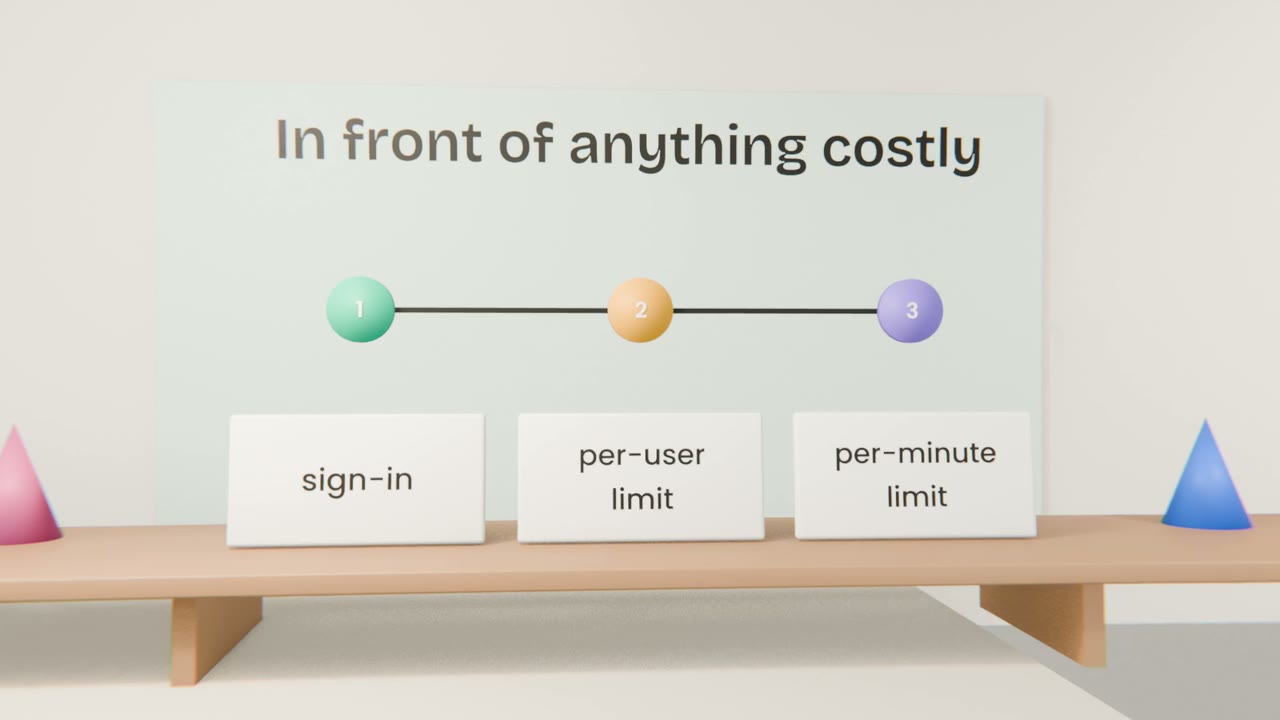
Have Claude Code add rate limits to sign-up, forms and the AI feature, a per-user daily limit, and an off switch. Set budget caps and alerts with every provider.
Done when
Test the limits by exceeding one on purpose.
Keep these
- Public endpoints will be abused.
- Require sign-in and limit use.
- Set hard caps and alerts.