Vibe Coder · Unit 13: Testing and Security · Lesson 3 of 11
Accessibility checks
Make sure people can use your product with a keyboard, a screen reader, low vision or a small screen. The basic checks that catch most problems.
Read the short notes and pictures.Do everything inside a blue frame.
Usable by everyone
Accessibility means people with different abilities and devices can use your product. A few simple checks catch most problems, and fixing them usually improves the product for every user.
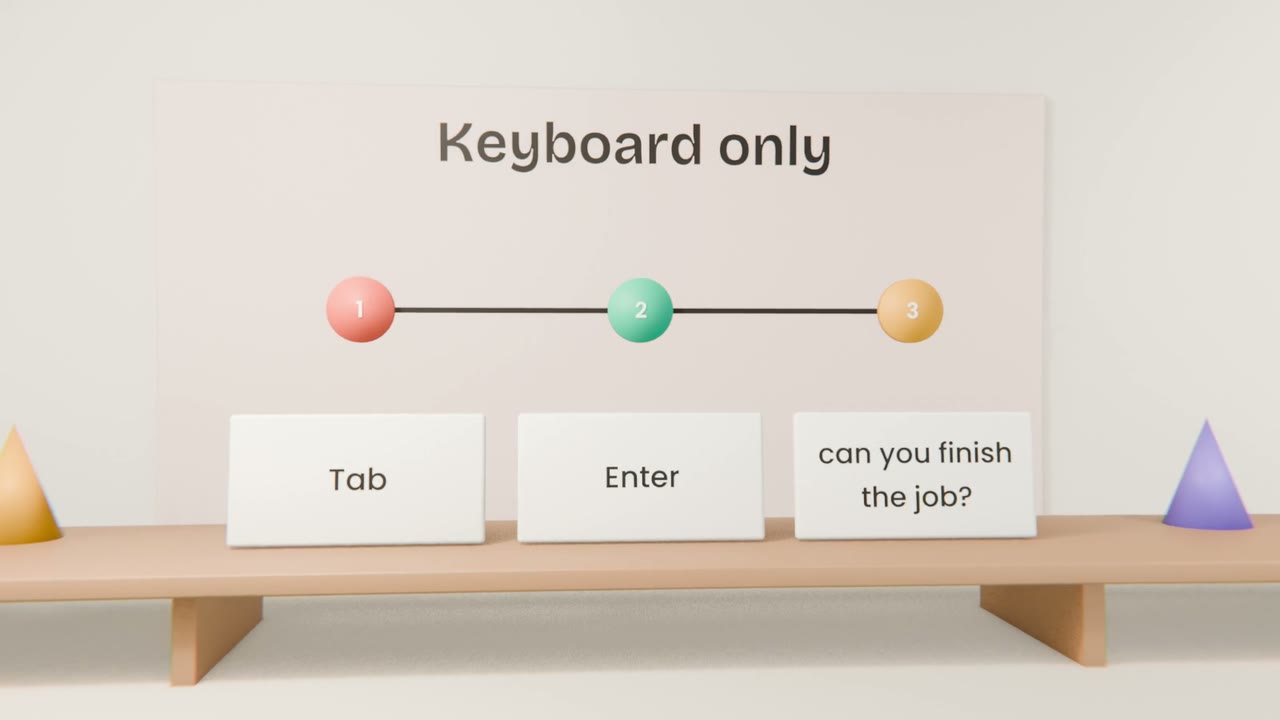
Four checks
Keyboard
Tab through every screen. Is focus visible? Can you reach and use everything?
Contrast and size
Text readable against its background, and at 200% zoom.
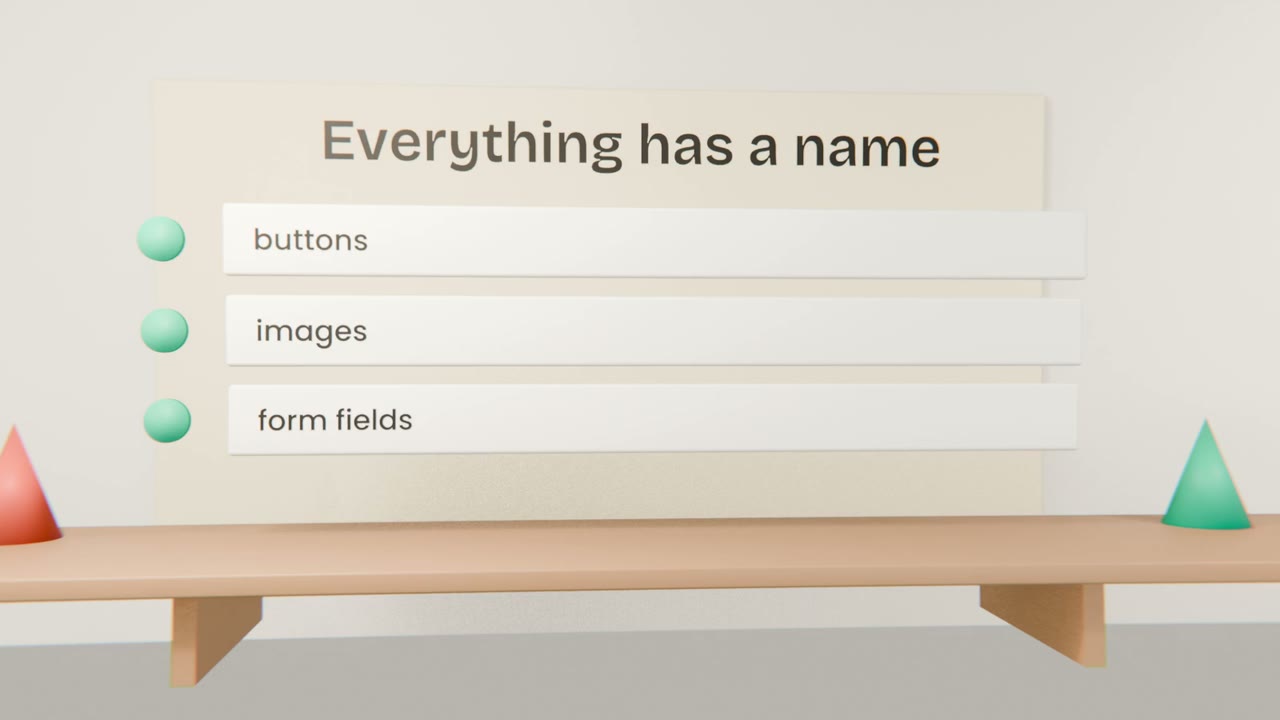
Names and labels
Images have descriptions, fields have labels, buttons say what they do.
Errors
Explained in words, not by colour alone.
With Claude Code
Ask for an audit
It can review the code and run an accessibility checker.
Fix by severity
Things that block use first.
Re-test by hand
Tools miss a lot. The keyboard test is yours to do.
Run the four checks
Do the keyboard test on every screen, zoom to 200%, and ask Claude Code for an accessibility audit. Fix everything that blocks use, and add the checks to your test plan.
Done when
Keep the four checks in your test plan permanently.
Keep these
- Check keyboard, readability, names and errors.
- Automated tools help but miss things.
- Fix it in the design system where you can.