Vibe Coder · Unit 14: AI Video Production · Lesson 8 of 13
Music and sound
Add a music bed and a few sound effects so the video feels finished, without drowning the voice.
Read the short notes and pictures.Do everything inside a blue frame.
The sound mix
A voice on its own sounds bare. A quiet music bed and a handful of effects make the same pictures feel professional. The rule is that nothing competes with the voice.
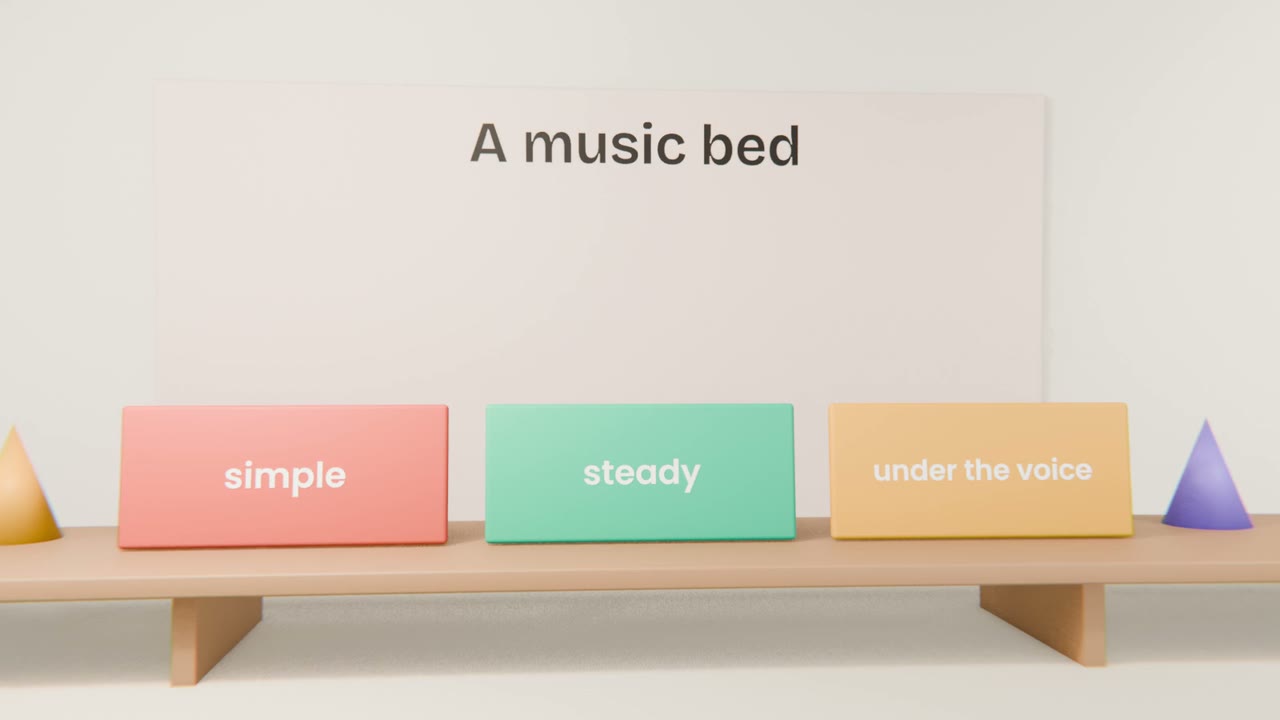
Building the mix
Choose music
Licensed stock, or generated with a music model whose terms allow your use.
Set levels
Voice clearly on top, music well below.
Add effects sparingly
On cuts and on key actions.
Listen on a phone
And with the sound off: do captions carry it?
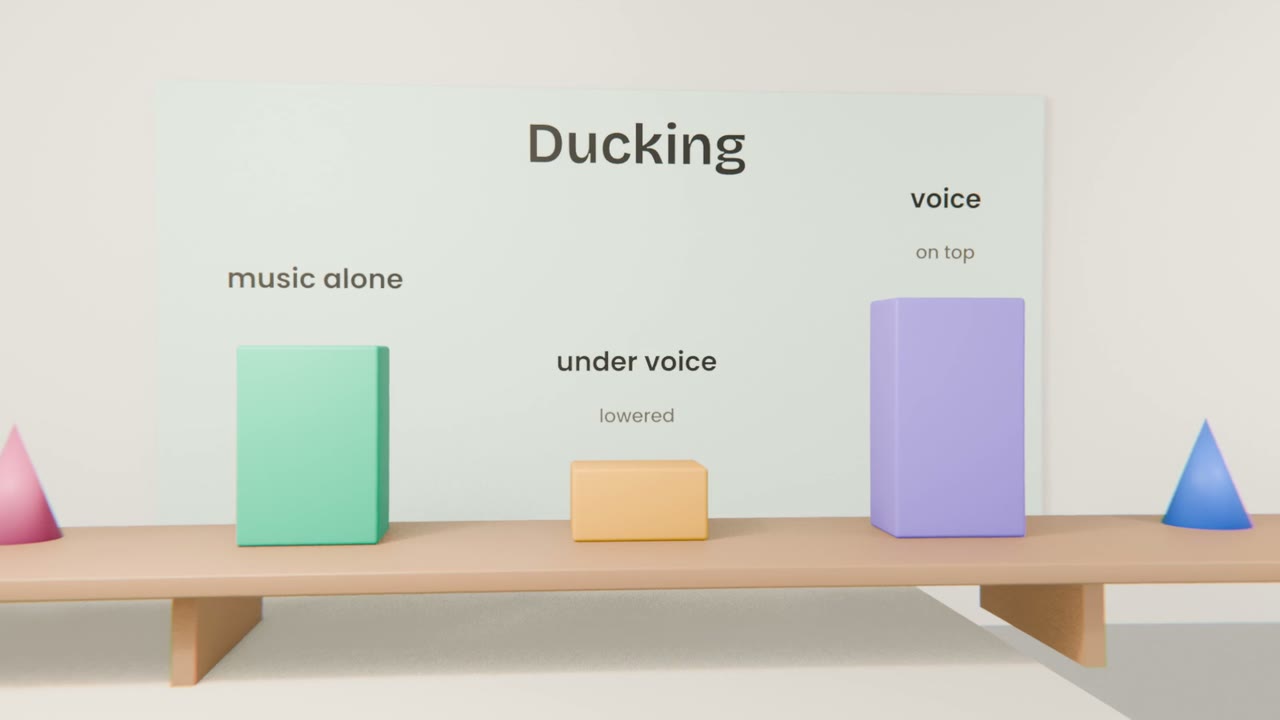
Mix your sound
Choose licensed music, set it under the voice with ducking, add a few effects on key moments, and check the mix on a phone.
Done when
You will lay this against the pictures in the edit.
Keep these
- Music sits under the voice.
- Duck it when someone speaks.
- License every sound.