Vibe Coder · Unit 14: AI Video Production · Lesson 9 of 13
Voice from code
Generate narration from a script file with a few lines of code, so a change to the words is a re-run, not a re-record.
Read the short notes and pictures.Do everything inside a blue frame.
Narration as a build step
Once you have made one video by hand, the repeatable parts are worth automating. Keeping the script in a file and generating audio from it with an API call means every revision is one command, and timings can be read from the result.
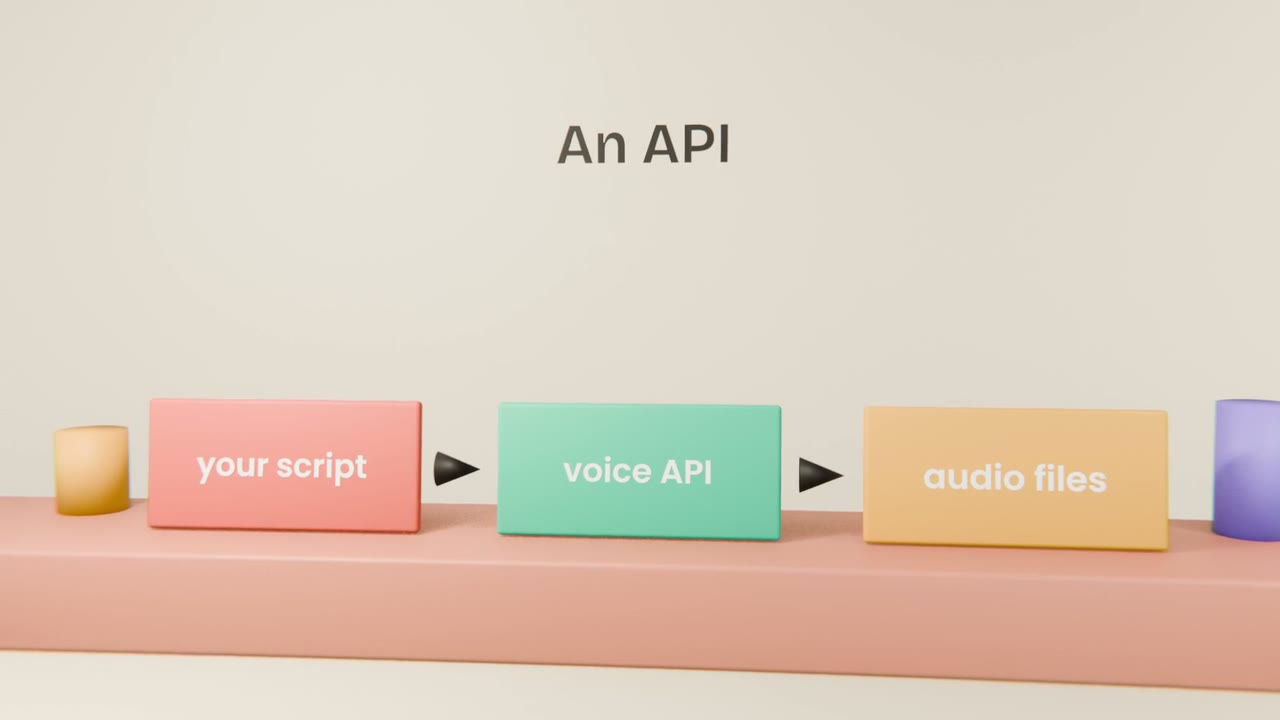
What to ask Claude Code for
A script file
One entry per line of narration.
A small program
That sends each line to the voice API and saves the audio.
The key in the environment
As always.
A timing file
The start and end of each line, for the edit.
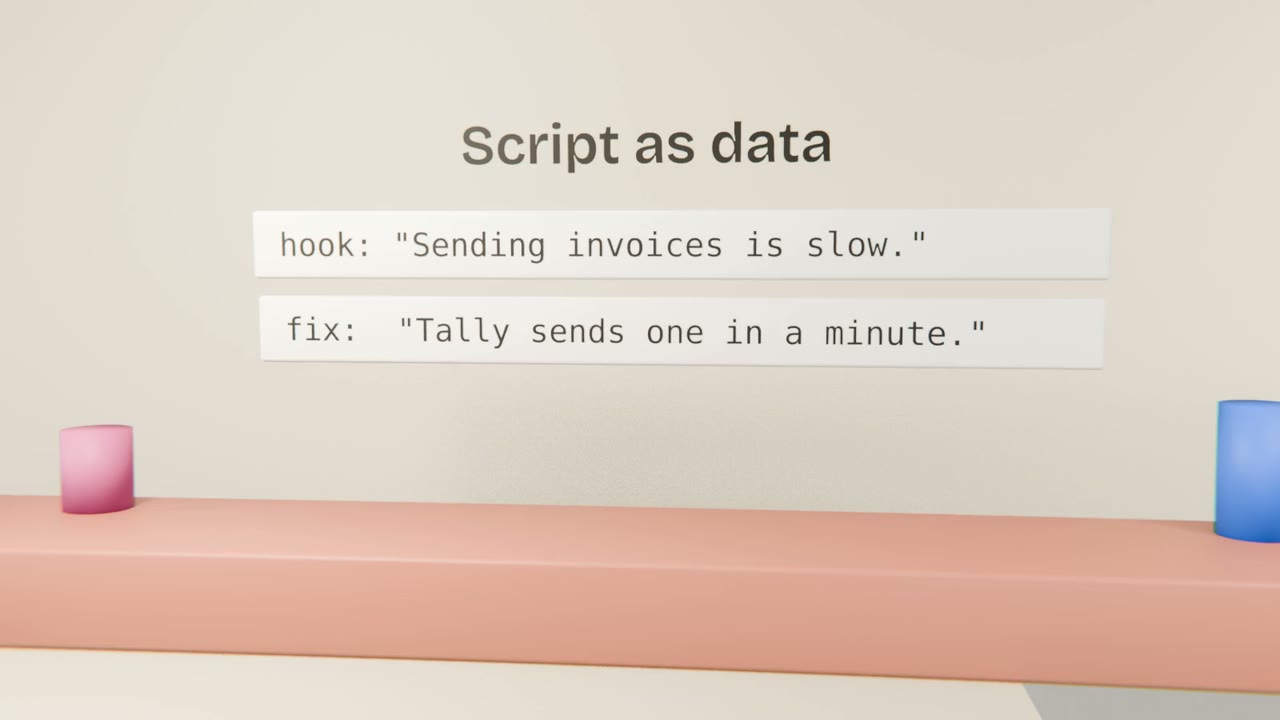
Why it helps
Fast revisions
Change text, re-run.
Consistency
Same voice and settings every time.
Captions for free
The script and timings become subtitles.
Automate your voice-over
Have Claude Code write a small program that generates your voice-over from a script file and writes a timing file. Change one line and regenerate.
Done when
Use the timing file to make captions in the edit.
Keep these
- Voice models have APIs.
- Keep the script as a file.
- Regenerate instead of re-recording.