Vibe Coder · Unit 8: Build With Lovable, Bolt and Rork · Lesson 5 of 5
Own your code on GitHub
Connect your builder to GitHub so the code is yours: two-way sync, a README, your first commit history, and continuing the same project in Claude Code.
Read the short notes and pictures.Do everything inside a blue frame.
Why this lesson exists
A builder is a wonderful place to start and a risky place to be locked into. Prices change, tools shut down, and some features are simply easier to build with a coding agent. If the code is in your own GitHub repository, none of that can strand you. It also gives you something to show: a public repository with a history is proof of work in a way a screenshot is not.
Connect the builder
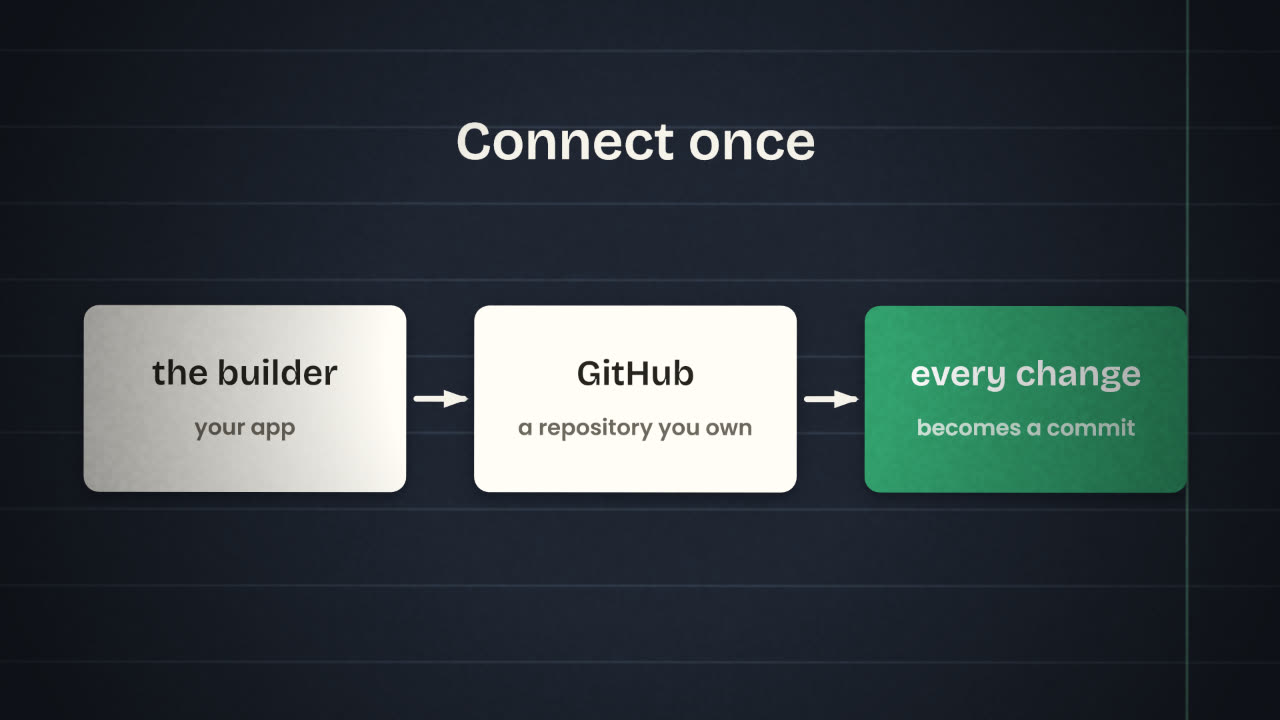
Open the GitHub integration
In Lovable, Bolt or Rork. Sign in to GitHub when asked and allow access.
Create the repository in your own account
Not in an organisation you do not control.
Check it on github.com
The files should be there, with a first commit.
Make a small change in the builder
And watch a new commit appear.
Lovable
Two-way sync of project code with a repository.
Bolt
Connecting a repository backs up your code and keeps it in sync with Bolt.
Rork
Two-way sync through the Rork GitHub App, and you can import an existing repository.
Google AI Studio and Figma Make
Both can also push a project to GitHub.
A README
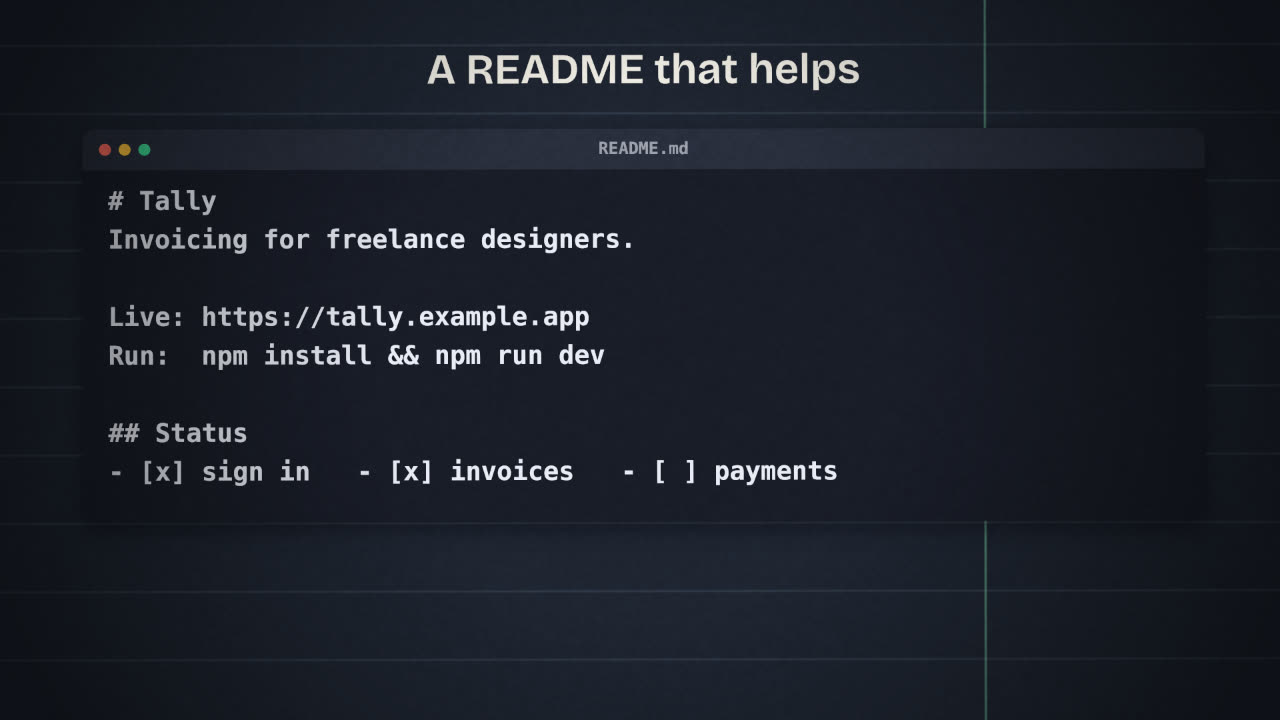
The README is the front page of your repository. A stranger, a teammate or a future employer should understand the project in thirty seconds.
Thin
# my-app

Generated project.
Useful
# Tally
Invoicing for freelance designers.

Live: https://...
Built with: Lovable, Supabase

## Run it
npm install && npm run dev

## Status
- [x] sign in
- [x] invoices
- [ ] payments

## What I learned
...
Secrets
Continue in Claude Code
The next units build with Claude Code. Because the sync runs both ways, you can clone the repository to your computer, let Claude Code add a feature and push it, and the builder will show the change. Use each where it is strongest: the builder for fast visual changes, the coding agent for logic, tests and anything that needs care.
One source of truth
GitHub. If the builder and your computer disagree, GitHub decides.
Small commits with clear messages
"Add invoice total to the list", not "changes".
Push at the end of every session
An unpushed change is an unsaved one.
End every milestone with a push
From here on, each milestone in this course finishes in GitHub.
You find your Supabase secret key in a file that was pushed to a public repository an hour ago. List what you do, in order.
Publish your first version to GitHub
Connect your chosen builder to GitHub, with the repository in your own account. Add a README, check for secrets, and make the repository public. Then clone it and confirm it runs on your computer.
Done when
This repository is your product from now on. Every later milestone adds to it and ends with a push.
Keep these
- Connect the builder to a repository you own.
- Write a README a stranger can follow, and keep secrets out.
- GitHub is the source of truth; every milestone ends with a push.