Vibe Coder · Unit 8: Building With Claude Code · Lesson 1 of 15
What Claude Code is
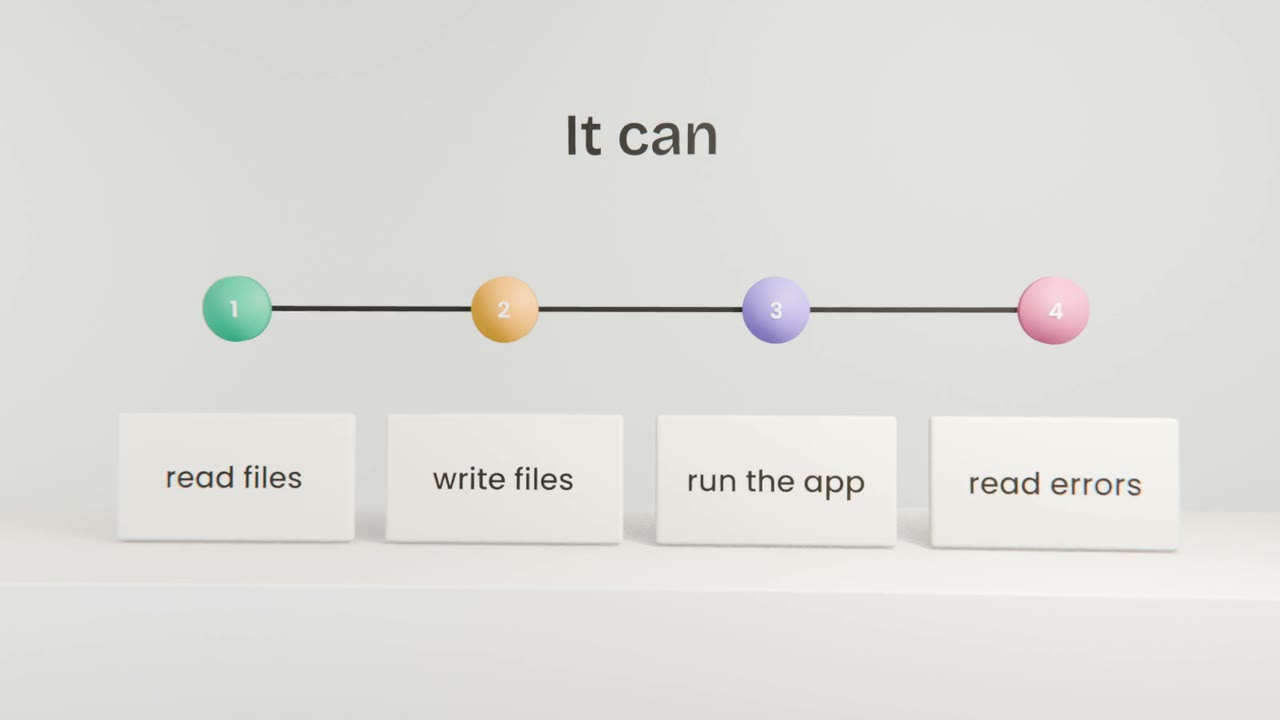
Claude Code is an agent that builds software on your computer: it reads your project, writes files, runs the app and fixes what breaks.
Read the short notes and pictures.Do everything inside a blue frame.
From answers to actions
Until now, Claude has written things for you to use. Claude Code is different: it is an agent that acts on a real project. Point it at a folder, tell it what you want, and it creates files, installs what is needed, starts the app and fixes problems it finds, asking your permission along the way.
What it does in a session
Reads the project
It looks at the files to understand what is there.
Makes a plan
It tells you what it intends to do.
Does the work
Creating and editing files, running commands.
Checks and reports
It runs the app or tests and tells you what happened.
Where you use it
In the Claude desktop app
The friendliest way to start. You see files change and a preview of your app.
In a terminal
The same agent, driven by typing. Engineers will use this most.
Open Claude Code on an empty folder
Create a new folder named after your product. Open Claude Code in it from the Claude desktop app, and ask "What can you see in this folder, and what could we build here?" Add your build brief and design system files to the folder.
Done when
This folder is your product from now on.
Keep these
- Claude Code is an agent that works on real files.
- It reads, writes, runs and fixes.
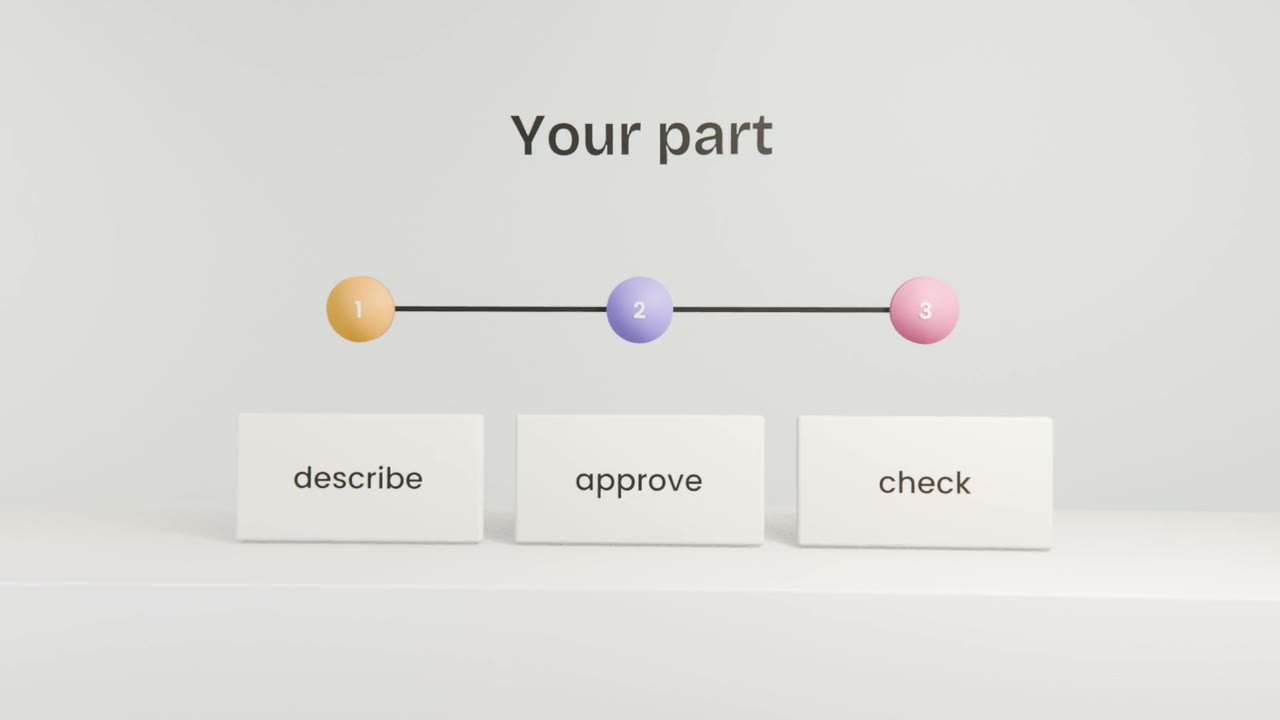
- You describe, approve and check.