Vibe Coder · Unit 8: Building With Claude Code · Lesson 15 of 15
Codex CLI
Engineers: run OpenAI’s Codex from the terminal on the same repository, and compare it with Claude Code on one task.
Read the short notes and pictures.Do everything inside a blue frame.
The same job, another tool
Codex CLI is OpenAI’s terminal coding agent. The ideas you have learned carry over directly: an instructions file, a loop of tools, permission prompts, and the need to give it a way to verify its work.
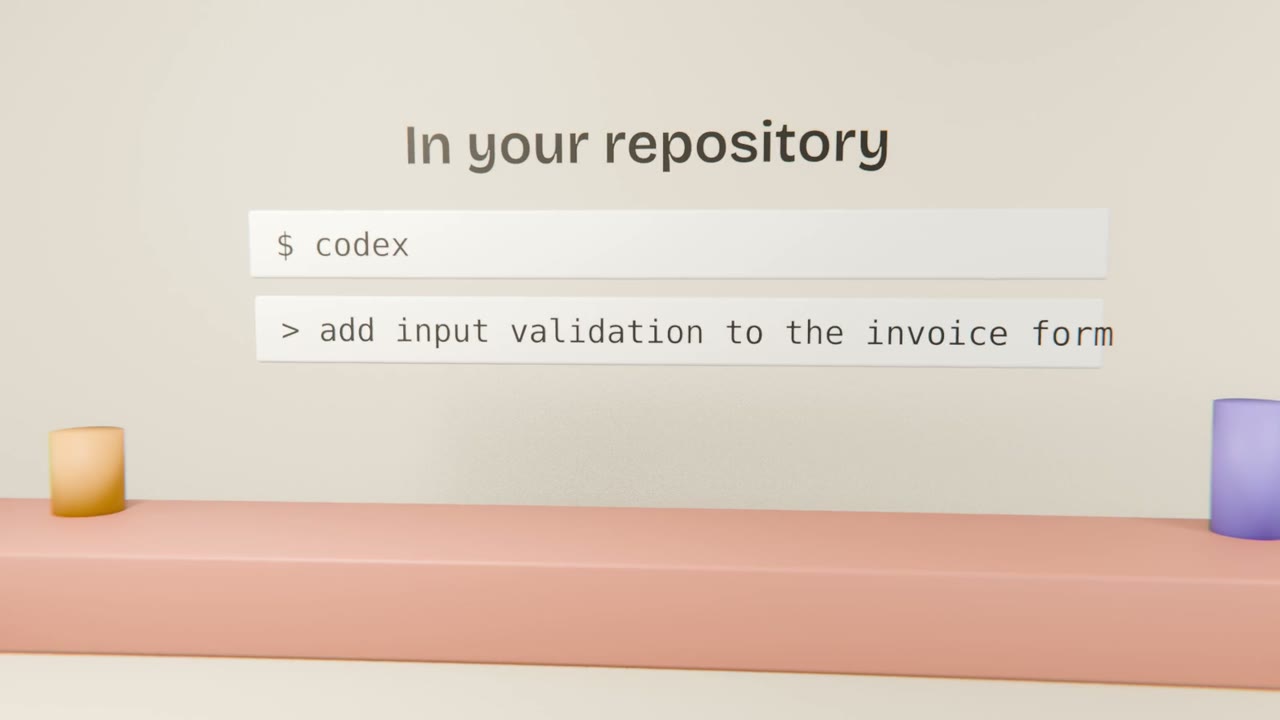
Running a comparison
Install from the official docs
As with Claude Code, take the command from the source.
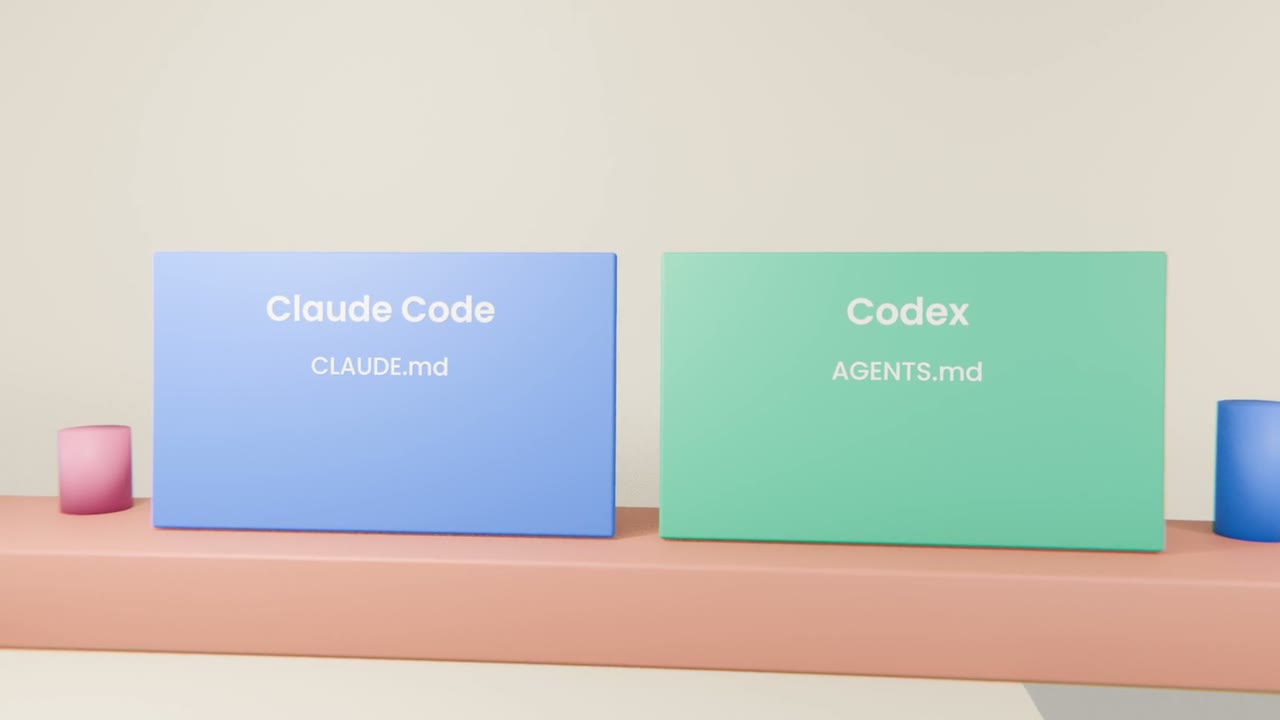
Add AGENTS.md
Port the key rules from your CLAUDE.md.
Same task, two branches
One per agent.
Compare
Diff size, correctness, tests, and how much steering each needed.
Compare two CLIs
Run the same small task with Claude Code and Codex CLI on separate branches. Write a short comparison and merge the better branch.
Done when
Your first working version is complete and reviewed.
Keep these
- Codex CLI works on the same principles.
- It reads AGENTS.md.
- Compare on the same task with separate branches.