Vibe Coder · Unit 9: Claude Code Commands and Extensions · Lesson 1 of 10
Slash commands
Slash commands are shortcuts you type inside Claude Code to control the session: clear it, compact it, see the cost, open settings.
Read the short notes and pictures.Do everything inside a blue frame.
Controlling the session
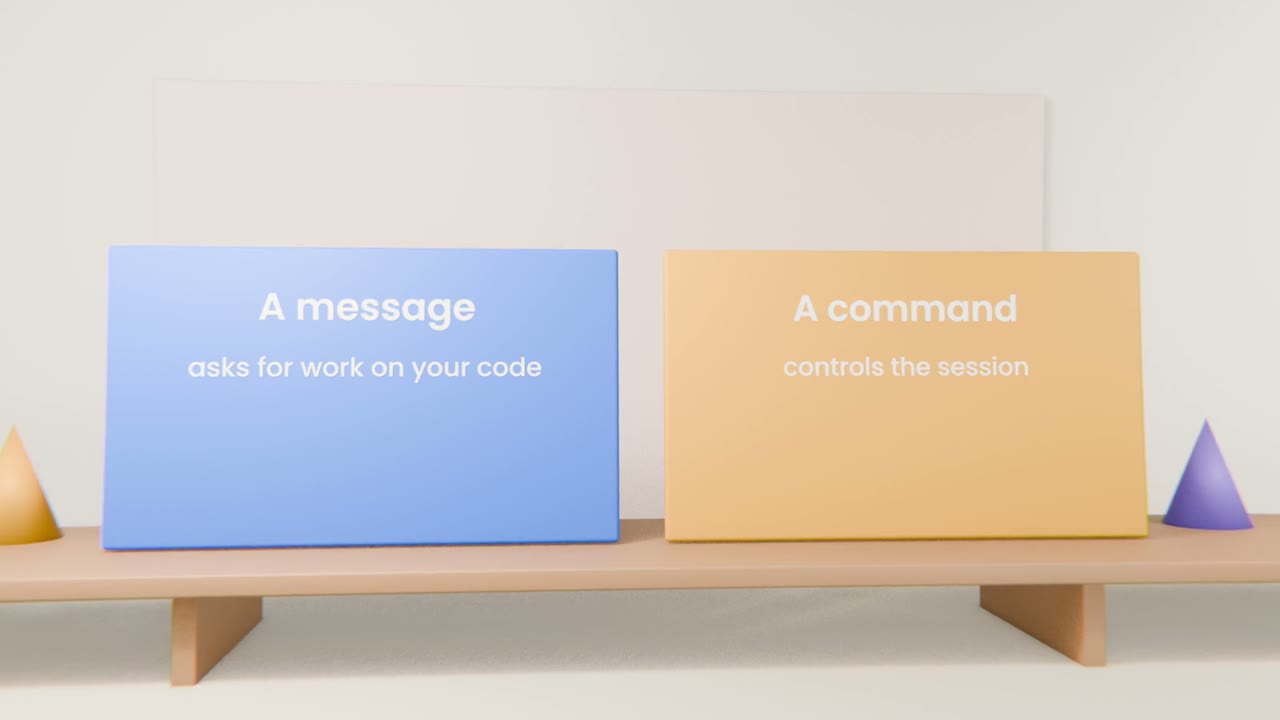
Slash commands are typed at the prompt and run immediately. They do not ask Claude to do work on your project. They change the session: what is in context, which model is used, what the agent is allowed to do.
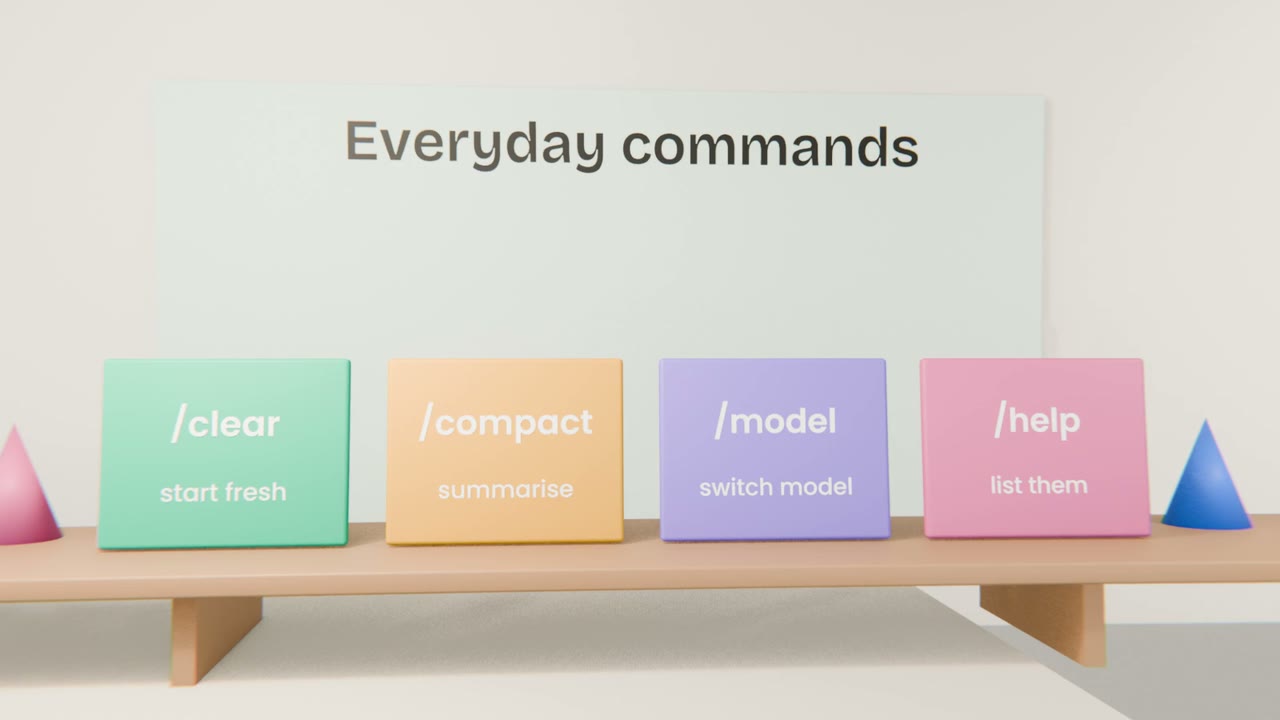
The ones you will use most
/clear
Empty the conversation. Use between unrelated tasks.
/compact
Replace the history with a summary to free up context.
/model
Choose a different model for the session.
/help
List every command available to you.
Finding the rest
Type /
A menu shows the available commands.
Read the descriptions
Built-in ones, plus any your project or plugins add.
Try them in a scratch folder
So nothing important is affected.
Learn your commands
Open Claude Code in your project, list the commands, and use clear and compact once each. Write the five commands you expect to use most into "My build".
Done when
You will add your own commands and skills next.
Keep these
- Slash commands control the session.
- Clear between tasks, compact within one.
- Type / to discover them.