Vibe Coder · Unit 7: From Idea to Prototype · Lesson 5 of 5
Write the build brief
Turn the tested prototype into a brief a coding agent can build from: screens, data, rules and what done means.
Read the short notes and pictures.Do everything inside a blue frame.
From prototype to plan
A prototype shows what the product looks like. A build brief says what it must actually do: what is stored, who may see it, and how you will know each part is finished. It is the bridge between the first half of this course and the second.
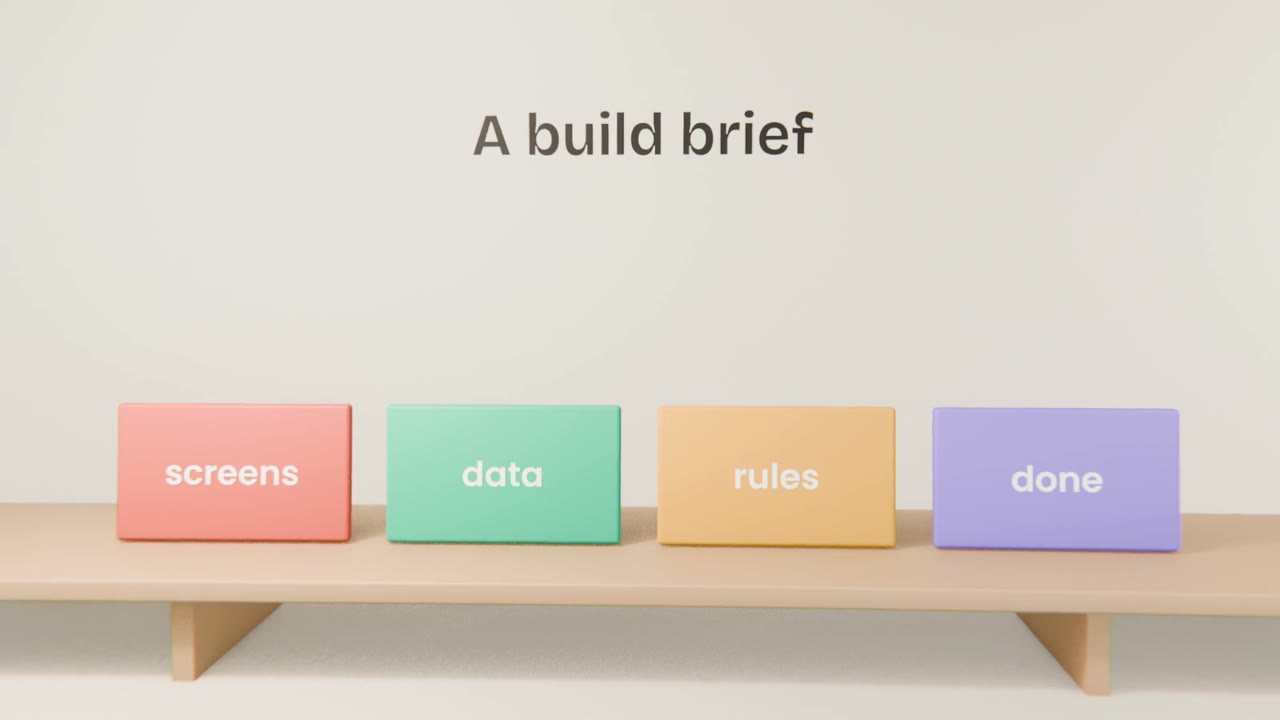
The four parts
Screens
Your tested screen list and the link to the prototype.
Data
Each kind of thing you store, and its fields, in plain words.
Rules
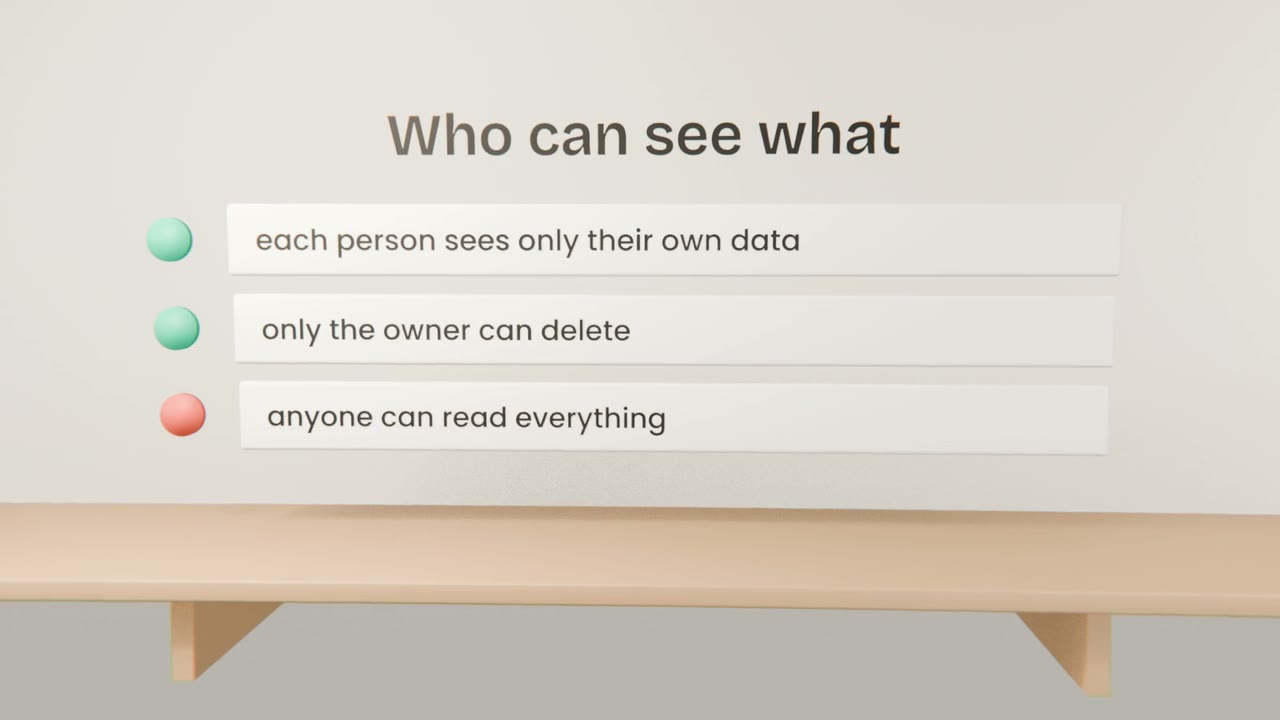
Who can see, create, change and delete each kind of thing.
Done
For each must-have, a sentence you can test: "a signed-in user can send an invoice and see it marked sent".
Writing it
Give Claude the prototype and the spec
Ask for a build brief with the four parts.
Read the data and rules carefully
This is where mistakes are expensive.
Add your design system
And your ranked must-haves.
Save it in the project
As "Build brief".
Write your build brief
With Claude, write a build brief with the four parts from your tested prototype and product spec. Check the data and the rules line by line, and save it in your project.
Done when
Your prototype is complete and tested. In Unit 8 you start building the real app.
Keep these
- A build brief covers screens, data, rules and done.
- Describe data and access in plain words.
- It is the input to Claude Code.