Vibe Coder · Unit 3: Claude for Your Work · Lesson 3 of 11
Artifacts
An artifact is a piece of work you keep: a document, a page, a diagram or a small app that opens beside the chat. How to make, improve and share one.
Read the short notes and pictures.Do everything inside a blue frame.
A thing you keep, not a reply you read
When you ask Claude for a landing page, a calculator or a one-page plan, the result does not belong in a chat bubble. It opens as an artifact: its own panel beside the conversation, where you can see it working, ask for changes, and share it with a link.
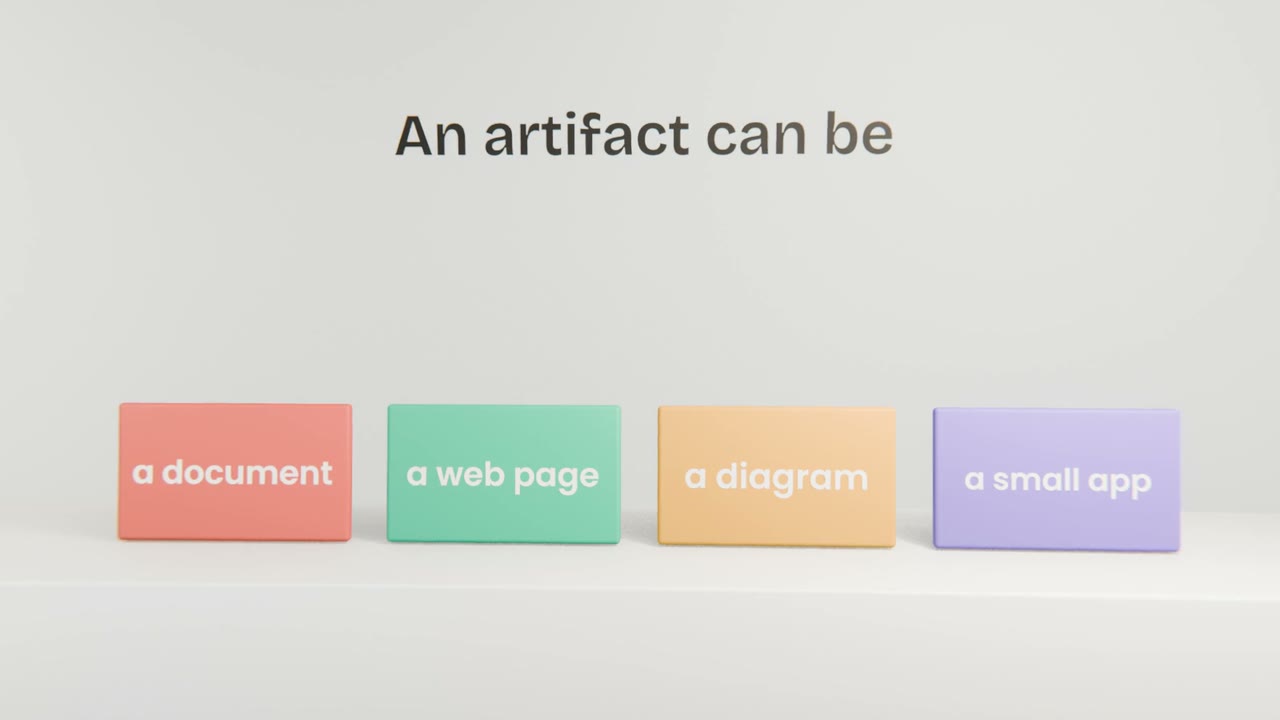
What an artifact can be
A document
A plan, a brief, a report, laid out and ready to share.
A web page
A landing page or a prototype screen that you can click.
A diagram
A flow, a map of your app’s screens, a timeline.
A small app
A calculator, a quiz, a tracker. It runs right there.
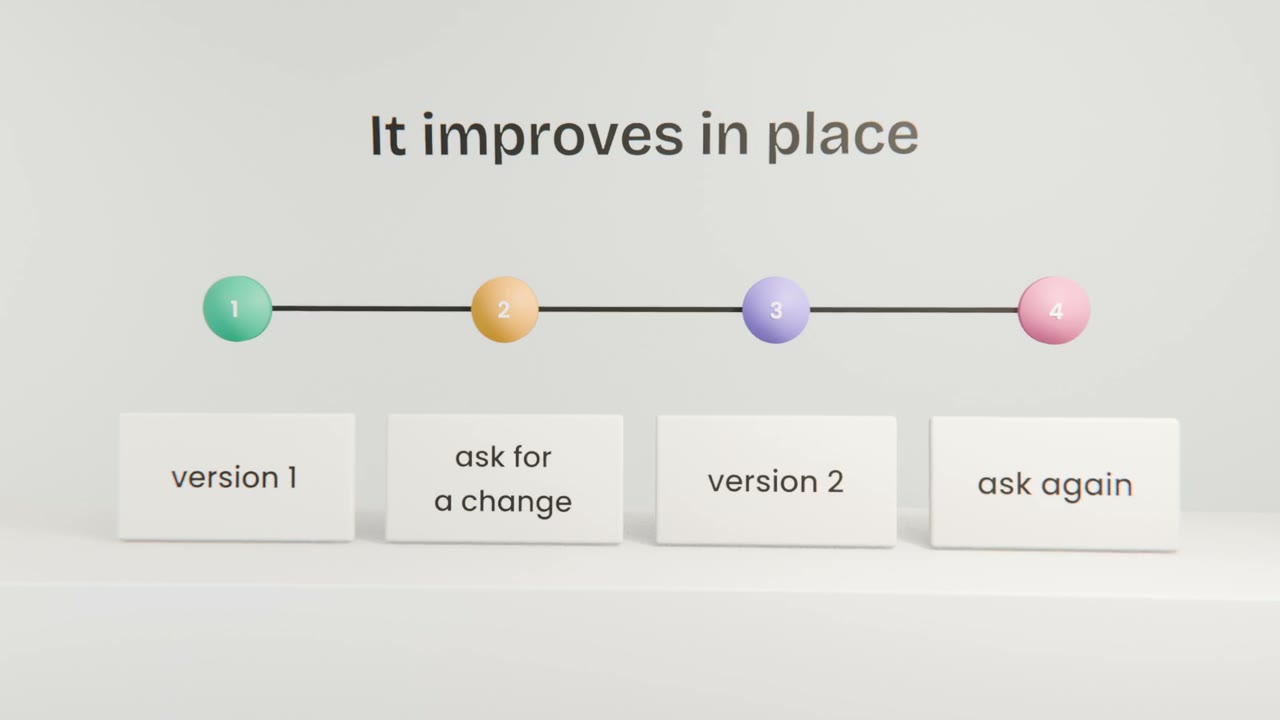
How to work with one
Ask for it by name
"Make a landing page for Tally as an artifact", with what should be on it.
Look, then ask for changes
Be specific: "make the headline shorter", "move the price above the button".
Go back if you need to
Earlier versions are kept, so a bad change is not a disaster.
Publish to share
An artifact is private until you publish it. Then anyone with the link can open it.
Good first artifacts
Your landing page
One screen that says what the product is and has one button.
A pricing calculator
Type in a few numbers, see what a customer would pay.
A one-page plan
What you will build first, and what you will leave out.
Make your first landing page
In your project, ask Claude for a landing page for your product as an artifact: a headline, three benefits and one button. Improve it with at least three specific requests. Then publish it and open the link on your phone.
Done when
You now have something to show people. Send the link to one person and ask what they think it does.
Keep these
- An artifact is work you keep: a document, page, diagram or small app.
- Ask for specific changes and it updates in place.
- It is private until you publish it.
- Use artifacts to see and test ideas quickly.