Vibe Coder · Unit 3: Claude for Your Work · Lesson 4 of 11
Research
Research mode reads many sources for several minutes and returns a report with a source for every claim. When to use it and how to check it.
Read the short notes and pictures.Do everything inside a blue frame.
An afternoon of reading, done for you
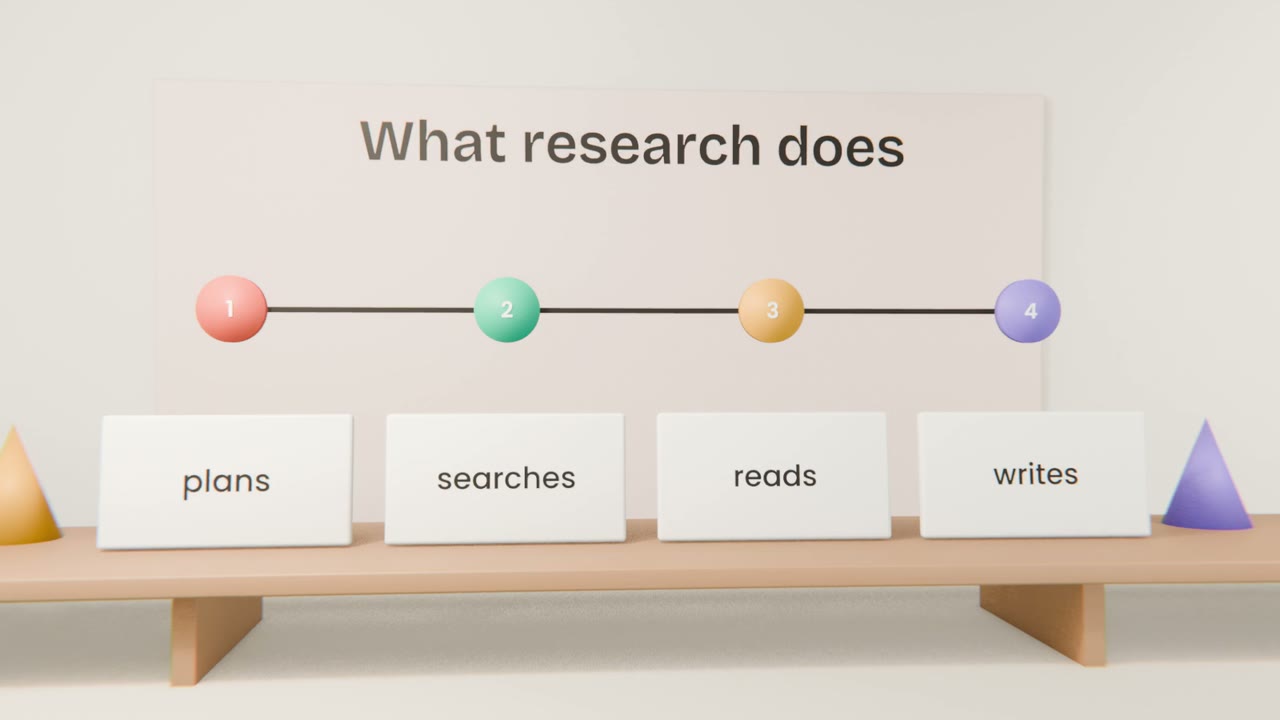
A quick web search is right for a quick fact. Some questions need much more: who else solves this problem, what they charge, what their customers complain about. Research mode plans the search, reads many sources over several minutes, and writes a report with a link behind every claim.
Search or research?
Quick search
One fact, a few seconds. "What does the Vercel Hobby plan include?"
Research
A question with many parts, several minutes. "Compare the five main invoicing tools for freelancers."
Asking a good research question
Say what you are deciding
"I am deciding whether to build an invoicing tool for freelance designers."
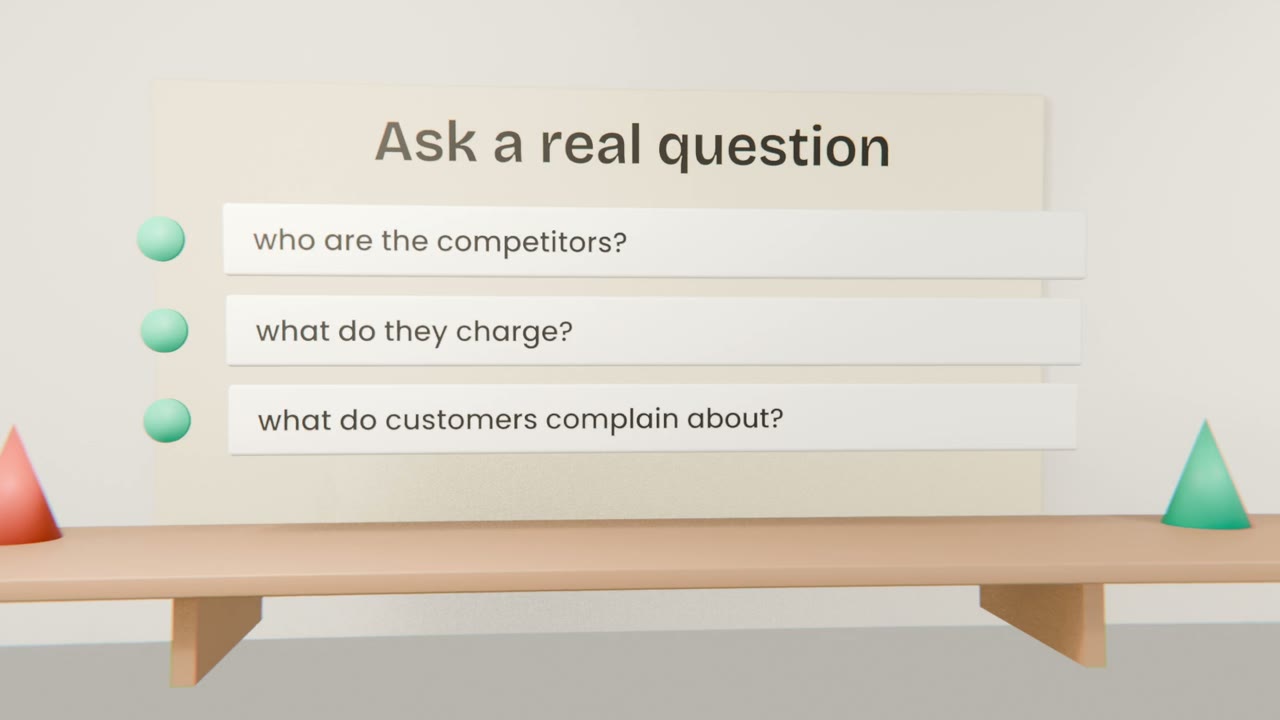
List what you need to know
Competitors, prices, the features people praise, the complaints they repeat.
Set the limits
Which countries, how recent, which kinds of source to trust.
Ask for the shape
A comparison table first, then a short summary, then open questions.
Checking the report
Open the sources
For every claim you plan to use, open its link.
Find the claim
A real page that does not say it is not a source.
Note the date
Prices and features change. An old page may be wrong today.
Keep or cut
If you cannot confirm it, it does not go in your plan.
Research your market
In your project, run research on the problem your product solves: who solves it today, what they charge, and the three complaints their customers repeat most. Ask for a comparison table. Open the source for every price and complaint you want to keep, then add the checked report to your project files.
Done when
The complaints you found are your product’s opening. You will use them in the Thinking in Products unit.
Keep these
- Use search for one fact and research for a question with many parts.
- Say what you are deciding and what you need to know.
- Every claim has a source, and you open the ones that matter.
- Do your research before you build.