Vibe Coder · Unit 3: Claude for Your Work · Lesson 7 of 11
Claude in your apps
Claude also works on your desktop and phone, in your browser, in documents, spreadsheets and slides, and in team chat. Where each one helps.
Read the short notes and pictures.Do everything inside a blue frame.
Not only a website
You have used Claude in a browser tab so far. It also comes as an app for your computer and your phone, and it can work inside other tools: your web browser, your documents and spreadsheets, your team chat. Your projects follow you across all of them.
Where you can use it
Desktop app
The best place for long work. Claude Code, which you will use to build your product, runs here.
Mobile app
For capturing an idea, a photo of a whiteboard, or a quick question, using your voice if you like.
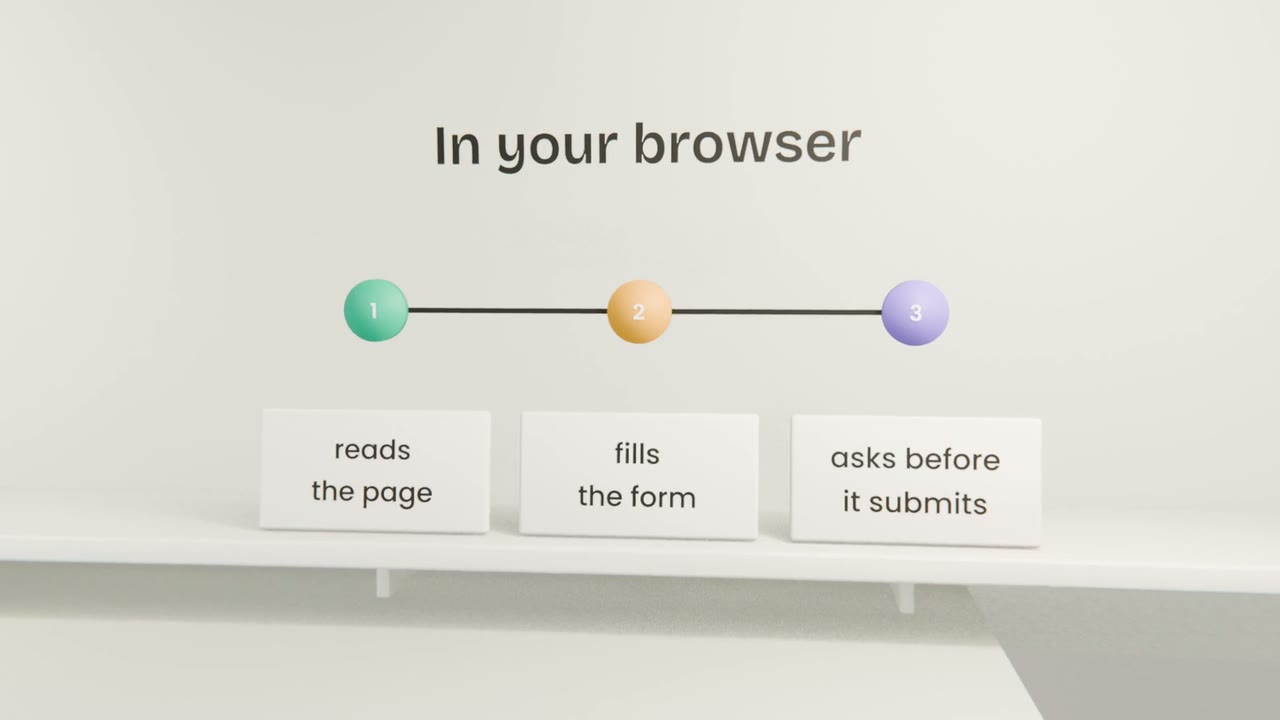
In your browser
Claude reads the page you are on and can click and type for you, asking before anything important.
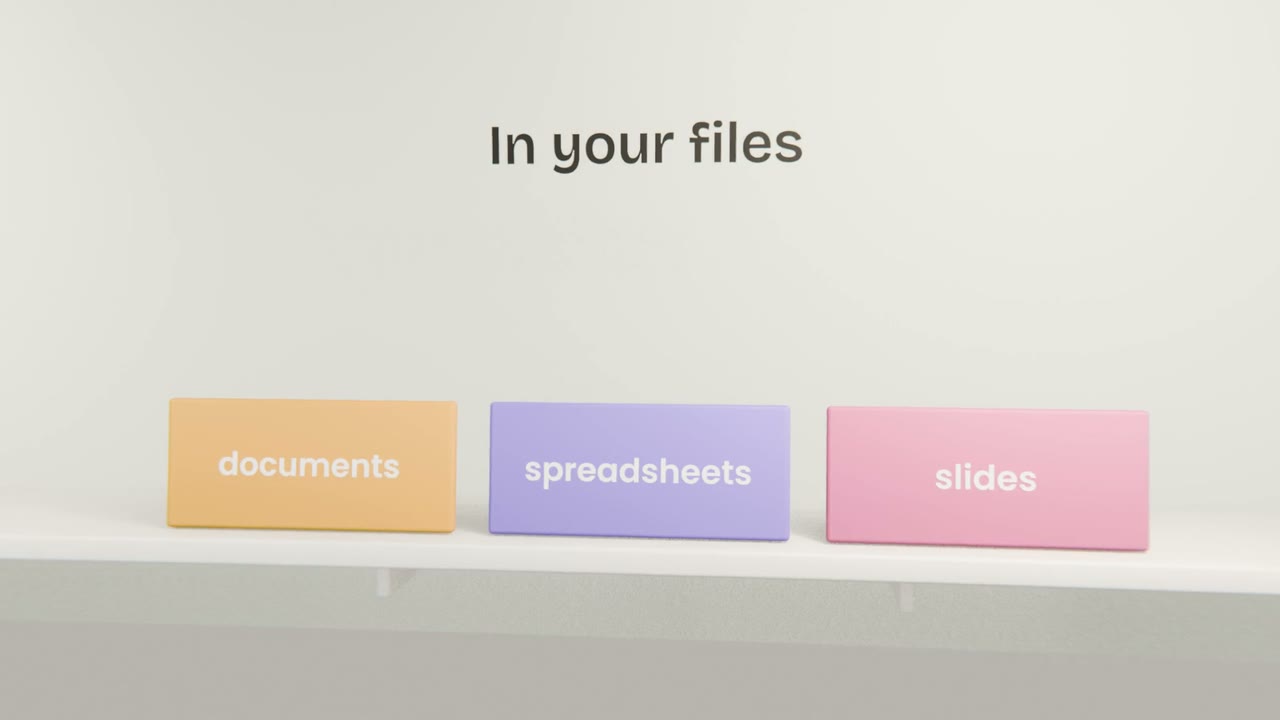
In your files
Inside documents, spreadsheets and slides, working on the file that is open.
In team chat
Anyone in the conversation can ask it, and everyone sees the answer.
Choosing the right one
Start where the work is
If the task is a spreadsheet, use Claude in the spreadsheet.
Use the desktop app to build
Long sessions, files and Claude Code belong there.
Use the phone to capture
Ideas and photos, added to your project for later.
Let it act with care
When it works in your browser, read what it is about to submit.
Set up Claude where you work
Install the Claude desktop app and sign in. Install the mobile app, open your product project on it, and add one photo or voice note about your product. Then finish the unit: ask Claude, inside your project, to write a one-page status of your product from everything in it.
Done when
Your project is complete: instructions, files, a landing page, research, a connector and a skill. Unit 4 does the same with ChatGPT, so you can compare.
Keep these
- Claude runs on desktop and phone, in your browser, in your files and in team chat.
- Your projects are available across them.
- Start where the work already is.
- Read what it is about to submit when it acts for you.