Vibe Coder · Unit 3: Claude for Your Work · Lesson 6 of 11
Skills
A skill is a saved set of instructions for one kind of task, loaded only when it fits. What goes inside one and how to make your own.
Read the short notes and pictures.Do everything inside a blue frame.
Teach it once
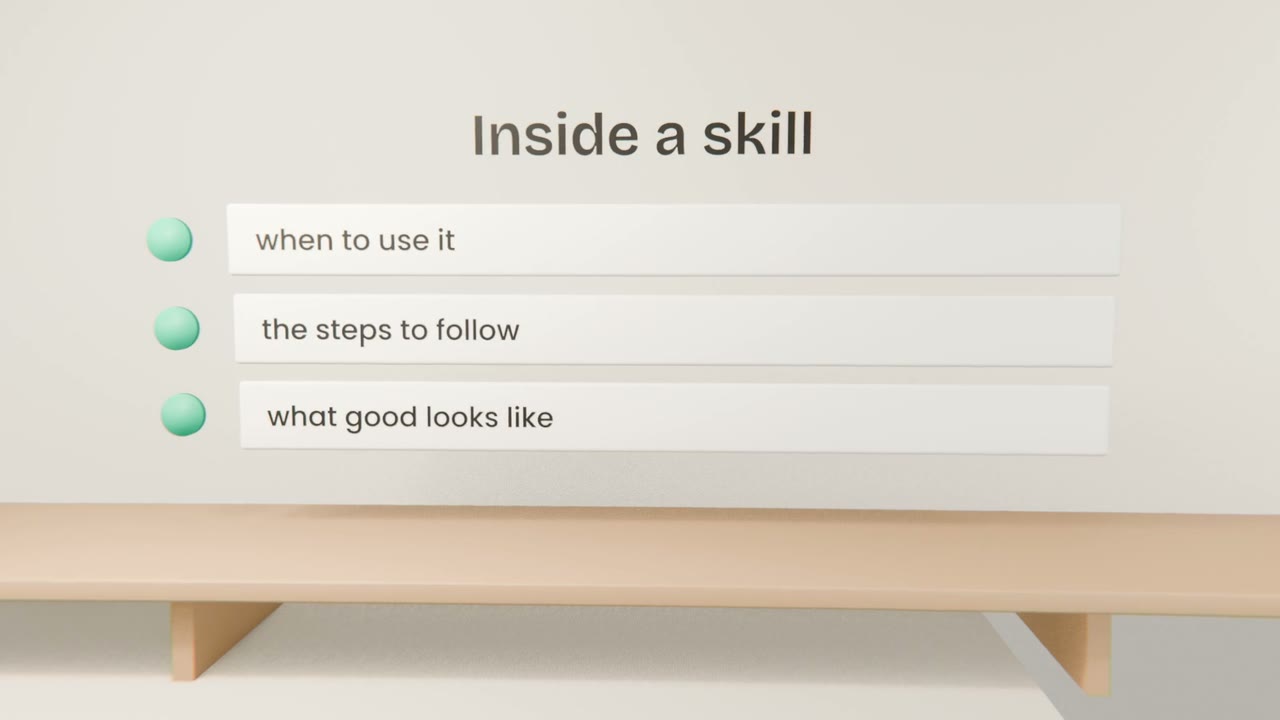
If you have explained the same task to Claude three times, it should be a skill. A skill is a set of instructions for one kind of task: when to use it, the steps to follow, and what a good result looks like. Once saved, Claude uses it whenever a request matches, in any chat.
What is inside a skill
When to use it
A one-line description. Claude reads this to decide whether the skill fits your request.
The steps
What to do, in order, the way you would brief a new colleague.
What good looks like
The format, the length, an example, and the mistakes to avoid.
Skill or project instructions?
Project instructions
About one product: what it is, who it is for. They load in every chat in that project.
A skill
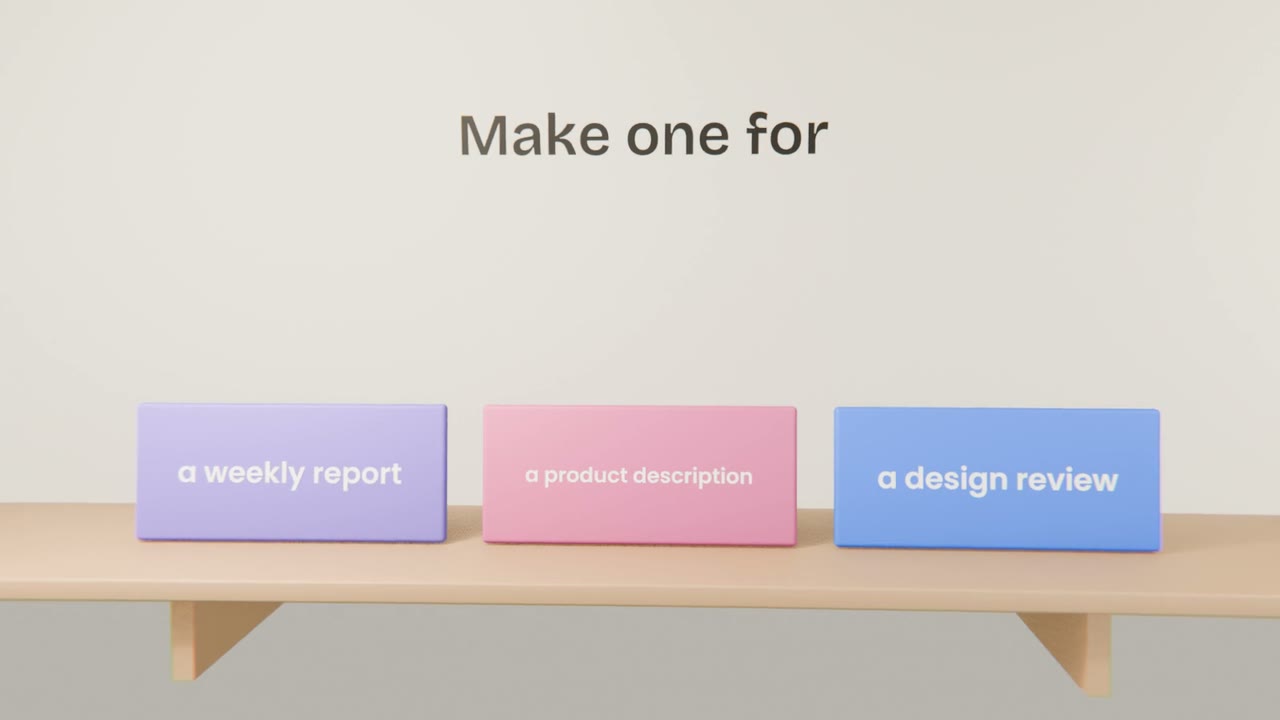
About one kind of task: a weekly report, a product description. It loads only when needed, in any project.
Making your own
Do the task once, well
Work with Claude until the result is what you want.
Ask Claude to turn it into a skill
"Turn the way we just did this into a skill I can reuse."
Read it and correct it
It is plain text. Fix anything that is not how you work.
Try it in a fresh chat
Ask for the task in one line and see if the result matches.
Make one skill for your product
Choose a task you will repeat for your product: writing a feature description, a launch post, or a review of a new screen. Do it once with Claude until it is right, ask Claude to turn it into a skill, read it, and test it in a new chat with a one-line request.
Done when
You will make more skills for Claude Code in a later unit. They work the same way.
Keep these
- A skill is saved instructions for one kind of task.
- It holds when to use it, the steps, and what good looks like.
- It loads only when a request matches.
- Make one by doing the task well once and asking Claude to save the method.