Vibe Coder · Unit 2: How Claude and ChatGPT Work · Lesson 6 of 7
Models and plans
Small, medium and large models, what a plan decides, and exactly what you need for this course.
Read the short notes and pictures.Do everything inside a blue frame.
Two companies, several models each
Claude is made by Anthropic and ChatGPT by OpenAI. Each is an app, and inside each app you can choose between several models. The names and version numbers change a few times a year, so this lesson teaches the pattern behind them. The pattern has stayed the same.
Models come in sizes
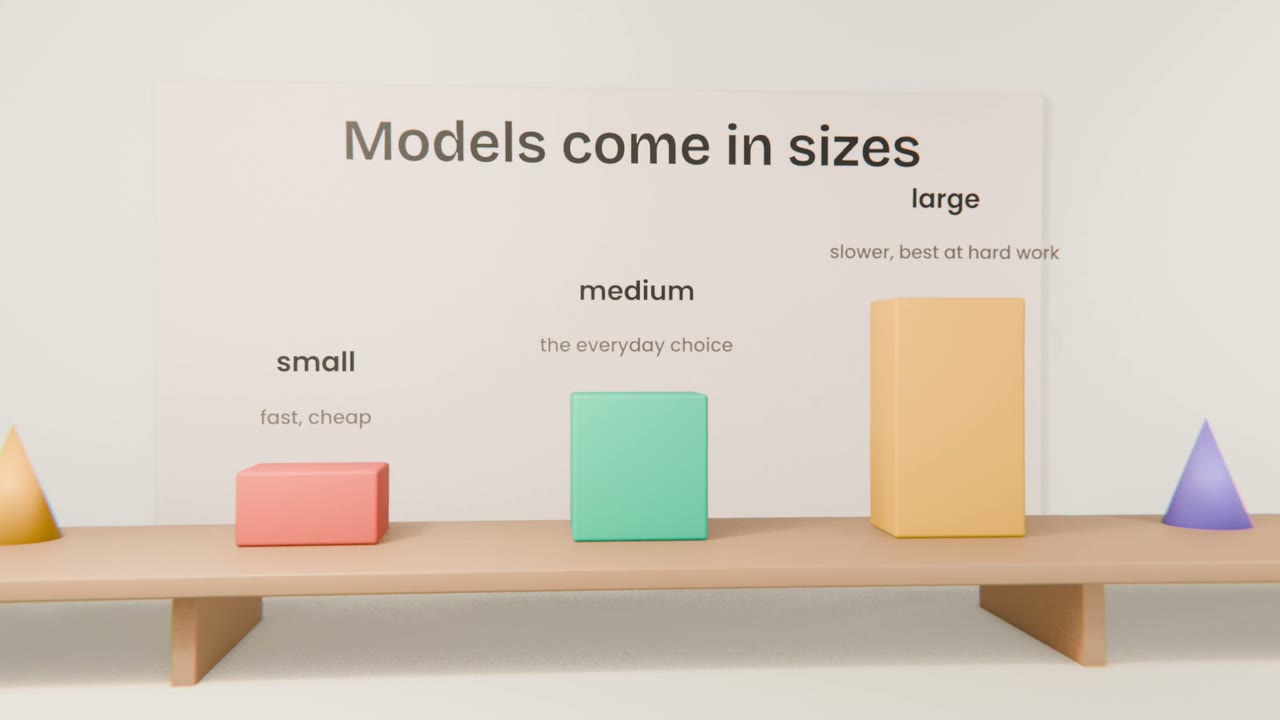
Small
Claude HaikuThe fastest and cheapest. Good for quick answers, sorting, tagging and simple rewrites.
Medium
Claude SonnetThe everyday choice. Good at most writing, analysis and coding.
Large
Claude OpusThe most capable and the slowest. For planning, long documents and difficult code.
ChatGPT follows the same idea with different names: a fast model for everyday answers, a thinking model for harder problems, and a top model on its highest plans. In both apps you choose from a model picker near the message box.
Pick by the job
Start with the default
The model the app picks for you is the right one for most work.
Go larger when it struggles
If the answer is shallow, or the code keeps breaking, switch to the largest model or turn on thinking.
Go smaller for volume
When your own product calls a model thousands of times, a small model keeps it fast and cheap. Engineers cover this in the next lesson.
What a plan decides
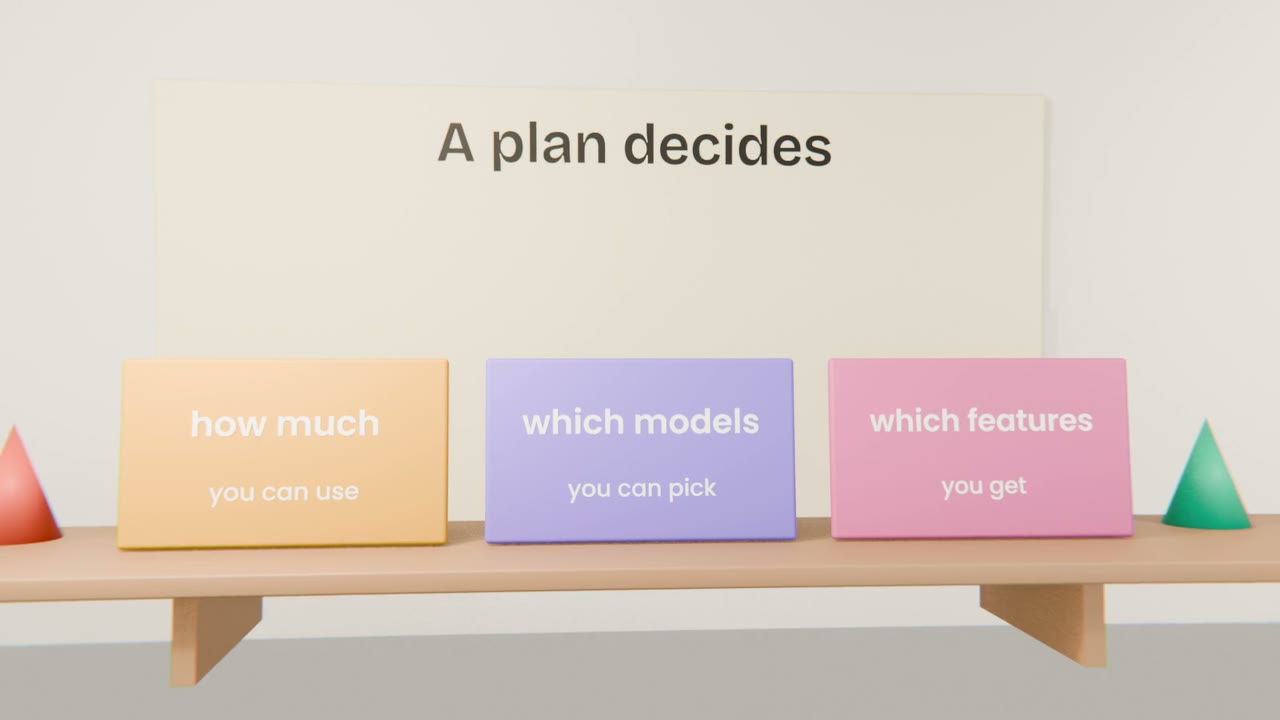
How much
Every plan has usage limits. Paid plans raise them. When you reach a limit you wait for it to reset, or move up a plan.
Which models
Free plans give you some models. Paid plans add the larger ones.
Which features
Tools such as coding agents and deeper research are included at different levels on different plans.
The plans, in outline
Claude Free
Chat with Claude on the web and in the apps, with lower limits. Does not include Claude Code.
Claude Pro
Needed for this courseMore usage, the larger models, and Claude Code. This is the plan the course is built around.
Claude Max
Several times the usage of Pro, for people who build with Claude Code most of the day.
ChatGPT Free
Enough to beginChat, limited image creation and limited access to Codex, OpenAI’s coding agent.
ChatGPT Go and Plus
More usage and image creation. Plus adds the thinking model, agent mode and more Codex.
ChatGPT Pro
The top model and the highest limits.
What you need for this course
Claude Pro
For Claude Code, which you start using in the Building With Claude Code unit. You can start the first units on the free plan and upgrade when you reach it.
ChatGPT Free
Enough for the ChatGPT unit. Upgrade only if you keep reaching its limits.
Nothing else yet
GitHub, Vercel and Supabase all start free.
Decide your tools and finish the brief
Add a last section, "Tools": the Claude and ChatGPT plans you are on, the model you will use by default, and when you will switch to a larger one. Read the whole brief once, top to bottom, and fix anything that no longer fits.
Done when
Your brief is done. Unit 3 puts it into a Claude project so every chat starts from it.
Keep these
- Each app offers several models: small and fast through to large and capable.
- Start with the default, go larger for hard work, and smaller for volume.
- A plan decides how much you can use, which models and which features.
- This course needs Claude Pro for Claude Code; free ChatGPT is enough to begin.