Vibe Coder · Unit 20: Image Models: Flux, ComfyUI and LoRAs · Lesson 5 of 7
Editing and control
Getting the picture you need is mostly editing. Change an image by instruction, repaint one area with a mask, and extend a canvas.
Read the short notes and pictures.Do everything inside a blue frame.
Generation is the start, editing is the work
A fresh generation gets you close. The last part of the way, the part that makes an image usable in a product, is editing: the right background, the right light, the logo in the right corner, nothing strange in the hands. Models now edit as well as they generate, and you steer them in three ways.
Edit by instruction
Give the model an existing picture and a sentence saying what to change. FLUX.2 does generation and editing in one model. FLUX.1 Kontext was built for exactly this kind of context-aware editing. In ComfyUI you load the picture with a Load Image node and write the instruction as the prompt in an image edit template.
Weak instruction
make it better
Strong instruction
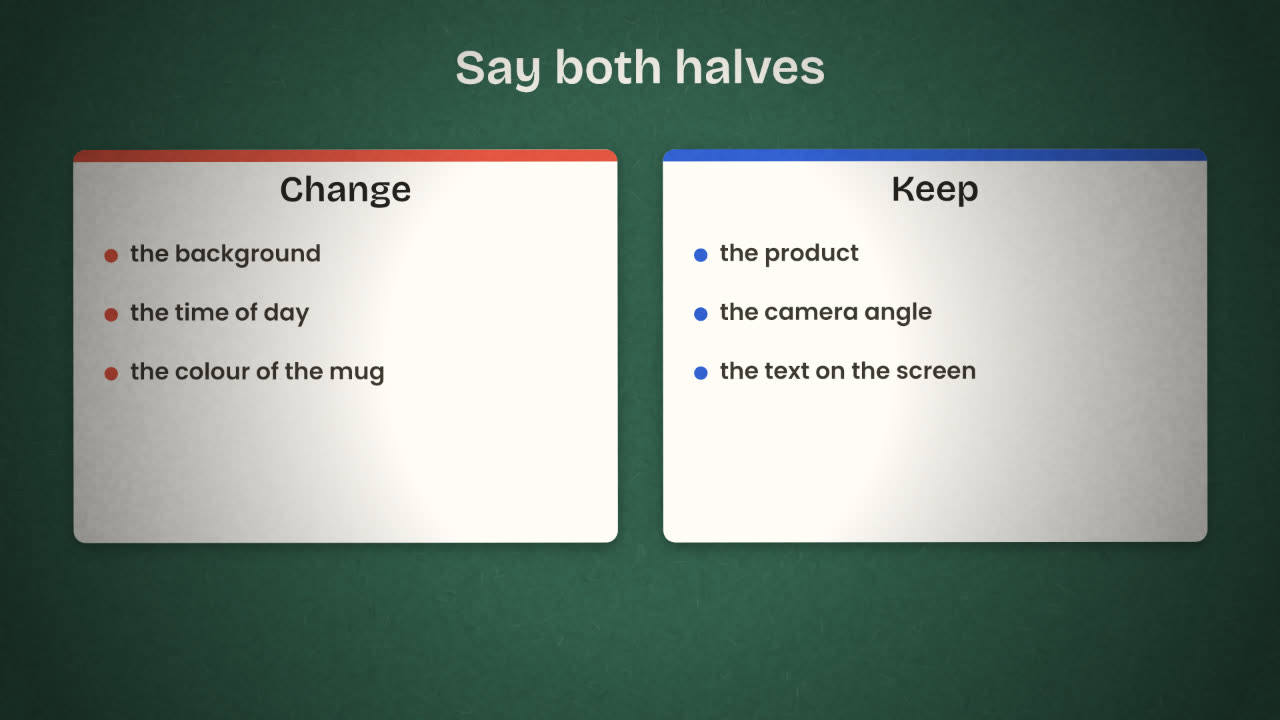
Change the background to a dark walnut desk at dusk, lit by a warm desk lamp from the right. Keep the laptop, the screen contents and the camera angle exactly as they are.
Inpainting and outpainting
Mask
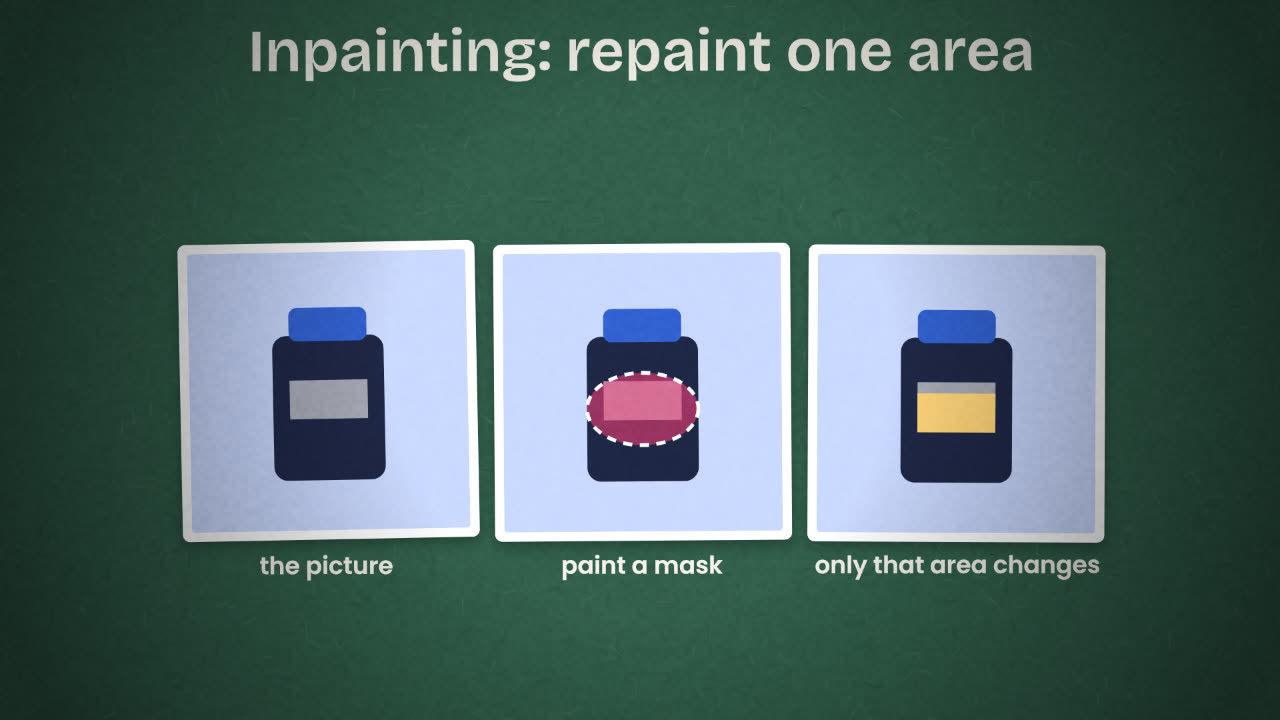
An area you paint over the picture to say "only here".
Inpainting
The model repaints the masked area and leaves the rest untouched. Use it to remove an object, fix a hand or replace a label.
Outpainting
You enlarge the canvas and the model fills the new space, for example to turn a square image into a wide banner.
FLUX.1 Fill is the member of the family made for inpainting and outpainting with a text prompt and a mask. In ComfyUI you paint the mask on the loaded image and the template handles the rest.
A way of working
Start from the best base
Pick the generation with the right composition. Composition is the hardest thing to edit later.
One change per step
Light, then background, then details. Check each result before the next.
Save every version
Number them. When a step goes wrong you go back one, not to the start.
Use a mask for small things
An instruction can disturb the whole picture. A mask cannot.
Stop when it is right
Every extra pass risks small damage elsewhere.
Your hero image is perfect except that the mug has a logo you do not own. Which technique do you use and what do you tell the model?
Finish your images by editing
Take the three images from the last lesson and bring each to a finished state. Use one instruction edit, one inpaint and one outpaint across the set. Keep every version.
Done when
Keep the before and after of one edit. It makes a good line in your project write-up.
Keep these
- An edit instruction says what to change and what to keep.
- Inpainting repaints a masked area; outpainting extends the canvas.
- Work in small, saved steps.