Vibe Coder · Unit 12: Login and Data With Supabase · Lesson 5 of 6
File storage
Let people upload files such as images and PDFs, and make sure private files stay private.
Read the short notes and pictures.Do everything inside a blue frame.
Storing files
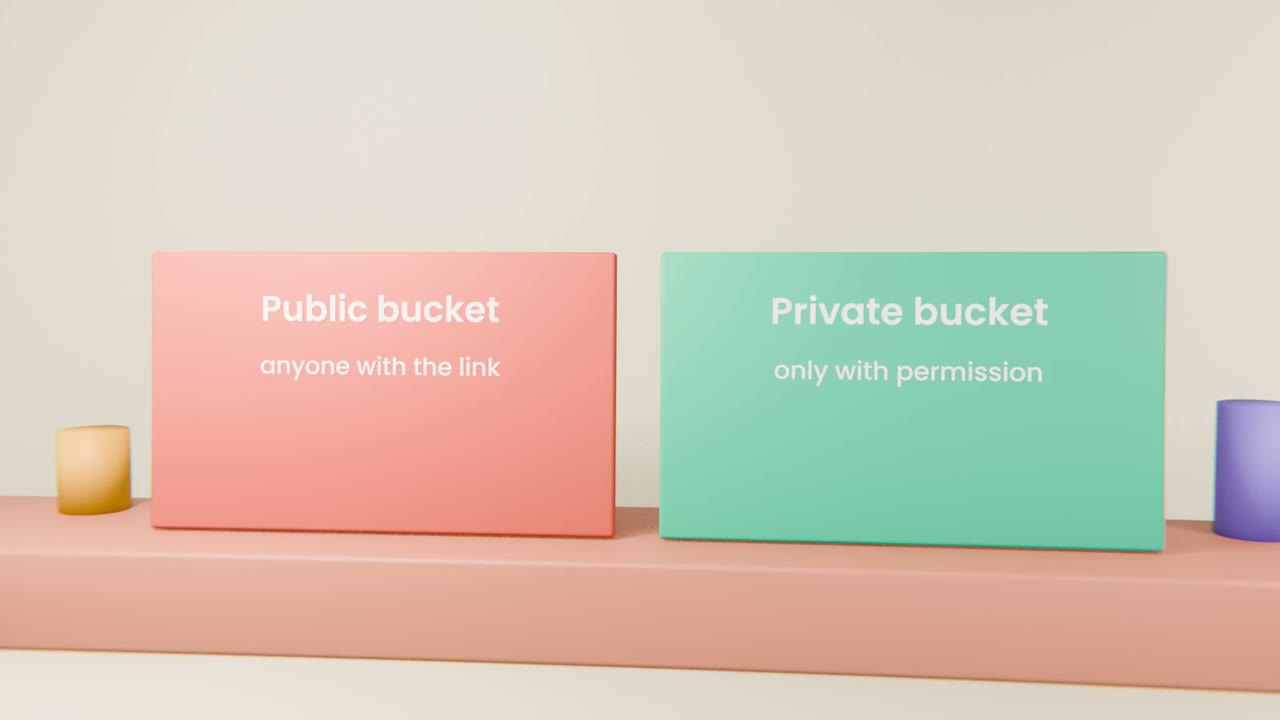
Databases hold structured facts. Files such as images and documents live in storage, grouped into buckets. The key decision is whether a bucket is public or private, and it is much easier to get right at the start.
What to ask for
A private bucket
For anything a user uploads.
Upload from the app
With a size limit and allowed file types.
Rules like your tables
Each person can reach only their own files.
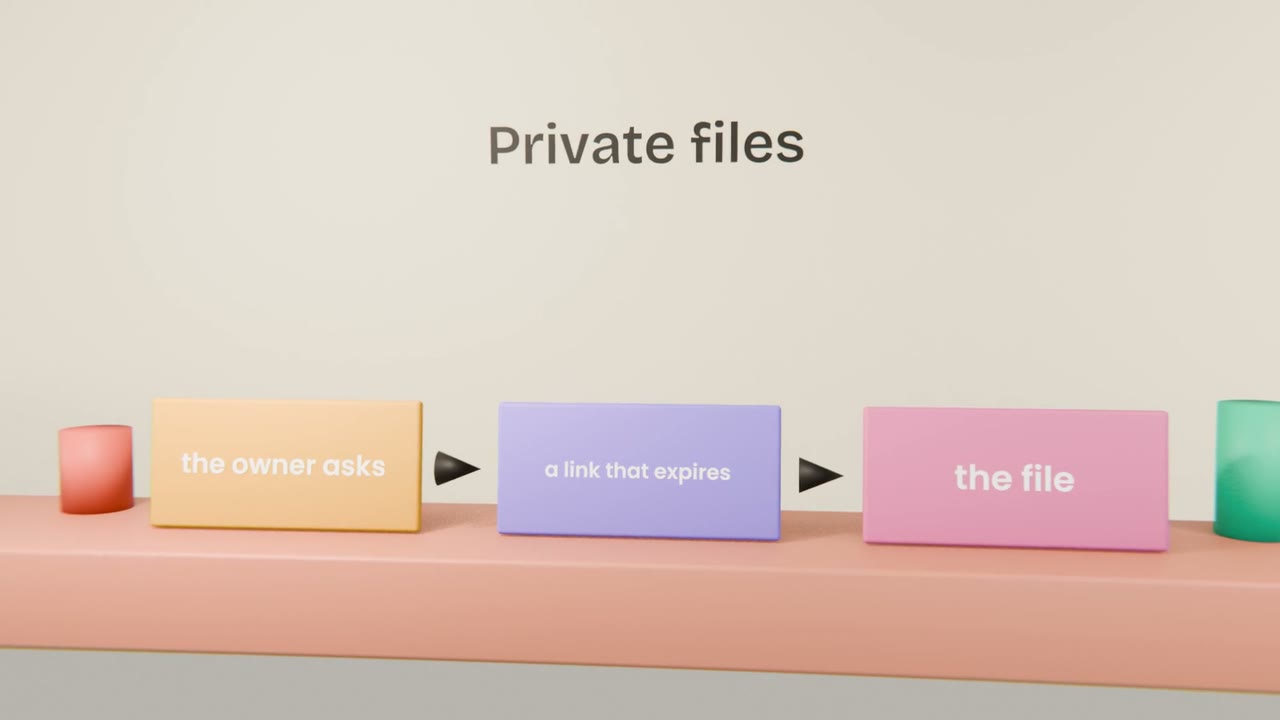
Signed links
Short-lived links to show a private file.
What to test
Upload and view
As the owner.
The link in another browser
Signed out, after it expires.
A huge or wrong-type file
Is it refused?
Add an upload
If your product needs files, have Claude Code add a private bucket with an upload, a size limit and signed links. Test that a second account cannot open the first account’s file. If it does not need files, note why in "My build".
Done when
You used the same pattern on this site for lesson films.
Keep these
- Files live in buckets.
- Private by default.
- Use expiring links for private files.