Vibe Coder · Unit 12: Login and Data With Supabase · Lesson 4 of 6
Row level security
The most important lesson in the unit: rules in the database that make sure each person can only see and change their own data.
Read the short notes and pictures.Do everything inside a blue frame.
Who can see what
Your app talks to the database from the browser using a public key. Without rules, anyone with that key could read every row. Row level security, or RLS, puts the rules in the database itself: for each table, who may read, add, change and delete which rows.
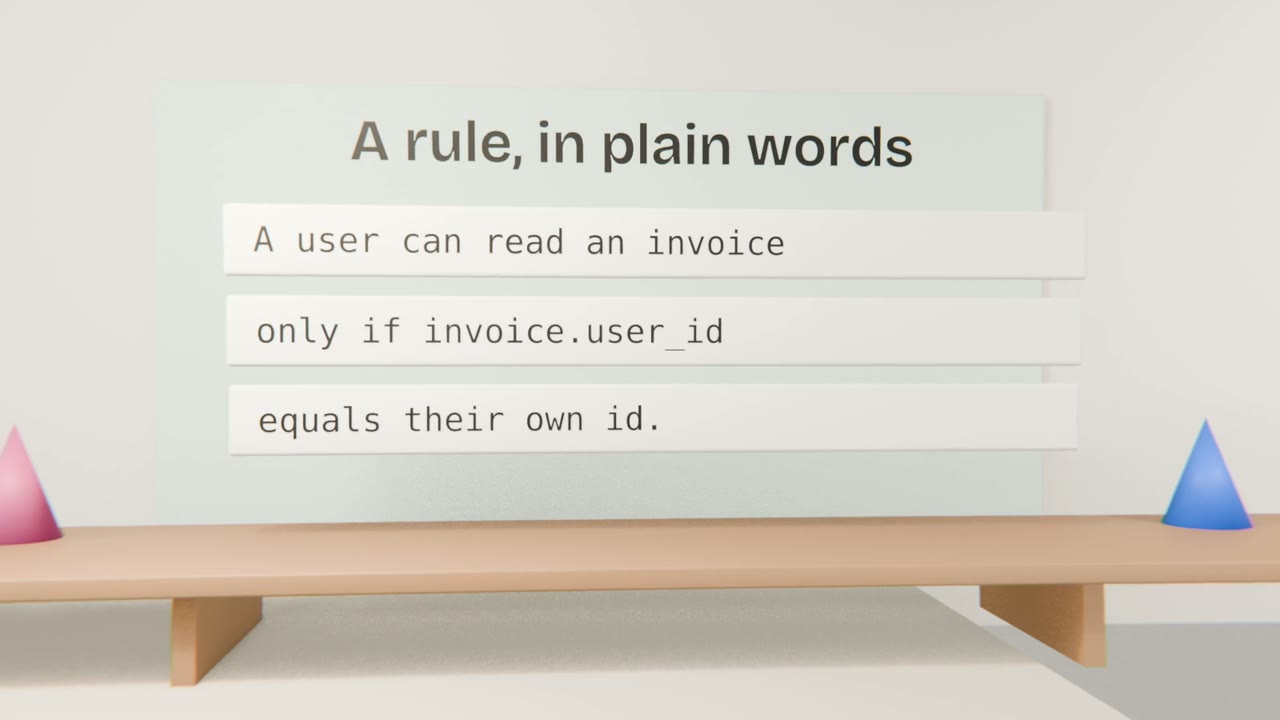
The rules you need
Read
Only rows where the owner is the signed-in user.
Create
Only rows that name yourself as the owner.
Change and delete
Only your own rows.
Everything else
Denied. With RLS on, nothing is allowed until a rule allows it.
Checking it
Ask Claude Code to enable RLS on every table
And to write the four rules from your build brief.
Ask it to explain each rule
In plain words.
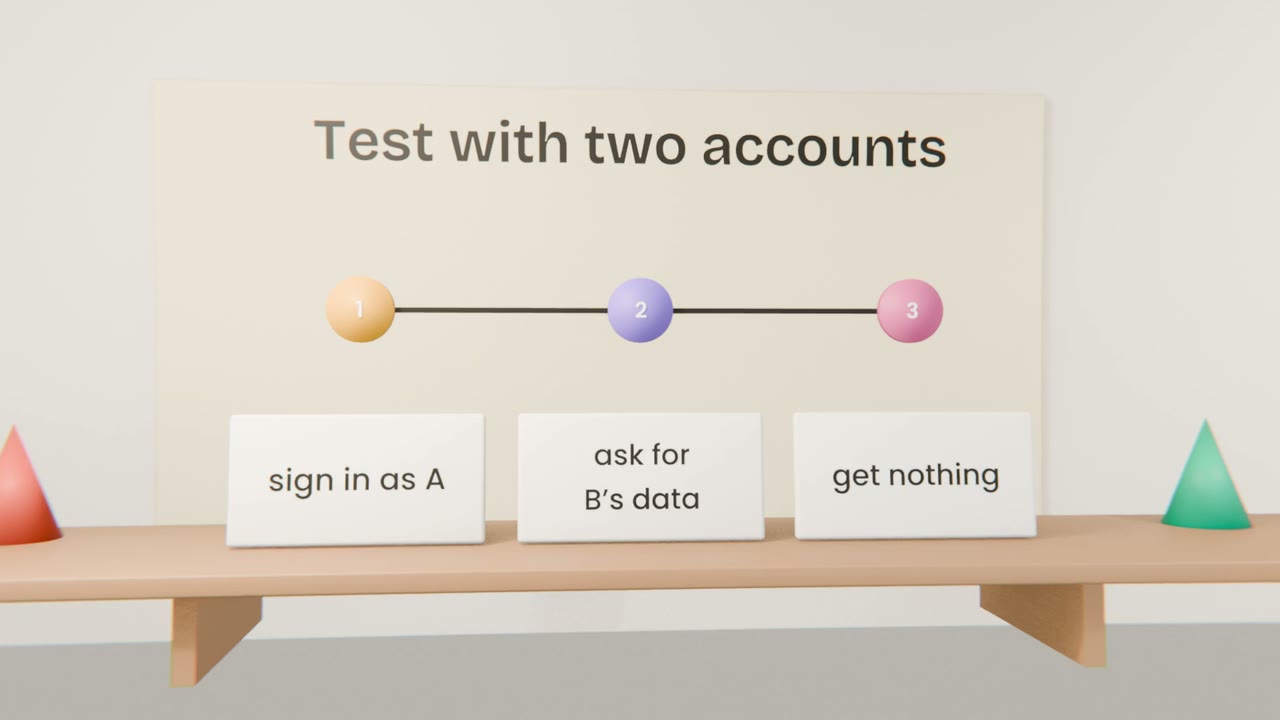
Test with two accounts
A must not see, change or delete B’s rows.
Check the dashboard
Supabase warns about tables without RLS.
Lock down your data
Have Claude Code enable RLS on every table with rules from the Rules section of your brief. Then, with two accounts, try to read, change and delete the other account’s data.
Done when
Repeat this test whenever you add a table.
Keep these
- Sign-in is not access control.
- RLS rules live in the database.
- Test with two accounts, every time.