Vibe Coder · Unit 15: Workflows With n8n · Lesson 3 of 6
Data between nodes
How data moves through a workflow: items, fields and expressions. Reshape data with Edit Fields, branch with If and Switch, and join with Merge.
Read the short notes and pictures.Do everything inside a blue frame.
What flows along the lines
A connection between two nodes carries data, and n8n always carries it in the same shape: a list of items. Each item is one thing, with named fields. A trigger for one signup produces one item. A node that reads twenty rows from a table produces twenty. The next node then runs once for each item unless you tell it otherwise.
Once you see data as a list of items, most confusion about n8n goes away. "Why did it send twenty emails?" Because twenty items reached the email node.
Expressions
An expression pulls a value out of the data. You write it between double curly braces. Inside, $json means "the current item" and the name after the dot is the field.
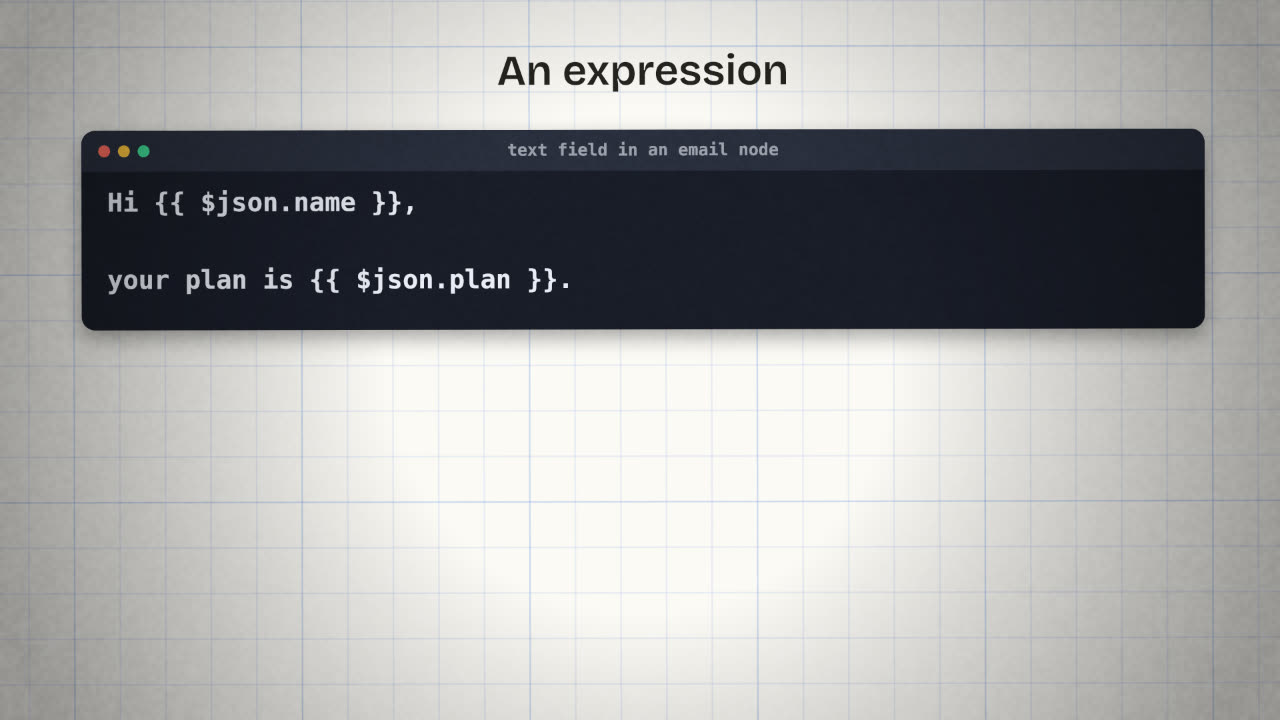
Fixed text
Hi there,
thanks for signing up.
With expressions
Hi {{ $json.name }},
thanks for signing up to the
{{ $json.plan }} plan.The nodes that shape data
Edit Fields (Set)
Add, rename or remove fields so that the item has exactly what later nodes need.
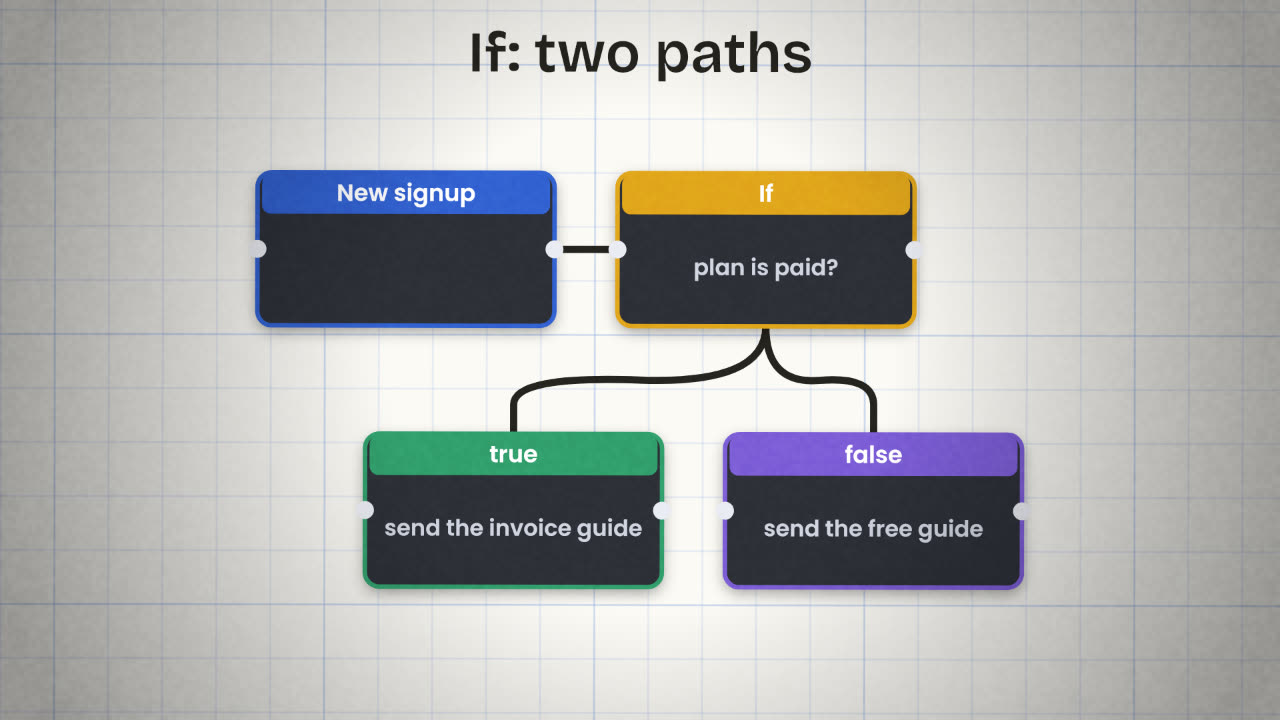
If
One condition, two outputs: true and false.
Switch
Several conditions, several outputs. Use it when there are more than two cases.
Merge
Brings two branches back into one, or combines data from two sources.
Code
For the rare case no node covers. Ask Claude to write the few lines and to explain them.
A habit that saves hours
Clean the data early
Put an Edit Fields node right after the trigger and give every field a clear name. Every later node gets simpler.
Name your nodes
"Save signup to Airtable" tells you more than "Airtable1".
Pin test data
Keep a sample input fixed on the trigger while you build, so you are not submitting forms over and over.
Handle the empty case
Decide what happens when a field is missing or a search returns nothing.
A workflow reads 12 overdue invoices and should send one summary message to you, but you get 12 separate messages. Why, and how would you fix it?
Add a branch to your workflow
Extend your signup workflow: clean the incoming data with Edit Fields, then branch on one field that matters in your product (plan, country or role) so that each group gets a different message.
Done when
Export the updated workflow JSON, replacing the earlier file.
Keep these
- Data moves as items, and nodes run once per item.
- Expressions read fields: {{ $json.field }}.
- Edit Fields reshapes; If and Switch branch; Merge joins.