Vibe Coder · Unit 14: AI Video Production · Lesson 11 of 13
Formats
Export the right shapes and sizes for where the video will be seen: wide for your site, tall for social, with captions and a thumbnail.
Read the short notes and pictures.Do everything inside a blue frame.
Delivering the video
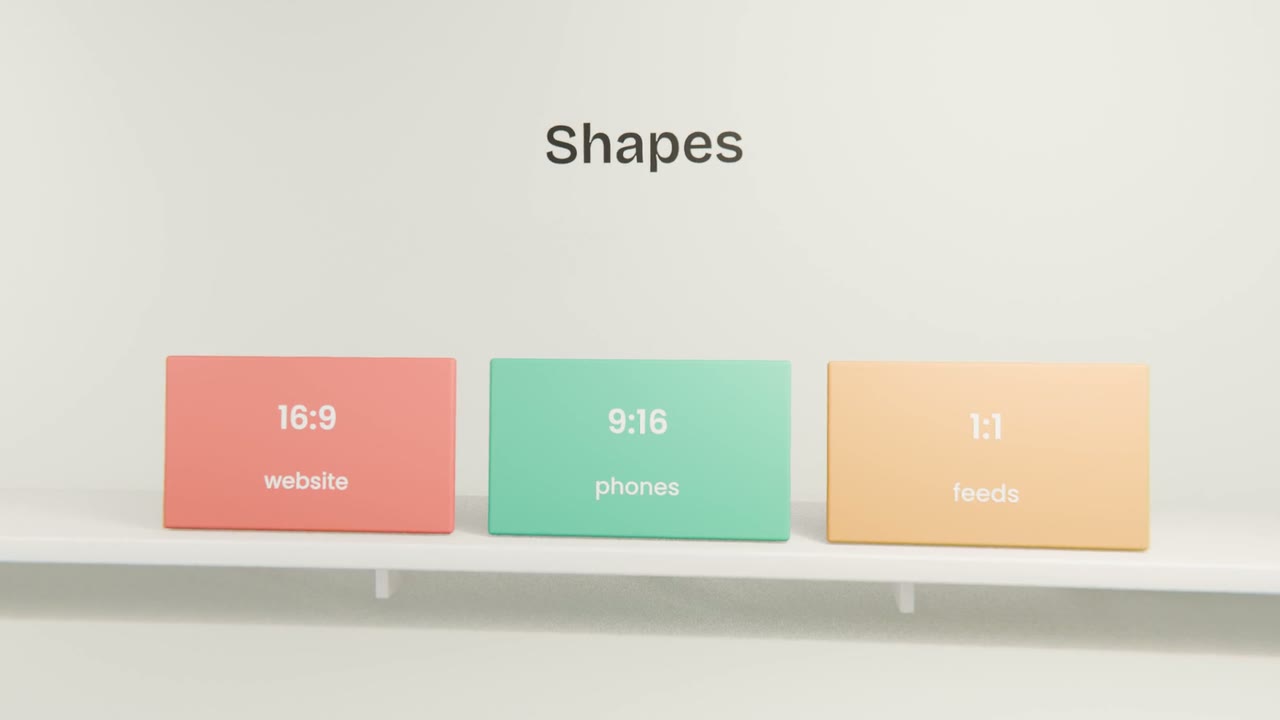
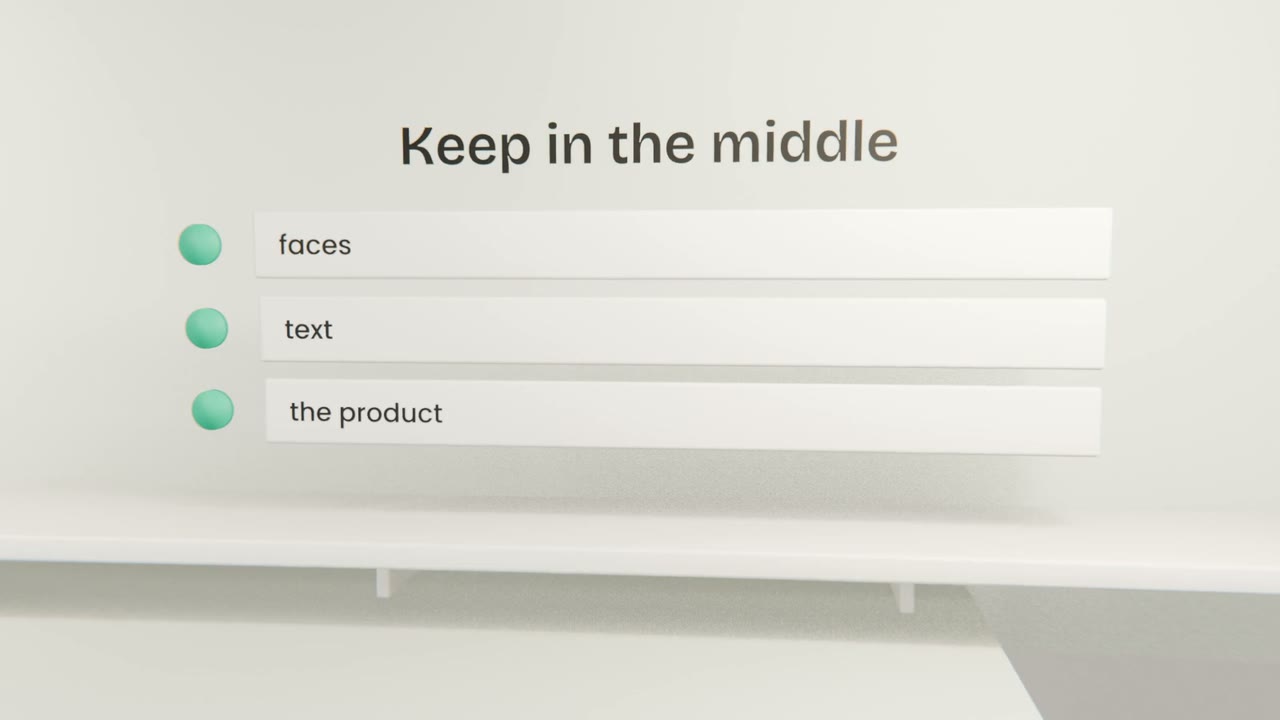
Where a video is shown decides its shape. A landing page wants a wide video. Social feeds favour tall. Planning for both from the start, by keeping important things central, avoids remaking shots.
Versions to export
Wide, 16:9
For your landing page and video sites.
Tall, 9:16
For short-form social.
A thumbnail
Your key art with a few words.
A captions file
For platforms that accept one.
On your landing page
Compress it
A small file loads fast.
Add a poster image
Shown before play.
Do not autoplay with sound
Let people choose.
Test on a phone
On mobile data.
Export your versions
Export wide and tall versions with captions and a thumbnail, compress the wide one, and add it to your landing page with a poster image.
Done when
One step left: making sure you may publish it.
Keep these
- Export for where it will be watched.
- Keep important things central.
- Compress and add a poster for the web.