Vibe Coder · Unit 14: AI Video Production · Lesson 12 of 13
Rights and labelling
Before you publish: what you have the right to use, what must be labelled as AI-made, and what to keep on record.
Read the short notes and pictures.Do everything inside a blue frame.
Publishing responsibly
Generated media raises practical questions about rights and honesty. The rules vary by tool, platform and country, and they are changing, so the dependable habits are to check the terms, avoid real likenesses, label when required and keep records.
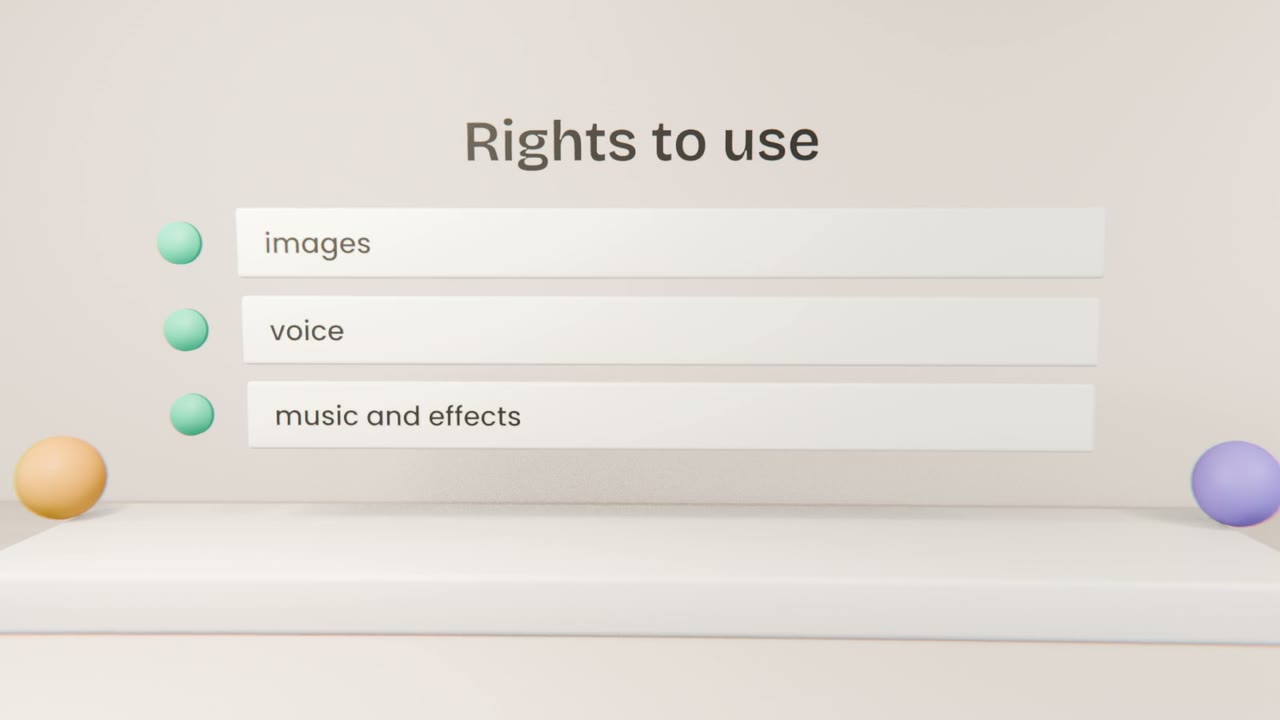
A pre-publish check
Tool terms
Does your plan allow commercial use of the output?
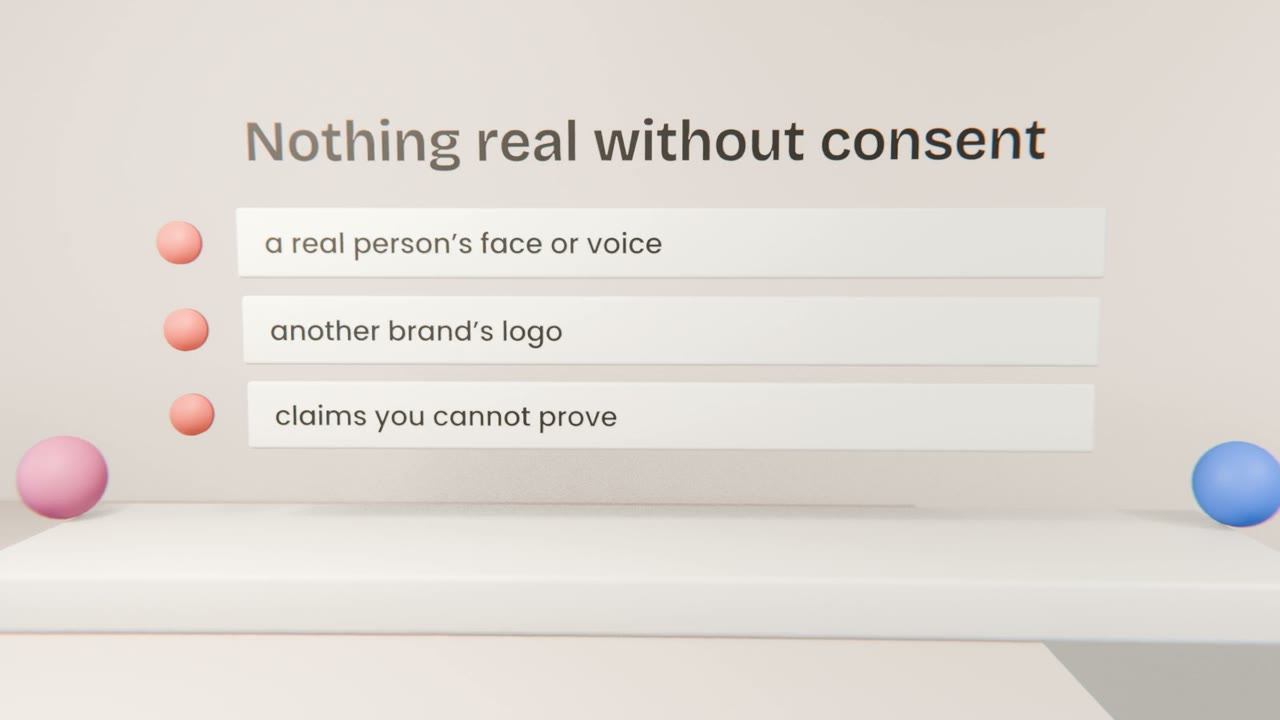
Likeness
No real person’s face or voice without written consent.
Brands
No logos or trademarks that are not yours.
Claims
Everything said about the product is true.
Labels
Follow each platform’s AI-content rules.
Records to keep
A source list
Tool, date and licence for each asset.
Your prompts
Useful if a question ever arises.
Consents
For any real person involved.
Clear your video for release
Run the pre-publish check on your video and write a source list with tool, date and licence for every asset. Apply any required AI-content labels.
Done when
Your video is ready to publish.
Keep these
- Check rights for every asset.
- Avoid real likenesses and brands.
- Label where required, and keep records.