Vibe Coder · Unit 14: AI Video Production · Lesson 10 of 13
The edit
Assemble the shots against the voice-over, trim hard, add captions and export.
Read the short notes and pictures.Do everything inside a blue frame.
Putting it together
Editing a short product video is mostly placing each clip under the right line of narration and removing every moment that does not earn its place. Any editor will do, including free ones.
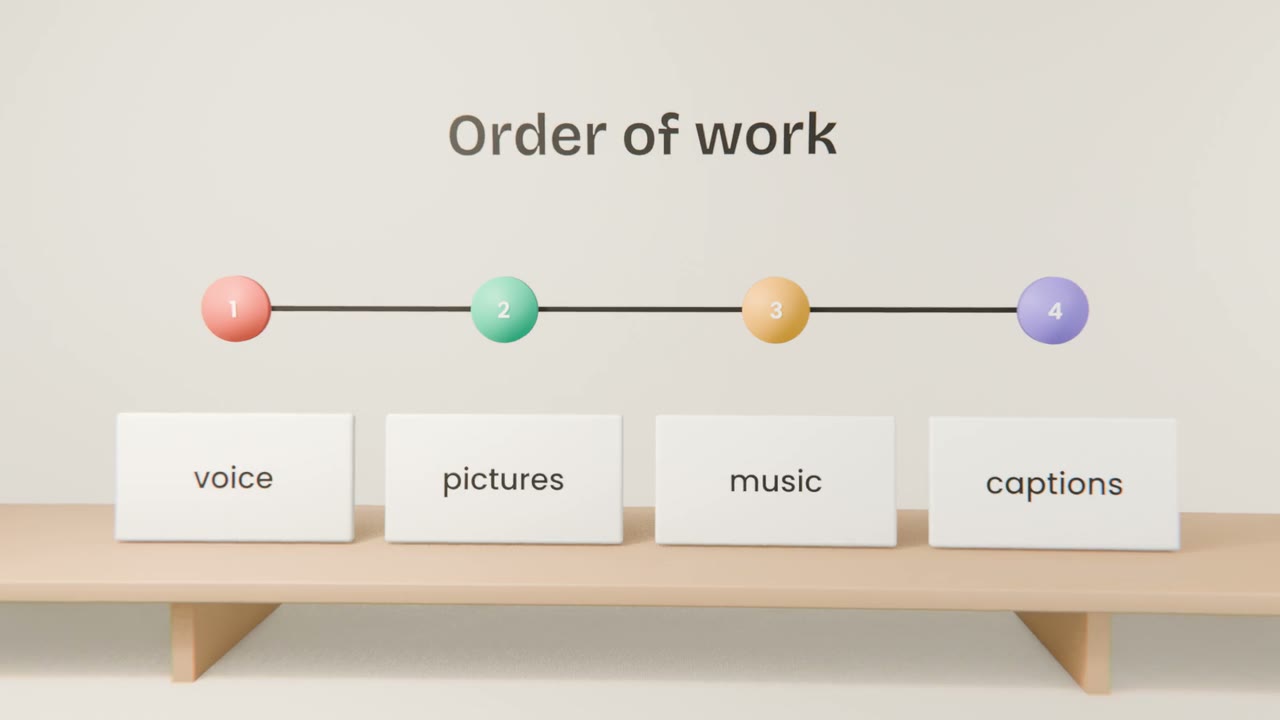
The steps
Voice-over on the timeline
This fixes the length.
Clips in storyboard order
Each under its line.
Trim
Cut the start and end of every clip tighter than feels natural.
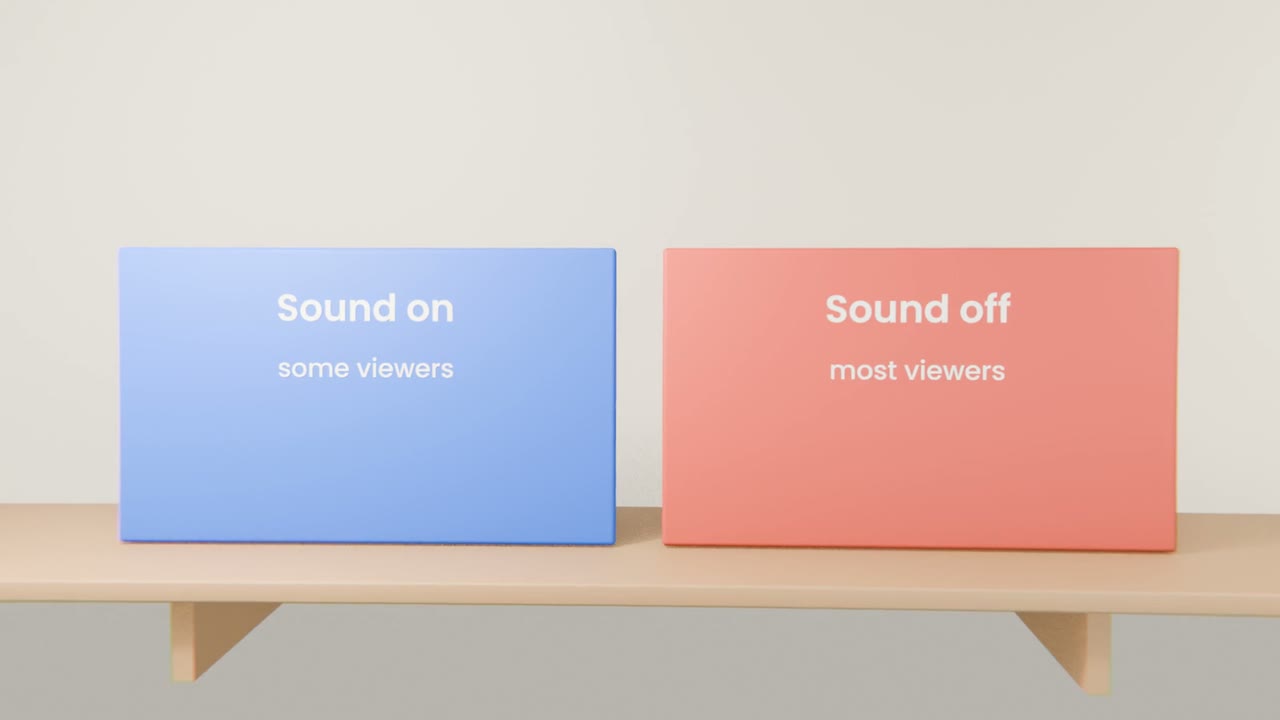
Music, effects, captions
Then watch it three times: for sense, for sound, for typos.
Common fixes
A weak shot
Shorten it, or replace it with a product capture.
A slow opening
Start on the problem, not a logo.
Cluttered text
One idea on screen at a time.
Edit your video
Assemble the voice-over, clips, music and effects, trim hard, add captions from your script, and show the cut to one person.
Done when
Export comes next.
Keep these
- Edit to the voice-over.
- Trim harder than feels natural.
- Add captions.