Vibe Coder · Unit 14: AI Video Production · Lesson 13 of 13
Project: a launch video
Bring the pipeline together: a 30 to 60 second launch video for your product, published on your landing page.
Read the short notes and pictures.Do everything inside a blue frame.
Finishing and publishing
This project brings every stage together. The aim is a finished video that is on your landing page and in front of real people, not a perfect one.
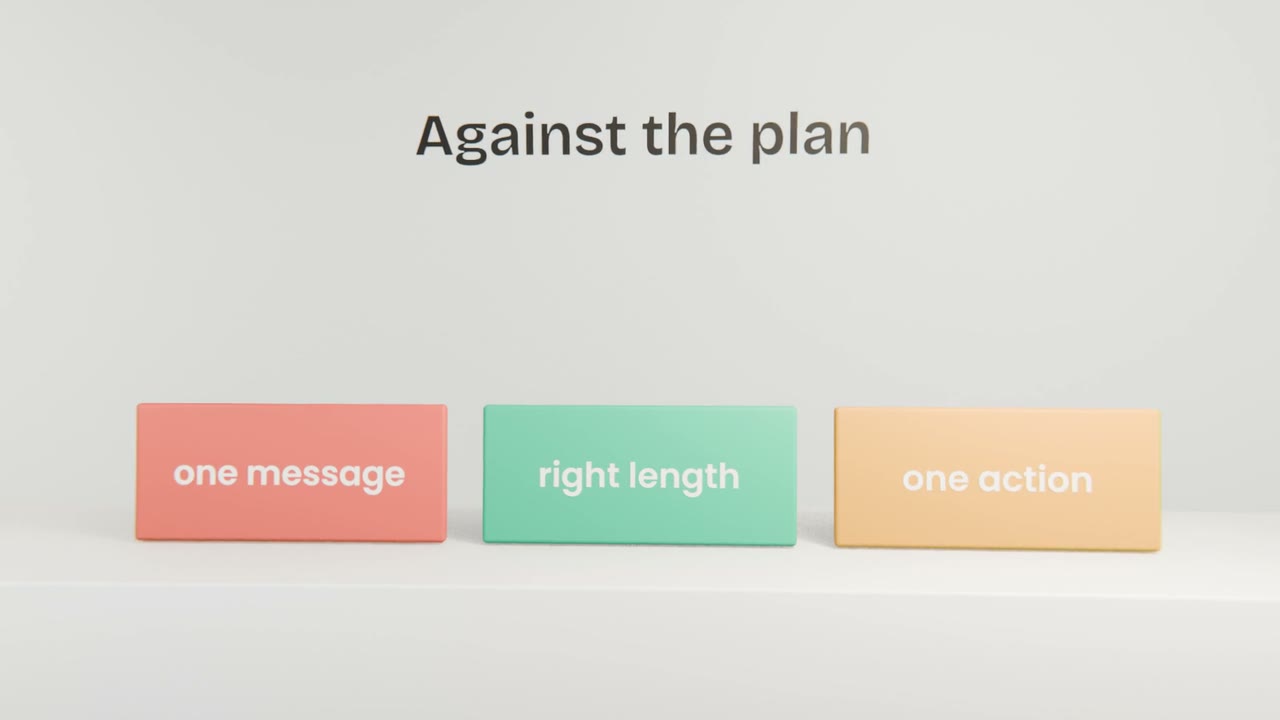
The final pass
Watch it cold
After a break, on a phone.
Check against the plan
Message, length, action.
Fix only what matters
A wrong word, a confusing shot.
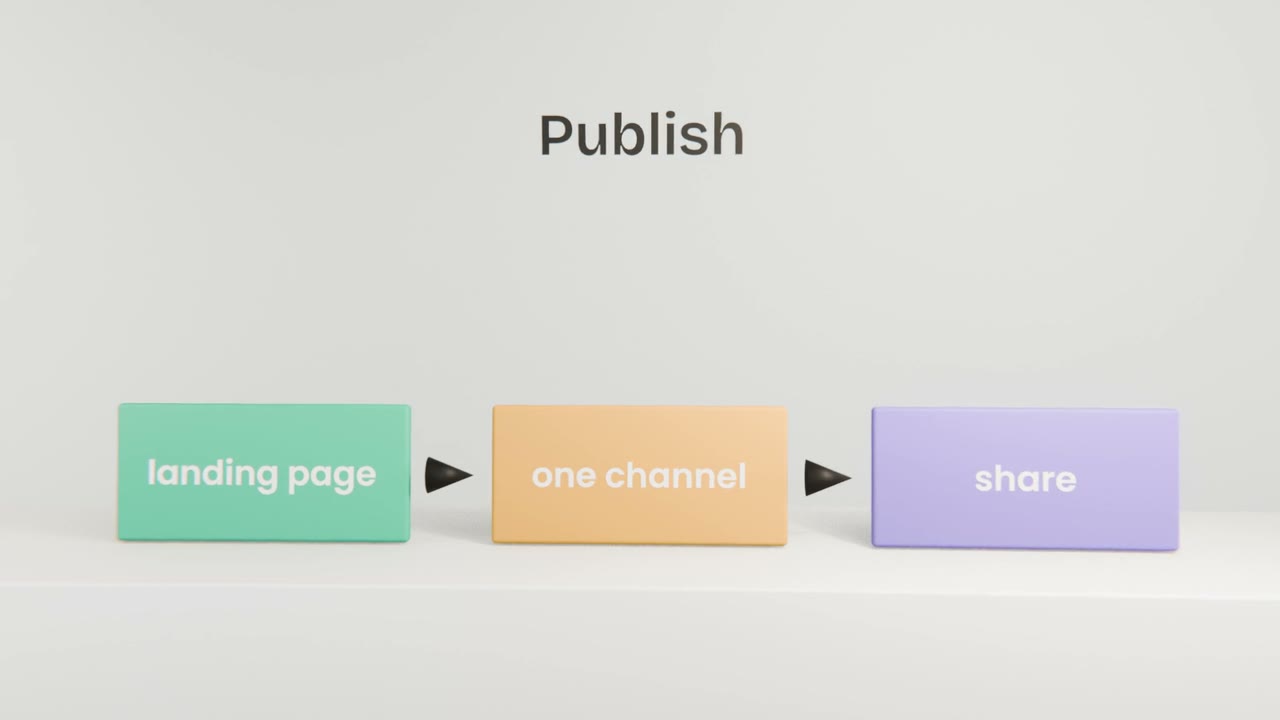
Publish
On the landing page and in one place your users gather.
What to hand in
The video
Wide and tall.
The pipeline
Script, storyboard, prompts and source list.
What you learned
Three lines on what you would do differently.
Publish your launch video
Finish your launch video, publish it on your landing page, share it in one place your users are, and write three lines on what you would change next time.
Done when
Your launch video is complete. It goes live with the product in the next unit.
Keep these
- Check against the plan.
- Publish and share.
- Learn from how people respond.