Vibe Coder · Unit 15: Deploy on Vercel · Lesson 1 of 7
Push to GitHub
Put your project on GitHub: a safe copy of every save point, and the place Vercel deploys from.
Read the short notes and pictures.Do everything inside a blue frame.
Your code, backed up and shared
A repository on GitHub is an online copy of your project with its whole history. It protects your work, lets you collaborate, and is where Vercel will take your code from to put it online.
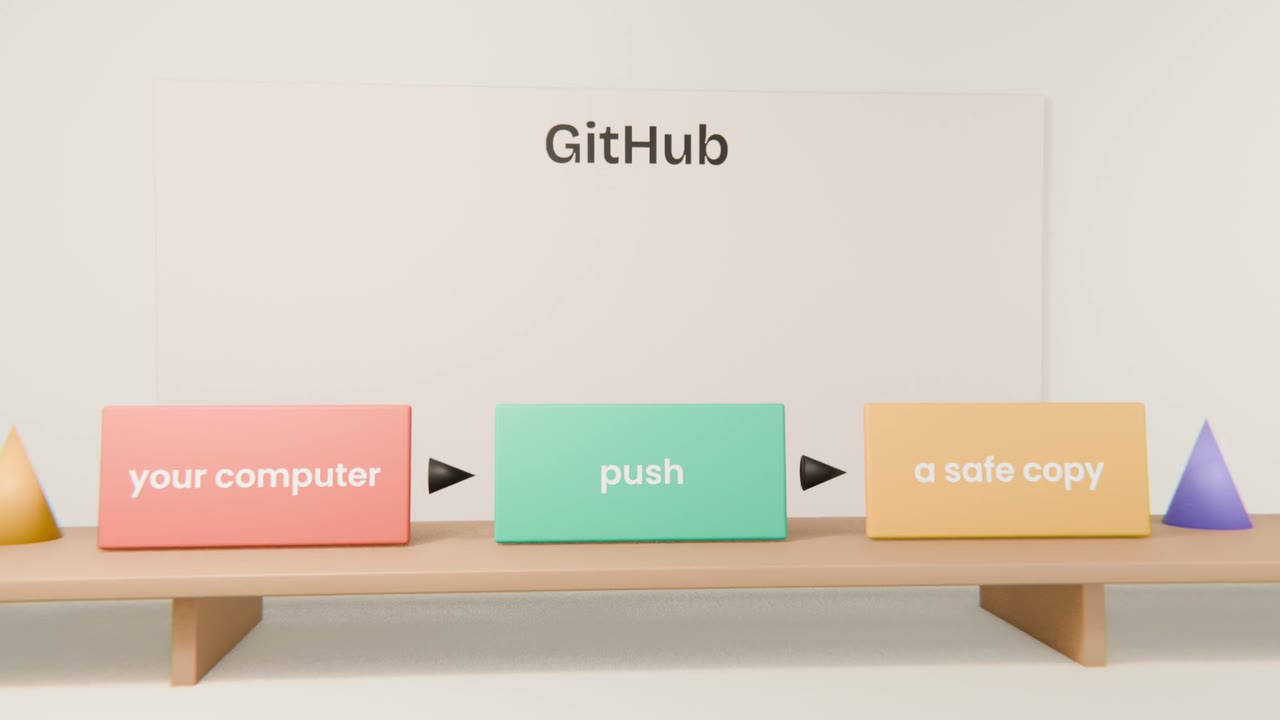
The first push
Create an empty repository on GitHub
Private is fine.
Ask Claude Code to connect and push
It will set the address and send your commits.
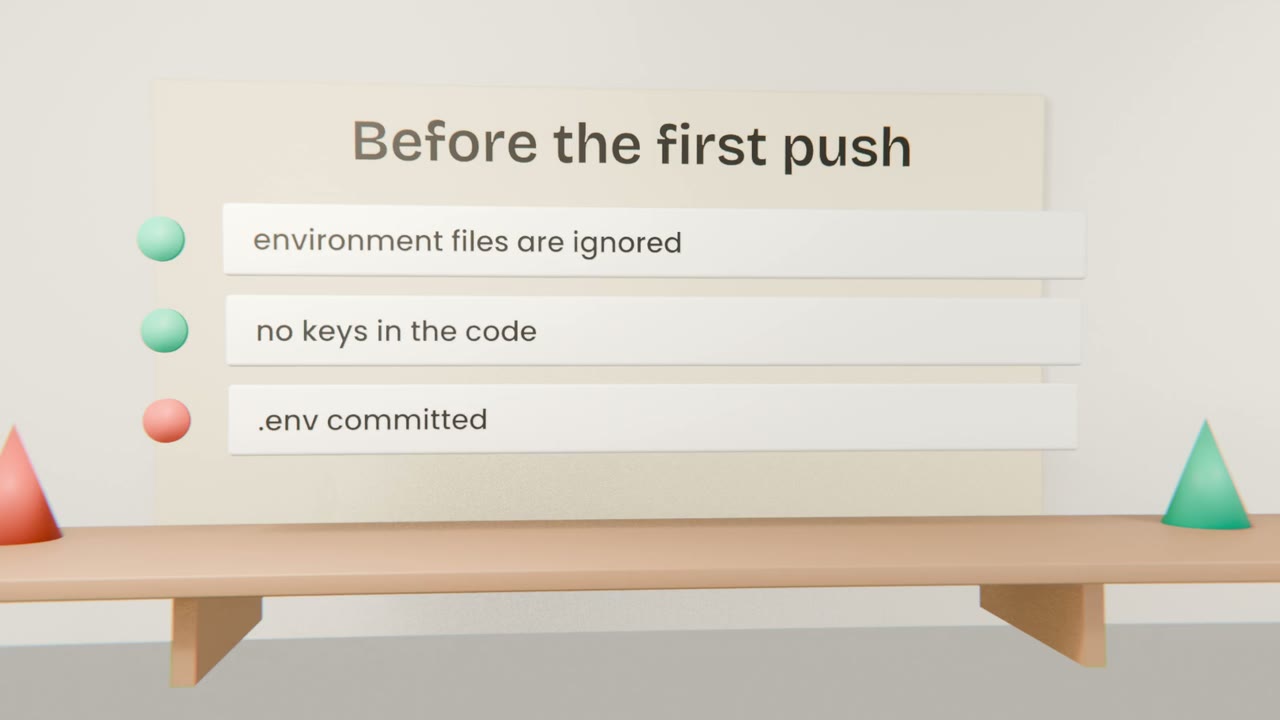
Check the secrets
Ask it to confirm no environment file or key is included.
Open the repository in your browser
Your files and commits are there.
Words you will see
Repository
Your project and its history.
Push
Send commits to GitHub.
Pull
Bring commits down from GitHub.
Branch
A separate line of work.
Put your project on GitHub
Create a repository, have Claude Code push your project, and confirm in the browser that your commits are there and no environment file is included.
Done when
Vercel will deploy from this repository.
Keep these
- GitHub keeps your project and its history.
- A push sends commits there.
- Never push secrets.