Vibe Coder · Unit 3: Claude for Your Work · Lesson 5 of 11
Connectors
Connectors link Claude to your drive, email, calendar and code so it can read, and with your approval act, where your work already is.
Read the short notes and pictures.Do everything inside a blue frame.
Claude, where your work lives
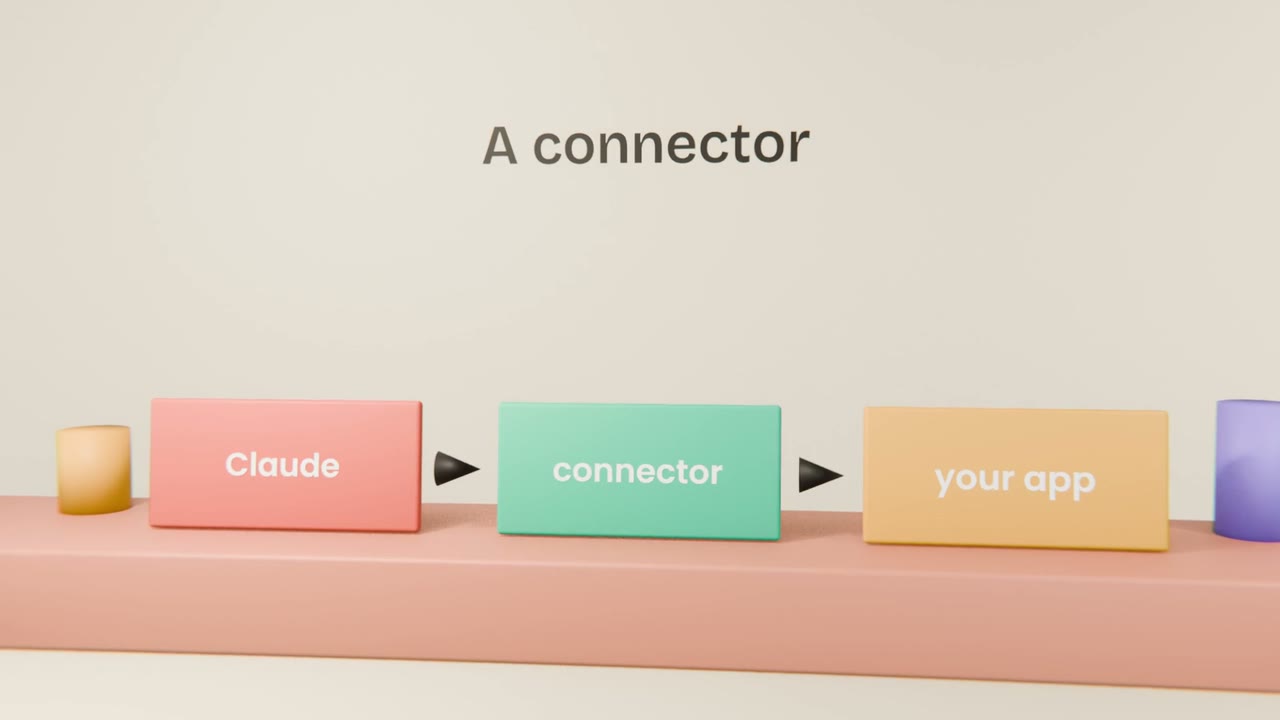
Your work is spread across apps: files in a drive, messages in email, meetings in a calendar, code on GitHub. A connector links Claude to one of them. Once connected, Claude can find the document or read the thread itself, and with some connectors it can also take actions for you.
Read, and act
Read
Find a file, read an email thread, check your calendar, look at an issue. This is where most of the value is.
Act
Draft an email, create an event, open an issue, add a row. Claude shows you what it will do and asks first.
Setting one up
Open the connectors list
It is in Claude’s settings and in the menu by the message box.
Choose an app and sign in
You sign in to that app yourself and agree to what Claude may access.
Ask for something real
"Find the pricing notes in my drive and summarise them."
Switch it off when done
You can disconnect at any time.
Staying in charge
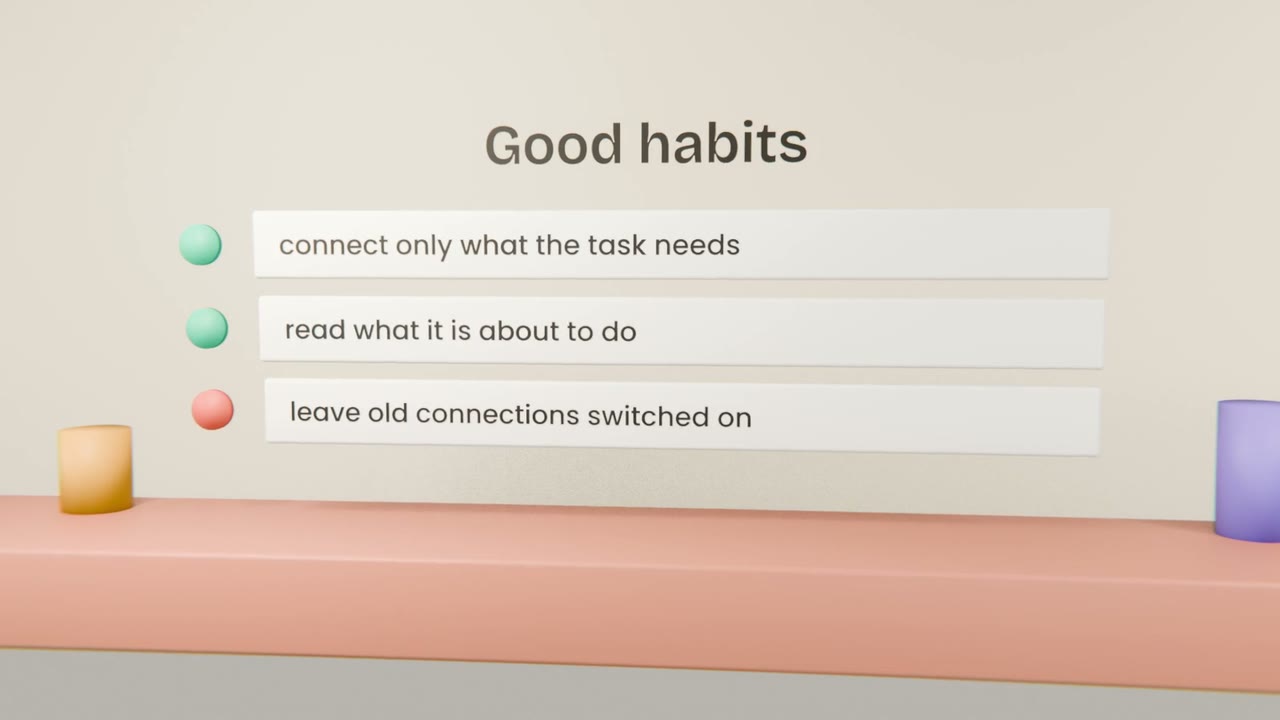
Read the permission screen
It lists what Claude will be able to see and do. If it is more than you want, stop.
Approve actions one at a time
Read the draft before it is sent and the event before it is created.
Connect the minimum
A task about your calendar does not need your email.
Connect one app and use it
Connect the one app where your product notes or files live, most likely your drive. Ask Claude, inside your project, to find one real document there and add what matters from it to your plan. Engineers: connect GitHub and ask Claude to describe one of your repositories.
Done when
One well-used connection is worth more than five you forget about.
Keep these
- A connector links Claude to one of your apps.
- It can read, and with your approval, act.
- Connect only what the task needs.
- Read every action before you approve it.