Vibe Coder · Unit 15: Deploy on Vercel · Lesson 5 of 7
A custom domain
Give your product its own name on the internet: buy a domain, point it at Vercel, and update the places that know your address.
Read the short notes and pictures.Do everything inside a blue frame.
Your own address
A custom domain replaces the address Vercel gave you with a name you own. You buy the name from a registrar, then add records, called DNS, that tell the internet to send visitors to Vercel.
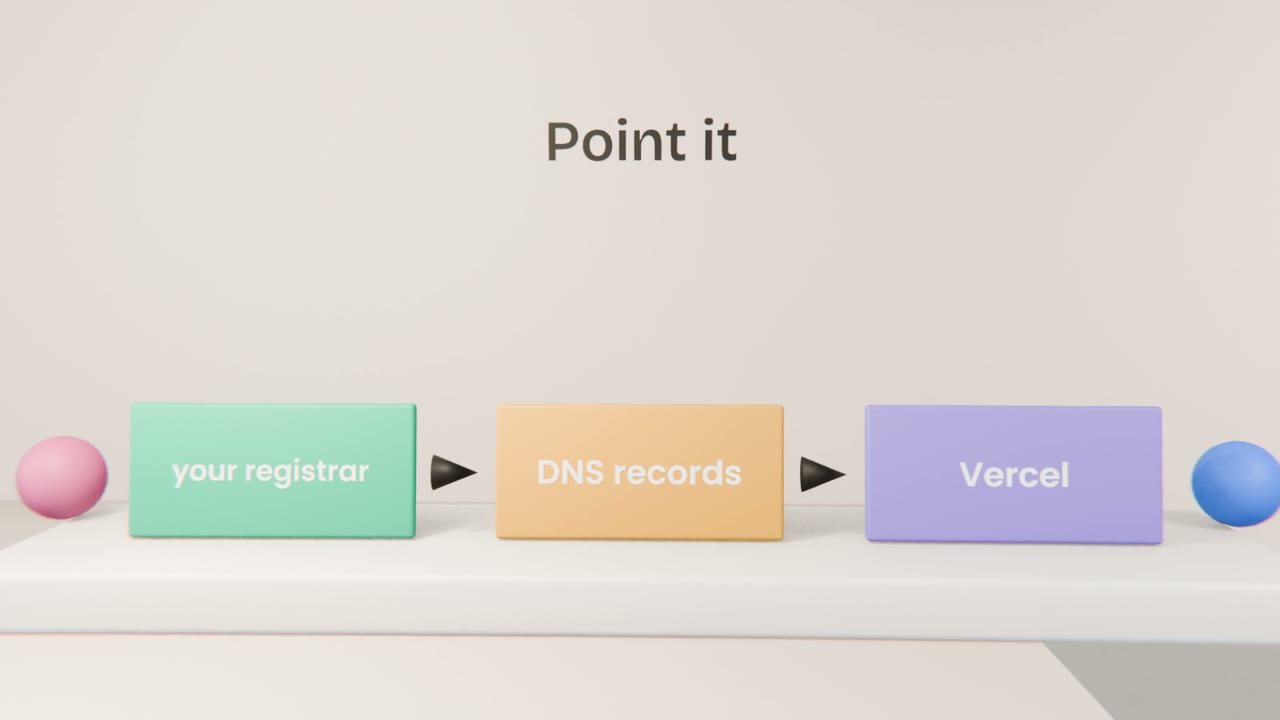
The steps
Buy the domain
From any reputable registrar.
Add it to your Vercel project
It shows the records to create.
Create those records at the registrar
Copy them exactly.
Wait and check
It can take minutes to hours.
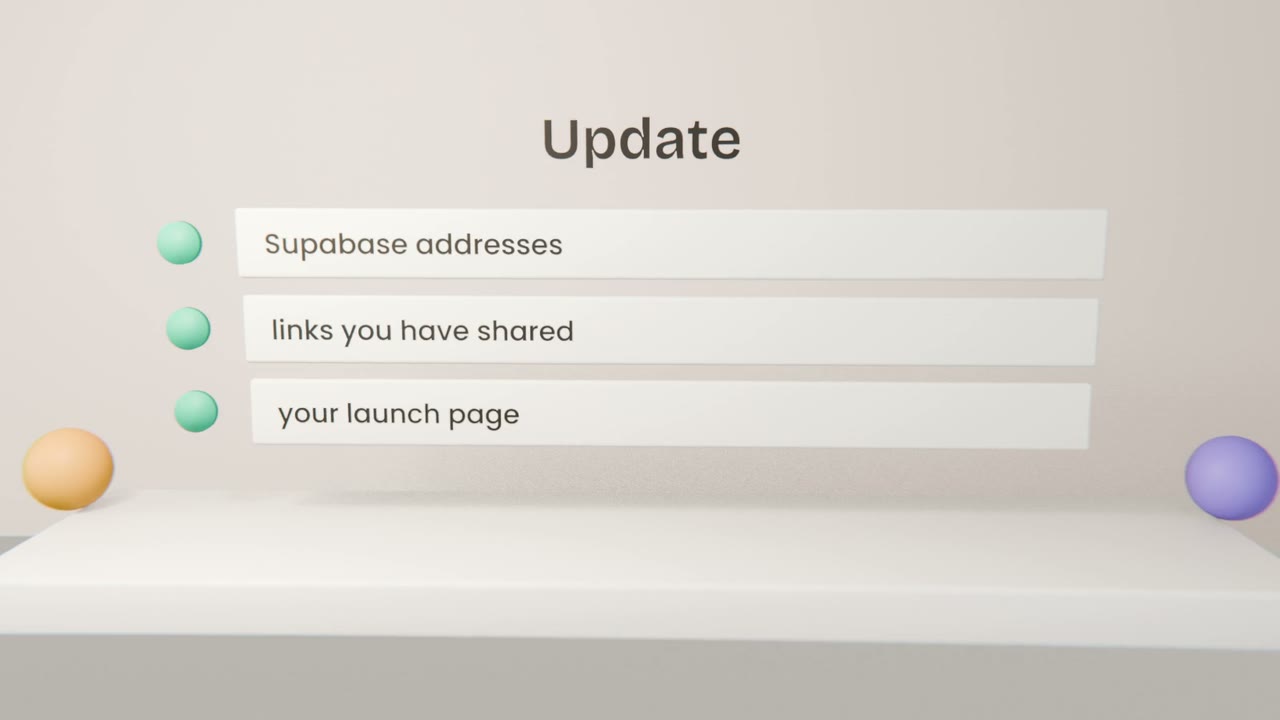
Afterwards
Supabase
Change the site address and redirect addresses.
If you send email from the domain, set that up with your email service.
Renewal
Turn on auto-renew so you do not lose the name.
Give your product a name
If you are ready, buy a domain, connect it to Vercel, update Supabase and re-test sign-in. If not, write the three names you would choose in "My build".
Done when
Use this address everywhere from now on.
Keep these
- Buy a domain from a registrar.
- Point it at Vercel with DNS records.
- Update Supabase afterwards.