Vibe Coder · Unit 15: Deploy on Vercel · Lesson 4 of 7
Preview deployments
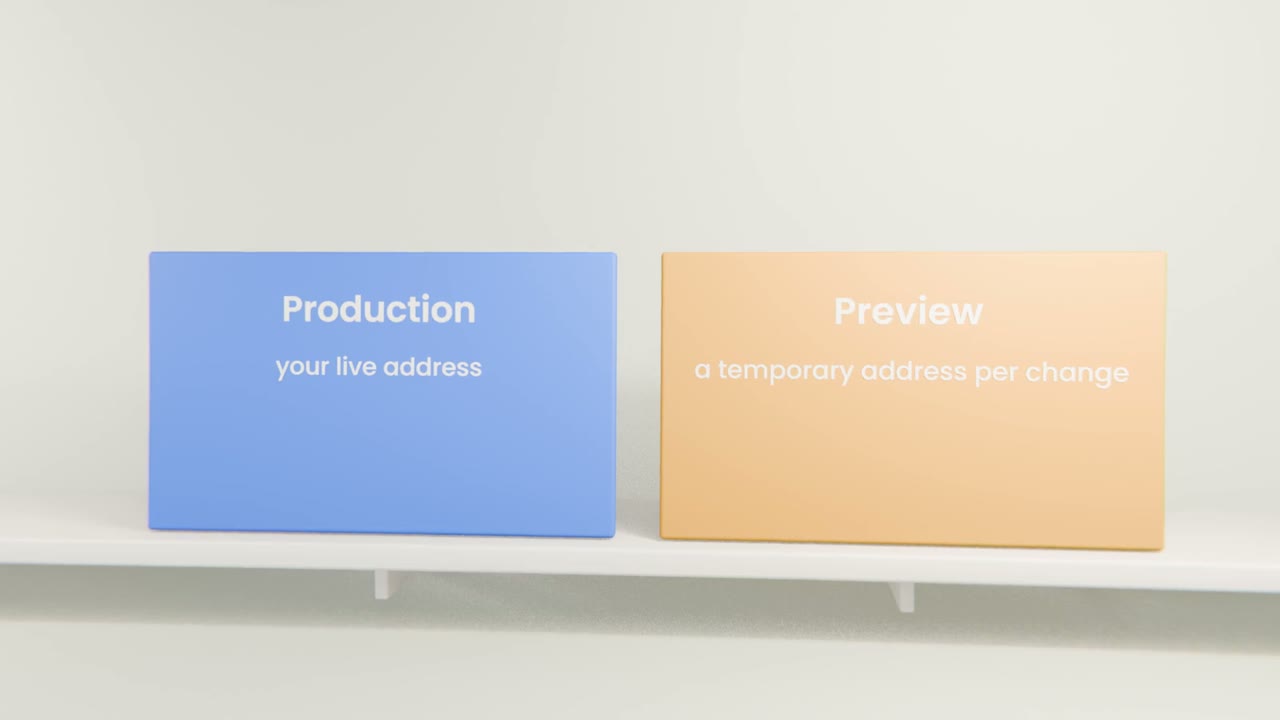
Every change gets its own temporary address before it goes live, so you can test and share it safely.
Read the short notes and pictures.Do everything inside a blue frame.
A safe place to try changes
A preview deployment is a complete copy of your app built from a branch, at its own address. You can test it on a phone or send it to someone for feedback while the live site stays untouched.
Working with previews
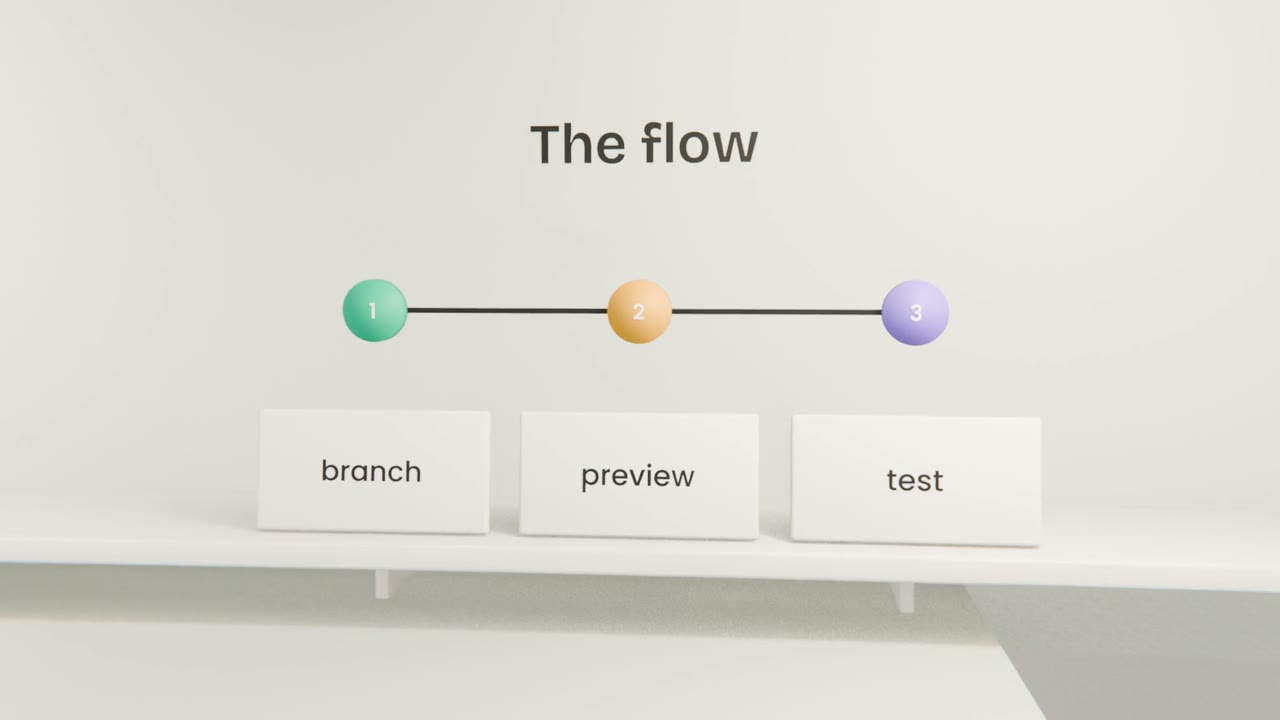
Ask Claude Code for a branch
For each change.
Push it
Vercel builds a preview and shows the address.
Test and share
Run the relevant tests there.
Merge
The change goes live.
Things to know
Preview variables
Previews can use different settings from production.
The same database, unless you say otherwise
Be careful testing with live data.
Addresses for sign-in
Add your preview address pattern in Supabase if you test sign-in there.
Ship a change through a preview
Make one small change on a branch, push it, test the preview on your phone, and merge it. Confirm the live site updated.
Done when
Use this for every change from now on.
Keep these
- Previews are temporary copies per change.
- Test there, not on the live site.
- Merging deploys to production.