Vibe Coder · Unit 15: Deploy on Vercel · Lesson 6 of 7
After launch
A live product needs watching: errors, usage, costs and your success measure, plus a routine for fixing things.
Read the short notes and pictures.Do everything inside a blue frame.
Looking after a live product
Once real people use your product, things you did not test will happen. A small routine keeps you on top of it: know where to look when something breaks, and check a few numbers every week.
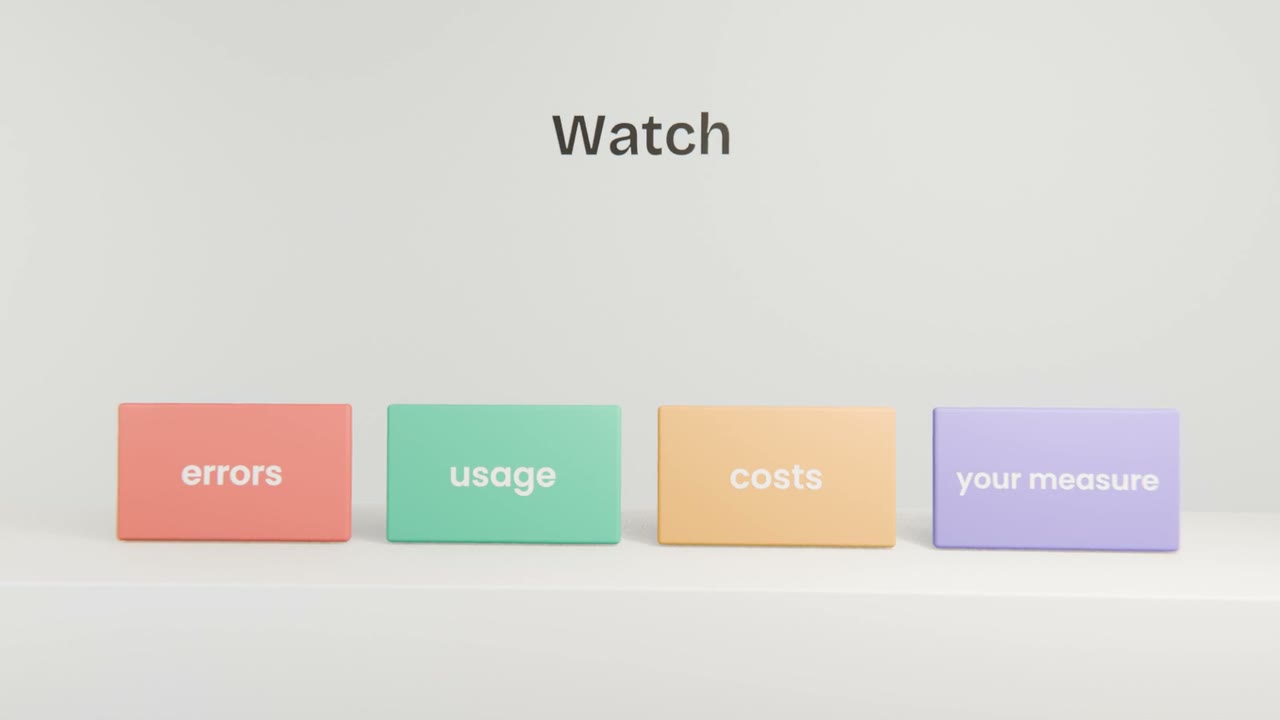
Where to look
Vercel logs and analytics
Errors and visits.
Supabase dashboard
Sign-ups, rows, and usage against your plan.
Model provider console
Spend and error rates.
Your success measure
The number you chose in Unit 6.
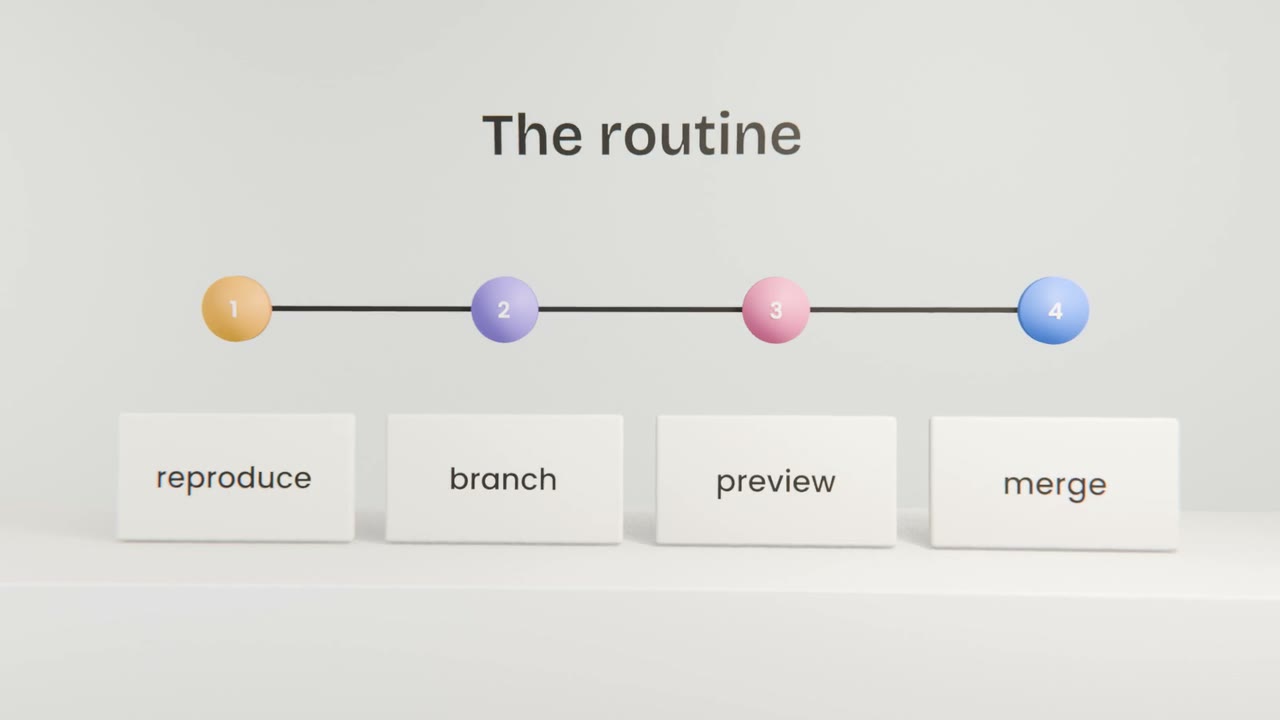
When a user reports a problem
Thank them and get details
What they did and saw.
Find it in the logs
Give the log lines to Claude Code.
Fix through a preview
And add a test.
Tell them it is fixed
They will remember.
Set up your weekly check
Write a five-line weekly checklist covering errors, usage, costs, your success measure and backups, and schedule a reminder. Do the first check today.
Done when
Your app is live, working and looked after.
Keep these
- Watch errors, usage, costs and your measure.
- Use logs to find causes.
- Fix through previews and add a test.