Vibe Coder · Unit 15: Deploy on Vercel · Lesson 3 of 7
Production variables
Your live app needs its own keys and settings. Add environment variables in Vercel and update Supabase to trust your live address.
Read the short notes and pictures.Do everything inside a blue frame.
Settings for the live app
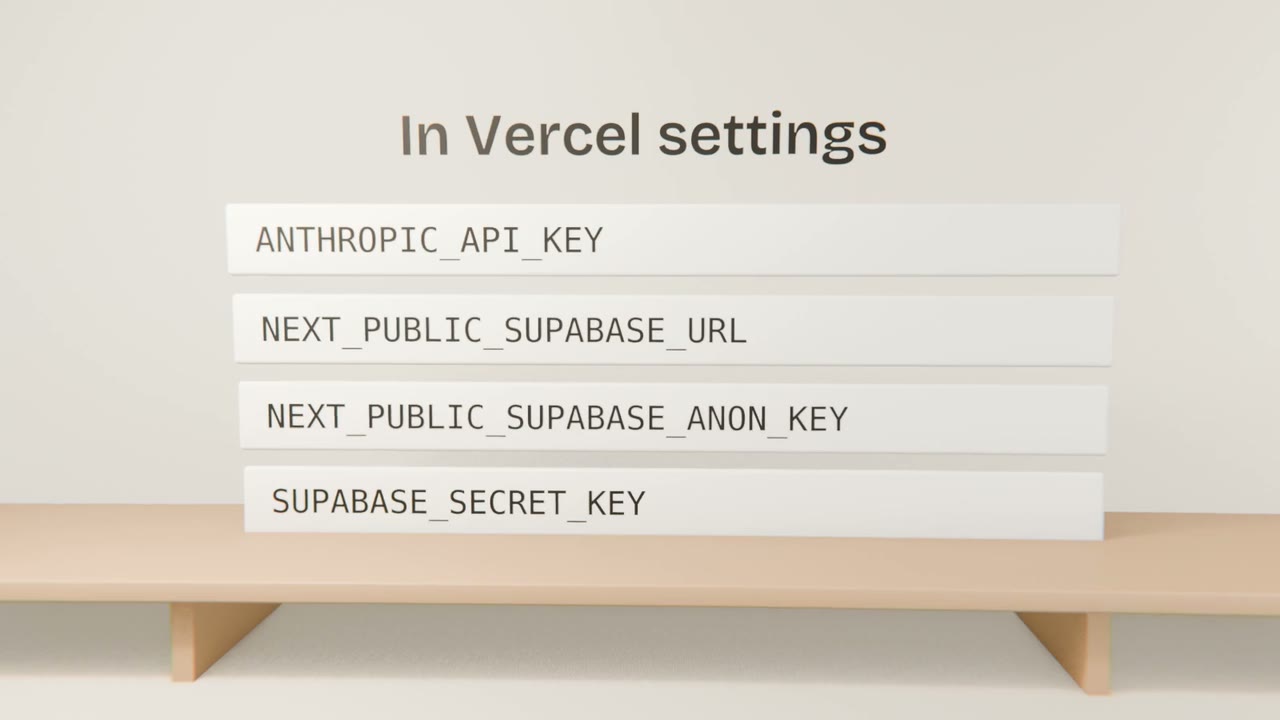
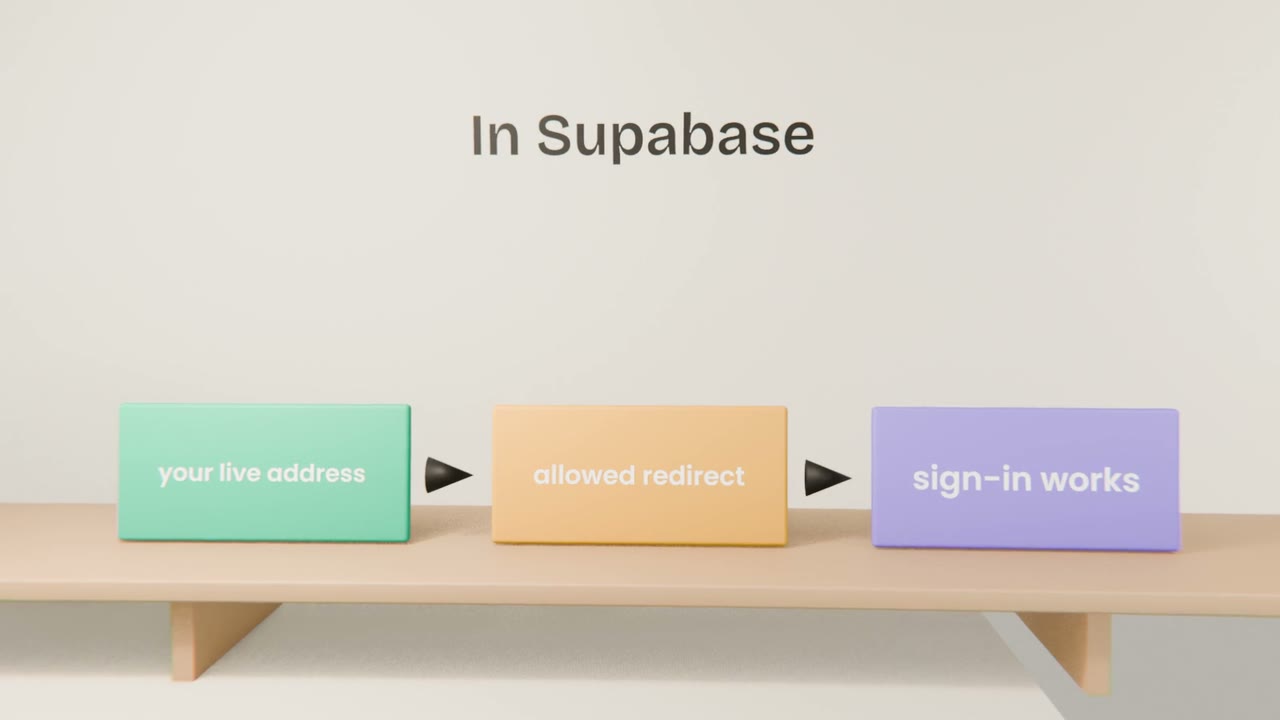
Your environment file never left your computer, which is correct. The live app needs the same variables, entered in Vercel. Supabase also needs to know your live address before it will send people back to it after sign-in.
What to do
Copy the variable names
From your environment file.
Add each in Vercel
For the Production environment. Secrets stay secret there.
Update Supabase
Site address and allowed redirect addresses.
Redeploy and test
Sign-up, sign-in, the AI feature.
Which keys go where
Public values
The Supabase URL and public key. Visible in the browser by design.
Secrets
Model keys, the Supabase secret key. Server only.
Separate keys for production
So a test cannot spend the live budget.
Make the live app work
Add your environment variables in Vercel, update the Supabase addresses, redeploy, and run your test plan on the live site.
Done when
Your product is live and working.
Keep these
- The live app needs its own variables.
- Tell Supabase your live address.
- Never put secrets in public variables.