Vibe Coder · Unit 15: Deploy on Vercel · Lesson 2 of 7
Your first live URL
Connect the repository to Vercel and get a real address anyone can open. What happens during a deployment.
Read the short notes and pictures.Do everything inside a blue frame.
From repository to live site
Deploying means putting your app on a server that anyone can reach. Vercel does this from your GitHub repository: it downloads the code, builds it and serves it at a public address.
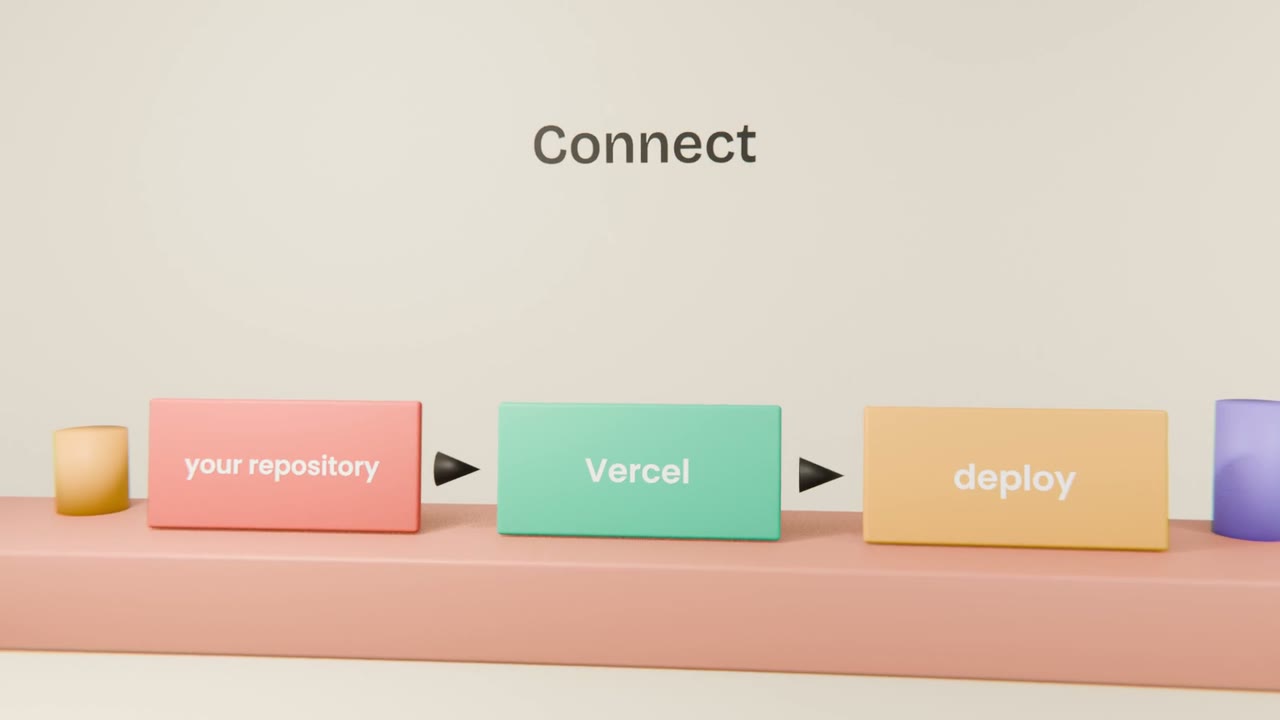
The first deployment
Import the repository
In Vercel, add a new project and choose it.
Accept the detected settings
Vercel recognises a Next.js app.
Deploy
Watch the build log.
Open the address
On a phone, off your home network.
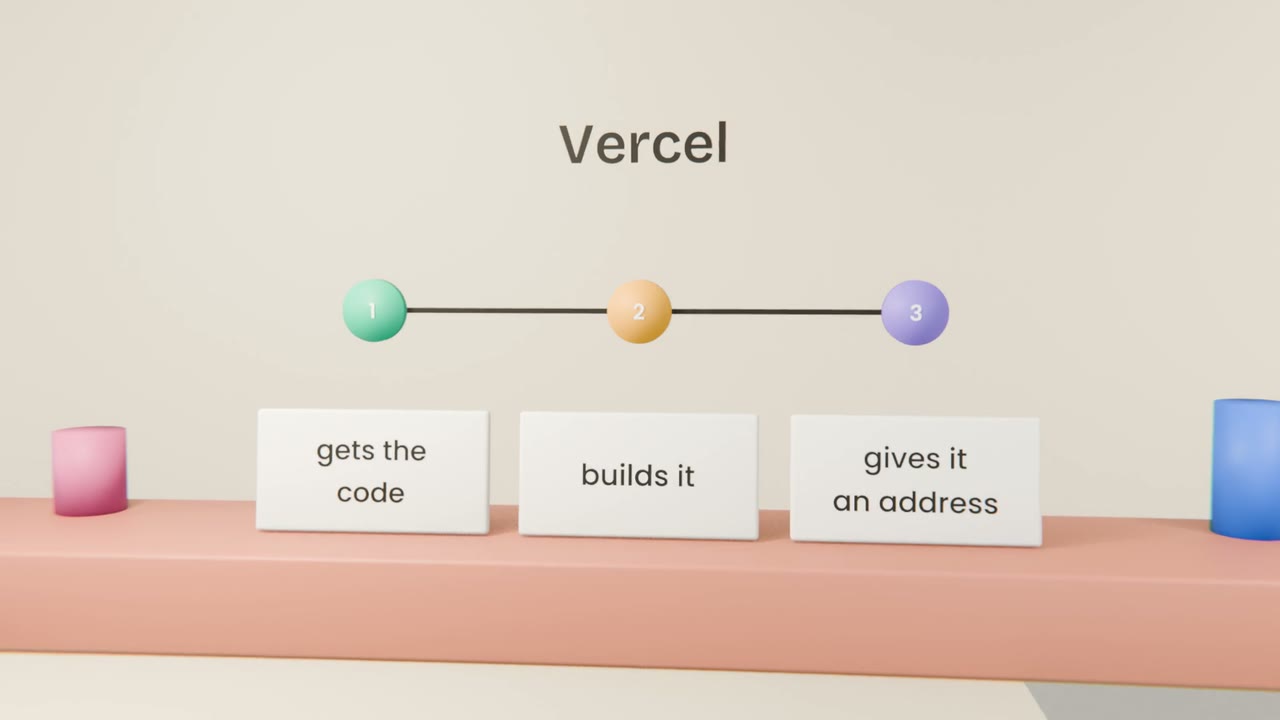
If the build fails
Read the log
The error is near the end.
Paste it to Claude Code
With "the Vercel build failed with this".
Push the fix
Vercel builds again by itself.
Get your first live address
Import your repository into Vercel and deploy. Open the address on your phone and note what works and what does not.
Done when
What is missing is almost always settings, which come next.
Keep these
- Vercel deploys from GitHub.
- It builds the app and gives it an address.
- Read the build log when it fails.